
Templates
A template is a finished piece you can take apart and make your own: every layer, keyframe and light is there to change. Swap in your words, pictures and colors, and you have a piece that started from a professional design.
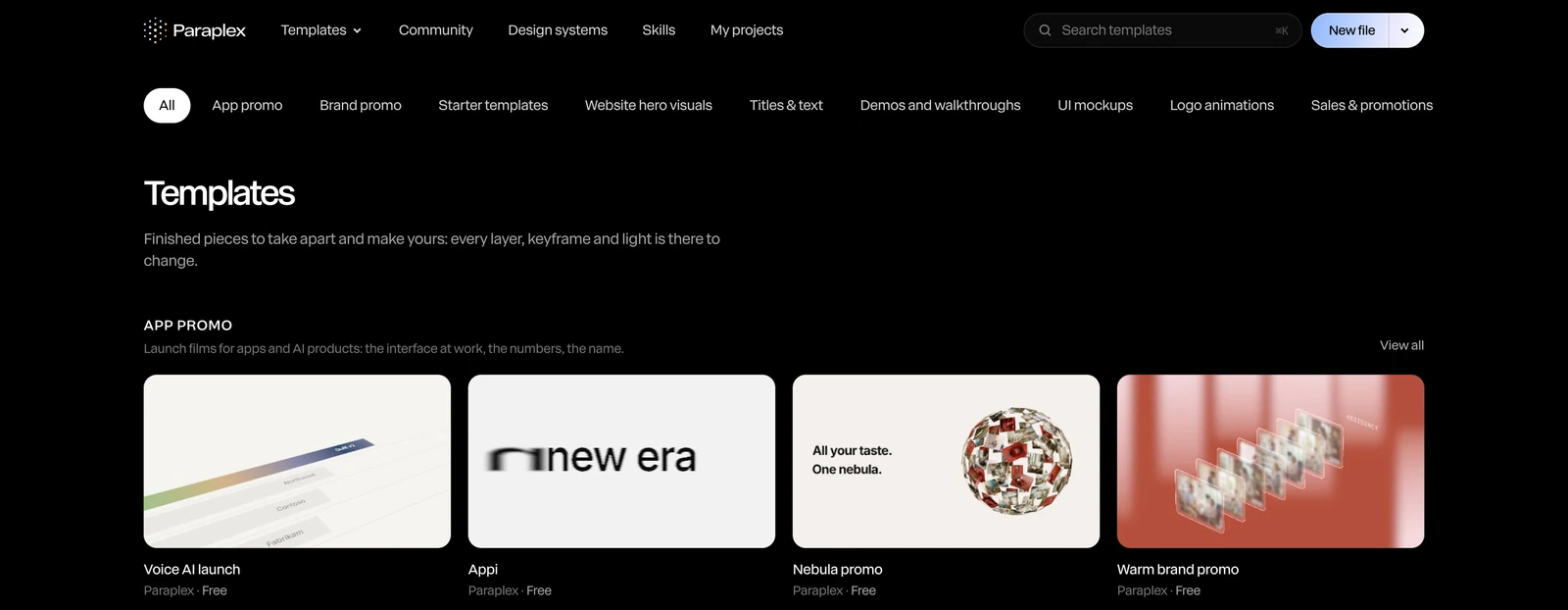
Find a template
- On the home page, under Templates, each category shows its first templates, with View all.
- On the Templates page, click Templates at the top of the site. The row along the top filters by category (App promo, Brand promo, Titles & text, Logo animations and more) and by what you're making (Launch videos, Social video, Data to video, Website heroes).
- By search: type in Search templates at the top of any page. It looks in the names, tags, categories and descriptions.
Hover over a card to play it. Preview opens it larger over the page, with its category, shape and length, and ← Previous and Next → to step through the rest.
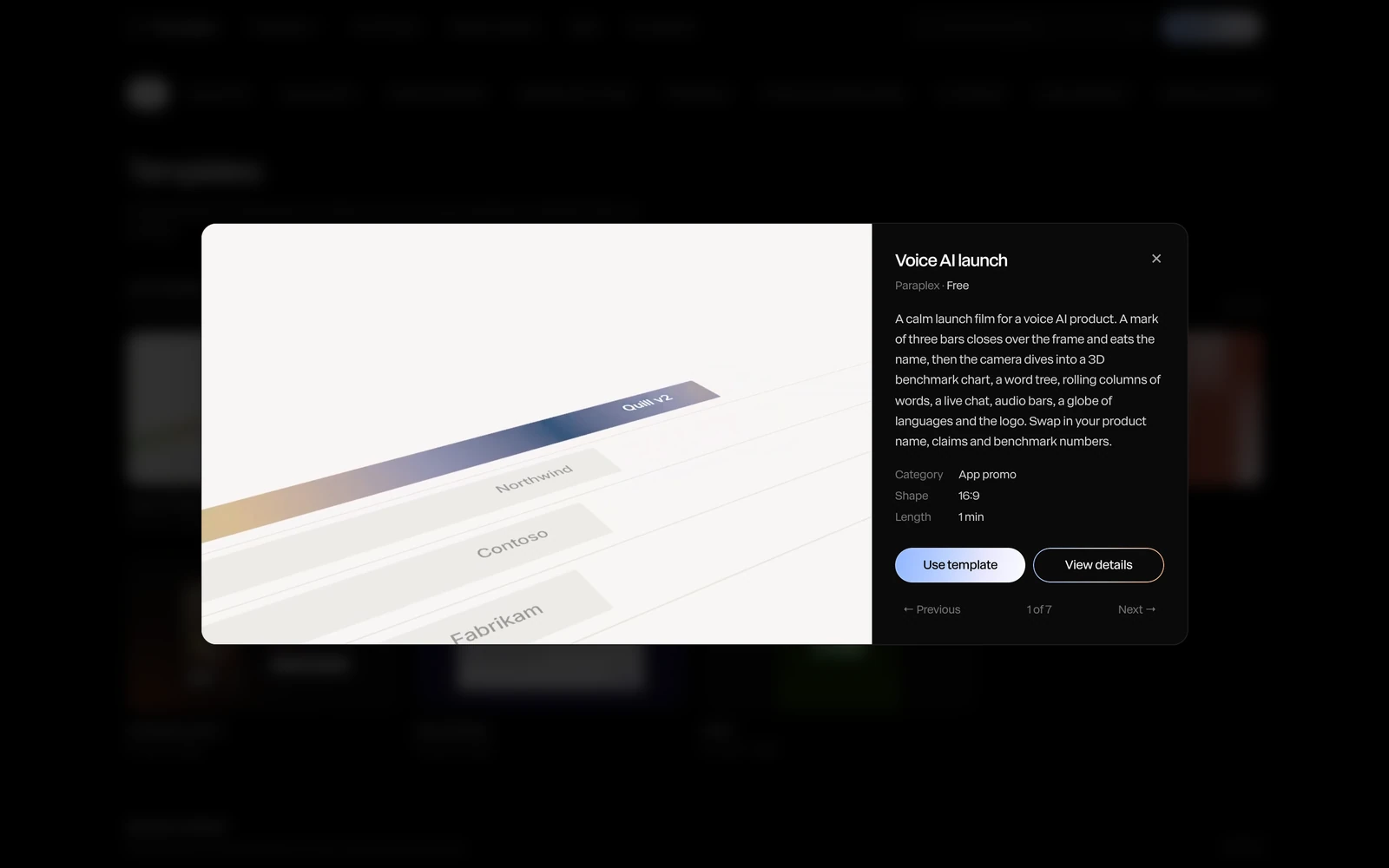
View details opens the template's own page: its description, what you'll change ("Words, pictures and logo"), its shape and length, and its tags.
Use a template
Click Use template on a card, in the preview, or on the template's page. It opens in the editor in place of what was open.
From your first change, the template is a project of yours, named like Card stack (Copy), with its own address, in Recent and My projects. Nothing asks you to save: going home or opening something else keeps your changes. A template you only looked at isn't kept. See Projects.
Important
Using a template replaces the scene in the editor. Your earlier scene isn't lost: if it had changes, it was saved first, and it's in Recent.
In the editor, Menu › Templates lists every template by category, to apply one without leaving.
Paid templates
A few templates have a price, such as Buy for $12. They're included with Pro: on Pro, the button reads Use template. Bought on Free, a template is yours to use from then on.
Make your own
Save any piece as a template of your own, to reuse it or share it. See Save as template. Templates people share are on the community page. See Community gallery.