
Adjustment layers
An adjustment layer is a color grade you put in the Layers list. It treats every layer below it and none above it, so you can cool and darken a background while the title on top stays crisp and white.
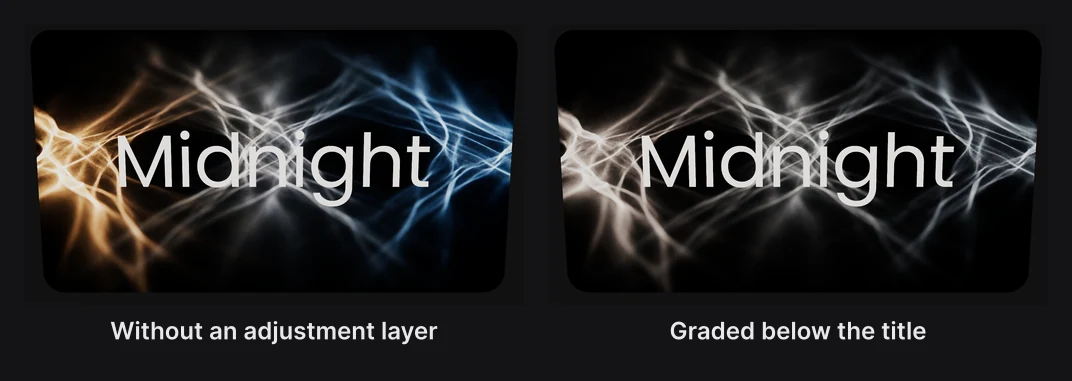
Where to find it: the dock's Adjustment layer button, in the Organize group at its right end.
Add an adjustment layer
- Click Adjustment layer in the dock. It's added to the Layers list.
- Drag it in the Layers panel to sit just above the layers it should treat. Everything below it is graded. Everything above it isn't.
- Set its grades in the Adjustment Layer section.
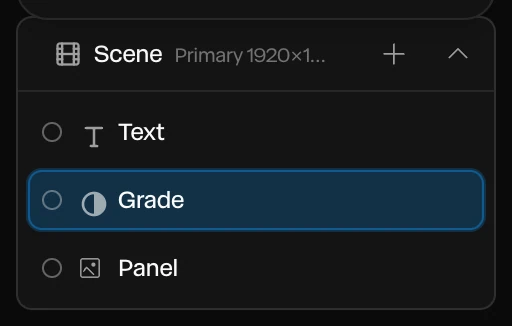
The section says how many layers it treats, so you can check its place without guessing.
Settings
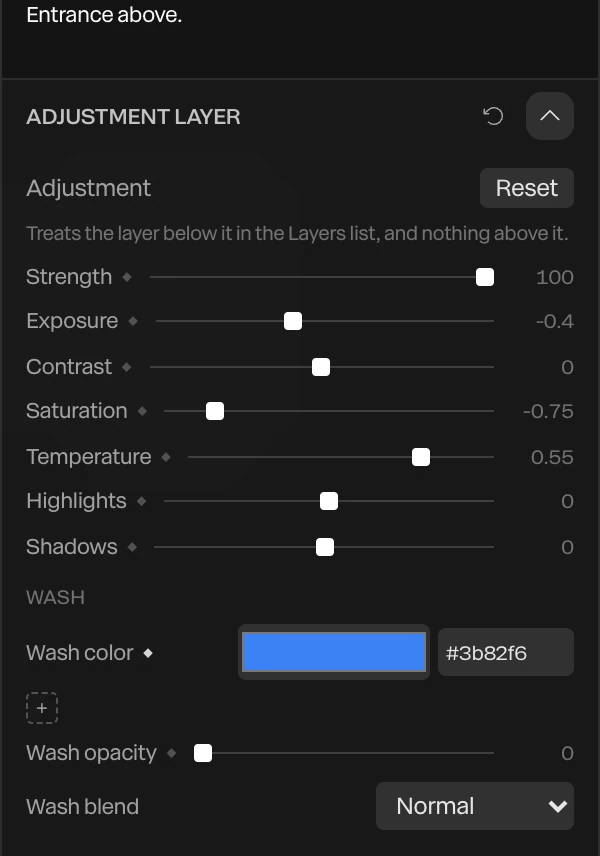
| Setting | What it does |
|---|---|
| Strength | How much of the treatment shows, from 0 (off) to 100 |
| Exposure | Brighter or darker, in stops, from -2 to 2 |
| Contrast | More or less contrast, from -1 to 1 |
| Saturation | More or less color, from -1 (gray) to 1 |
| Temperature | Cooler (negative) or warmer (positive) |
| Highlights and Shadows | Brighten or darken the light and the dark parts on their own |
| Wash color, Wash opacity, Wash blend | A color laid over everything below, as strong as its opacity, mixed with a blend mode |
Reset puts every setting back. Every setting has a ◆, so a grade can change over time, such as draining the color as a scene ends. See Animation basics.
Things to know
- Use several to grade in steps: one under the title for the background, another higher up for the whole frame. Up to six work at once. A seventh is set aside, starting from the top of the list, and the section says so.
- An adjustment layer inside a group does nothing. Keep them at the top level of the Layers list.
- To grade a single layer, its Layer Filters are simpler. See Layer effects. To grade the whole frame, use the Scene's filters. See Filters and film.
Important
What counts is the order in the Layers list, not what's in front on the canvas. A title that sits in front of the picture but below the adjustment layer in the list is graded too.