
Layer types at a glance
Everything in a scene is a layer: a line of text, a picture, a 3D model, a cloud of particles. Each one has its own settings in the properties panel, and they all sit in one 3D space, seen by the camera.
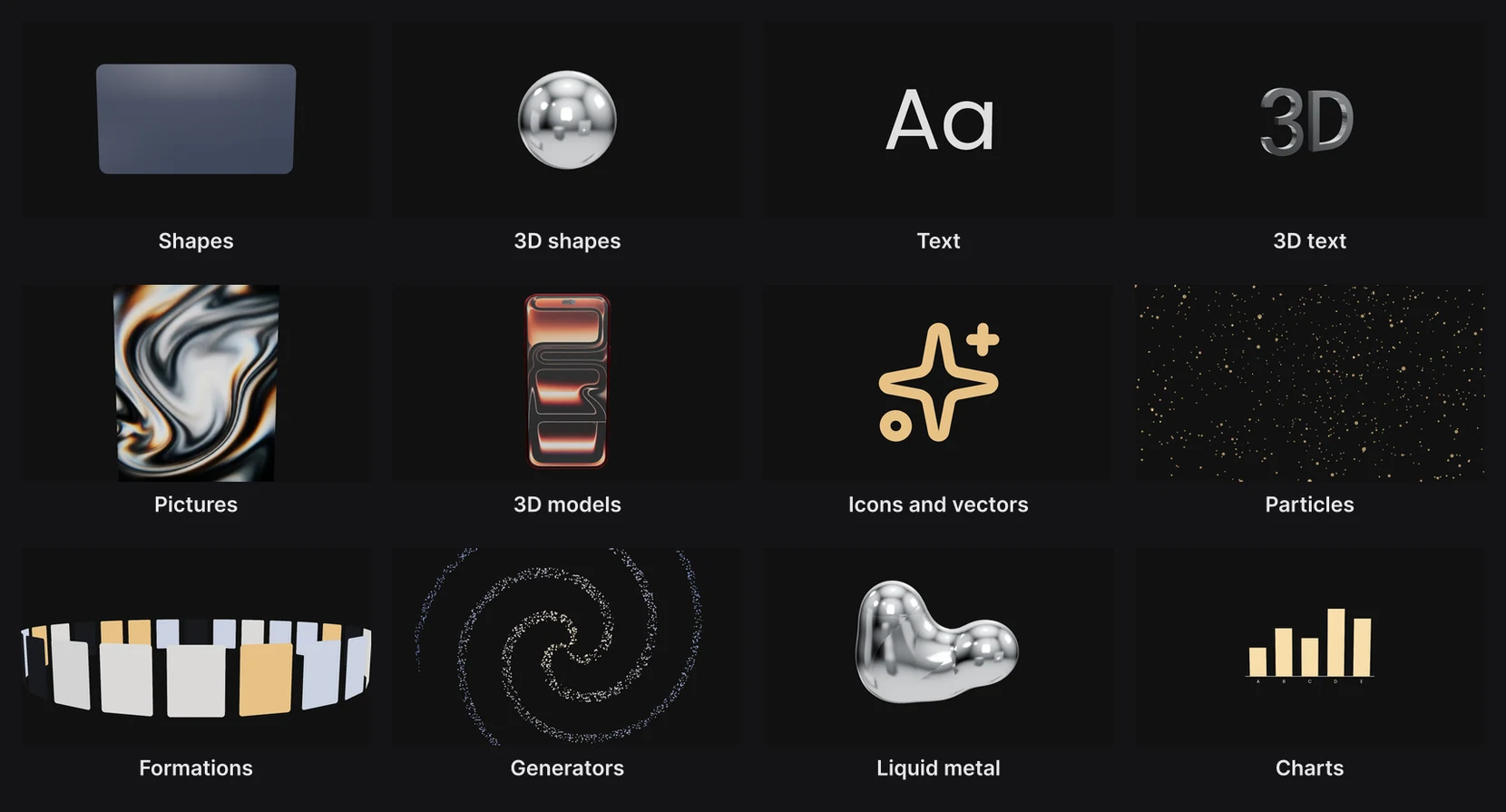
Pick a layer by what you want
| To make | Use | Add it from | Learn more |
|---|---|---|---|
| Words, titles, captions | Text | T, or the dock's Text | Text |
| A title with real depth | Text with 3D on | Text settings › 3D | Text |
| A card, a button, a panel | Rectangle | The dock's Rectangle | Shapes and frames |
| A sphere, a cylinder, a ring | 3D shapes | The Rectangle button's family | Shapes and frames |
| A photo or a video | Image | The dock's Image, or drop a file on the canvas | Images and video |
| A product or a prop | 3D model (GLB) | The dock's 3D model | 3D models and splats |
| An icon or a logo | Icon or Vector (SVG) | The dock's Icon or Vector | Pen and paths |
| A shape of your own | Pen or Brush | P or B | Pen and paths, Brushes |
| Dust, sparkles, snow, confetti | Particles | The dock's Particles | Particles |
| Many cards or dots in one shape | Formation | The dock's Formation | Formations |
| A galaxy, a city, a field of grass | Generator | The dock's Generator | Generators |
| Liquid metal, glass tubes | Metaball, Glass tube | The Rectangle button's family | Blobs and glass tubes |
| A chart from numbers | Chart | The dock's Chart | Charts and data |
| Live web content | Code | The dock's Code | Code layers |
| A Polaroid, torn paper, an old window | Media frame | The dock's Media frame | Media frames and HUDs |
| A camcorder or film-frame overlay | HUD | The dock's HUD | Media frames and HUDs |
| A browser or phone around a card | UI overlay | A panel's UI overlays | UI overlays and cursors |
| Music, a voiceover, sound effects | Audio track | The dock's Audio track | Audio |
| Light and shadow | Lights | The dock's Spot light | Lighting and environments |
| Several layers that move as one | Group or Frame | The dock's Group, or the Rectangle family's Frame | Groups and pre-composition |
Where each button sits, and what's in each family, is on The dock.
What every layer has
- A row in the Layers panel, with its name, a label color, and buttons to hide or delete it. See Layers panel.
- A transform: Position, Rotation and Scale, plus an Entrance for animating in and out. See Animate in and out.
- A clip: when it appears and disappears. See Clips and transitions.
- Keyframes on almost any number or color. See Animation basics.
- Looks and effects: opacity, blend modes, masks, appearances and effects. See Styling and look.
Flat and 3D in one scene
Every layer lives in the same 3D space. Text, pictures and rectangles are thin, like cards; 3D shapes, 3D text and models have real depth and catch the light.
Important
What's in front is decided by depth, not by the order in the Layers panel. To bring a layer forward, raise its Position Z, even by 0.01. Two layers at exactly the same depth can flicker through each other.
If you'd rather work flat, like on a slide, turn on 2D design mode.