
Exporting images
Export a still of your piece: a poster frame, a thumbnail, a social post, a picture for a slide. It's the frame at the playhead, at your canvas size or a multiple of it.
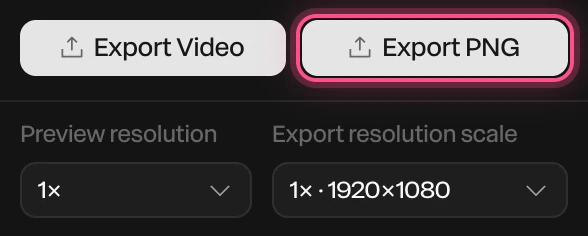
Export a picture
- Move the playhead to the moment you want.
- Click Export PNG at the foot of the properties panel. Or choose Menu › Export image.
The file downloads as paraplex-1920x1080.png, named after its size.
PNG or JPG
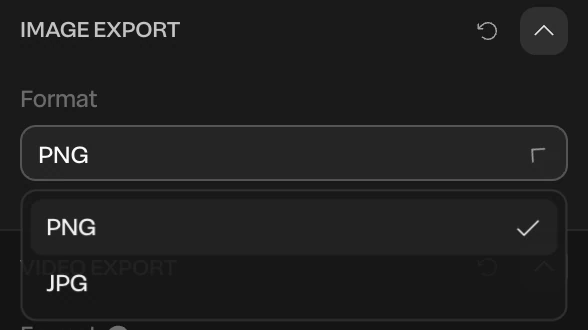
The format is set in the Scene's Image Export section: click Scene at the top of the Layers panel, and scroll to the bottom of its settings.
| Format | Use it for |
|---|---|
| PNG | The default. Sharp edges and text, and it can be see-through. |
| JPG | Smaller files, for photos and soft gradients. Always has its background. |
Make it bigger
Export resolution scale, under the export buttons, multiplies the canvas size for every export, pictures and videos alike. Each choice shows the size it makes.
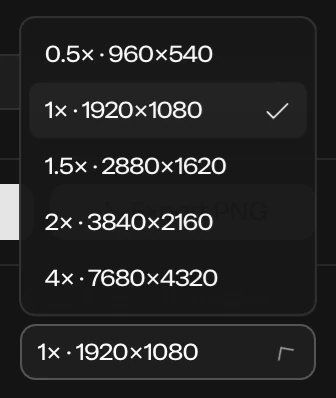
At 2×, a 1920 × 1080 canvas exports at 3840 × 2160. A picture can be at most 16,384 pixels on a side; past that, Paraplex makes it as big as it can and says so.
A see-through background
- Click Scene in the Layers panel.
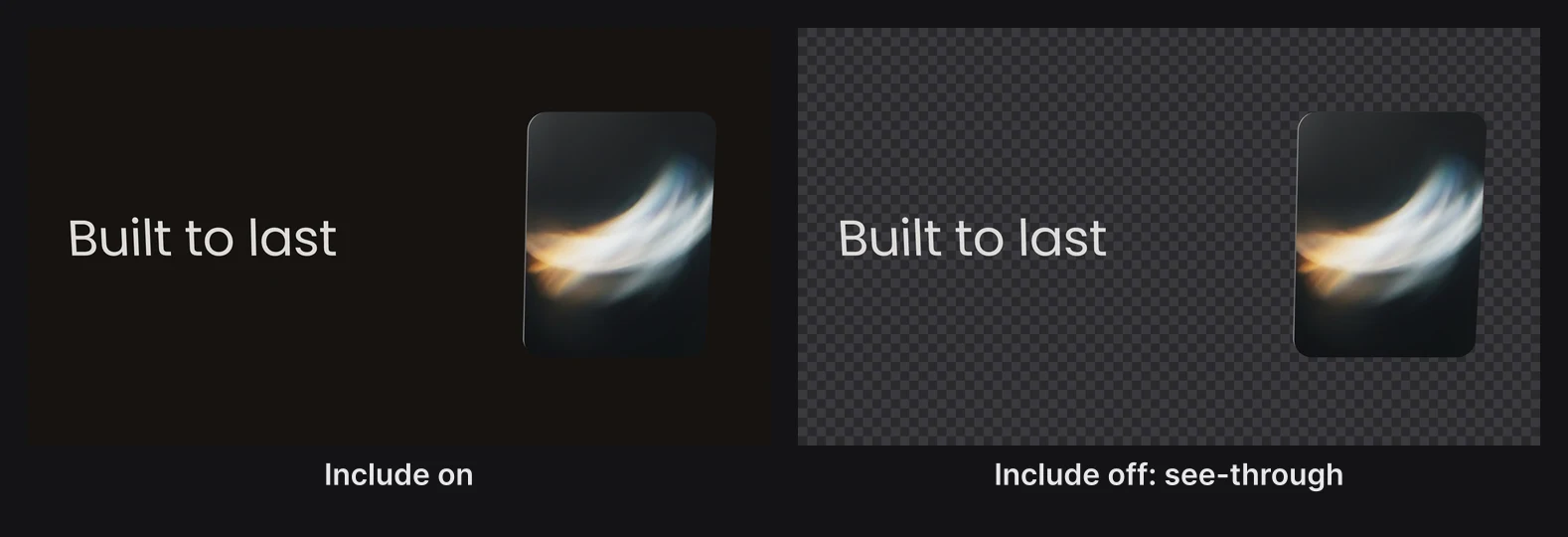
- In the Background section, turn off Include.
- Export a PNG.
The background is left out of the file, so the piece sits on whatever you put it on. The canvas shows it without the background too, so you can see what you'll get.
Note
A ground shadow stays in a see-through PNG, partly see-through itself. See Ground shadow and caustics.