
Masks and blend modes
A mask shows a layer only where another layer covers it: a circle that grows into an iris wipe, a pill that keeps its text inside as it widens. A blend mode decides how a layer mixes with what's behind it: darker with Multiply, lighter with Screen, punchier with Overlay.
Where to find it: the Mask and Compositing sections, with a layer selected.
Mask a layer
- Put the layer to use as the mask in place: a circle, a rounded shape, text, any layer drawn in the frame.
- Select the layer you want to cut.
- In the Mask section, open Masked by and choose the mask layer.
The layer now shows only inside the mask's shape. The mask layer itself disappears, because it now only cuts.
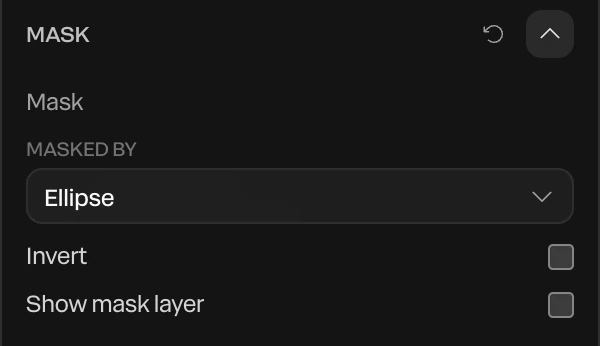
| Setting | What it does |
|---|---|
| Masked by | The layer whose shape cuts this one. None takes the mask off. |
| Invert | Shows the layer outside the mask's shape instead of inside it. |
| Show mask layer | Draws the mask layer as itself too, instead of only cutting with it. |
A mask on a group cuts everything in the group. One shape can mask several layers.
Animate a mask
The cut follows the mask layer, so animate the mask to move the cut. Keyframe its position, size or scale. See Animation basics.
- Iris wipe: mask the picture with a circle, then keyframe the circle's Scale from almost nothing to past the frame's corners.
- Text in a growing pill: mask the text with the pill, then animate the pill's width. The text shows only as the pill opens.
- A reveal from a line: mask with a thin rectangle and grow it.
Important
A mask works only while its mask layer is there: switched on and inside its clip. Hide the mask layer, move it out of its clip, or delete it, and the masked layer shows whole again.
Blend modes
- Select a layer.
- In the Compositing section, open Blend mode and pick one.
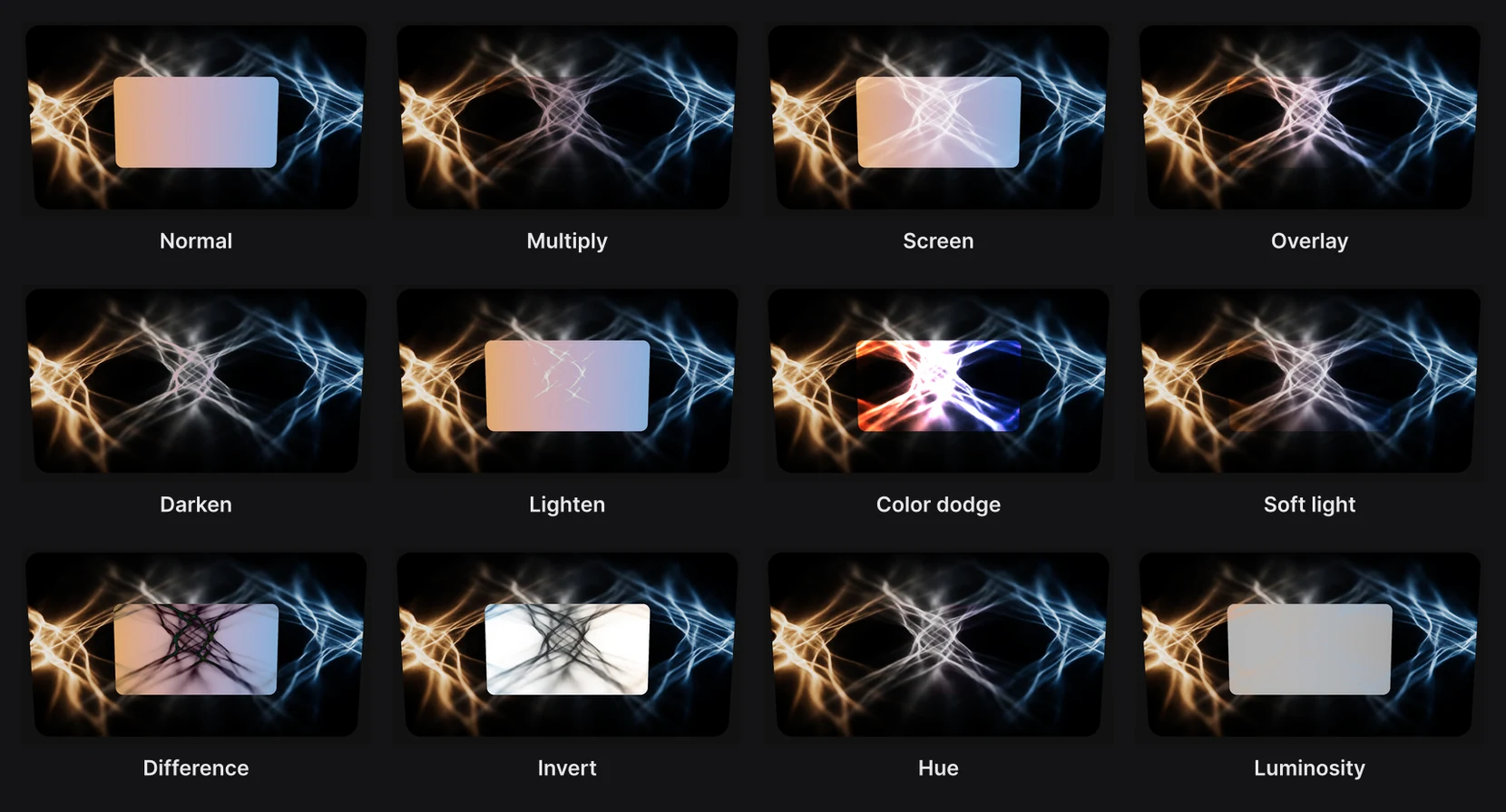
| Mode | What it does |
|---|---|
| Normal | The layer covers what's behind it. |
| Multiply | Darkens: white disappears, dark colors deepen what's behind. |
| Screen | Lightens: black disappears, light colors brighten what's behind. Good for light leaks and glows. |
| Overlay, Soft light, Hard light | Adds contrast: darks get darker and lights lighter. Soft light is the gentlest. |
| Darken and Lighten | Keeps whichever is darker, or lighter, of the layer and what's behind it. |
| Color dodge and Color burn | Strong brightening or darkening, for hot highlights or deep shadows. |
| Difference and Exclusion | Subtracts colors, for inverted, graphic looks. Exclusion is softer. |
| Invert | Inverts what's behind the layer, inside its shape. |
| Hue, Saturation, Color, Luminosity | Takes only one part of the layer's color: its hue, its saturation, both, or its brightness. |
| Liquid glass | Turns the layer into a glass lens over the frame. See Glass and Liquid glass. |
A blend mode mixes the layer's finished color, after its lighting, glass and shadows. A group, a 3D model or a particle cloud blends as one image.