
Generate images
Describe a picture, say what it's for, and Paraplex makes it with AI. Each use is tuned for its job: a photo for people to look at, a background that fills the frame, a seamless texture, a transparent overlay, or an icon that comes back as a real vector.
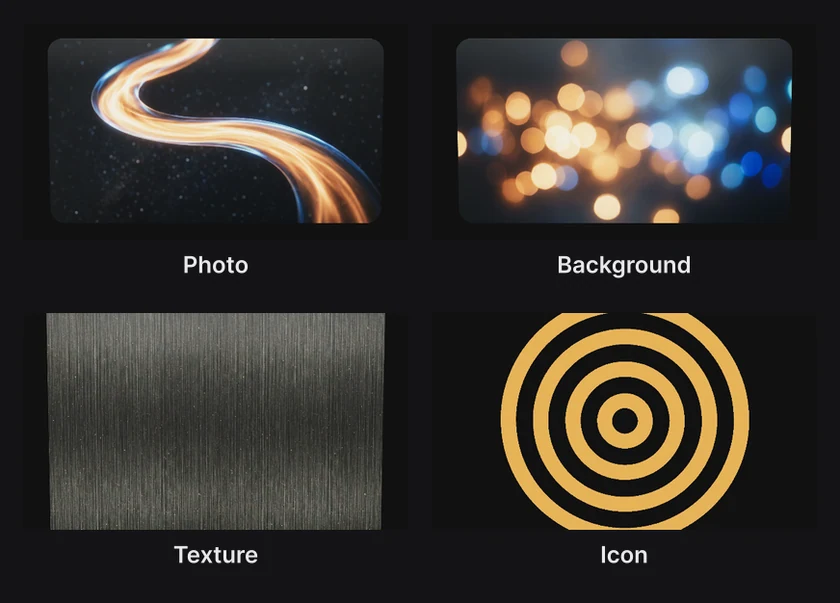
Where to find it: Generate image in the quick-actions strip, or press and hold the dock's Image button and choose Generate from text…. The strip's Generate icon, Generate texture and Generate overlay open the same dialog, set up for that use.
Make a picture
- Open Generate image.
- Describe the picture.
- Pick what it's For, and its Shape.
- Click Generate, or press ⌘ Enter.
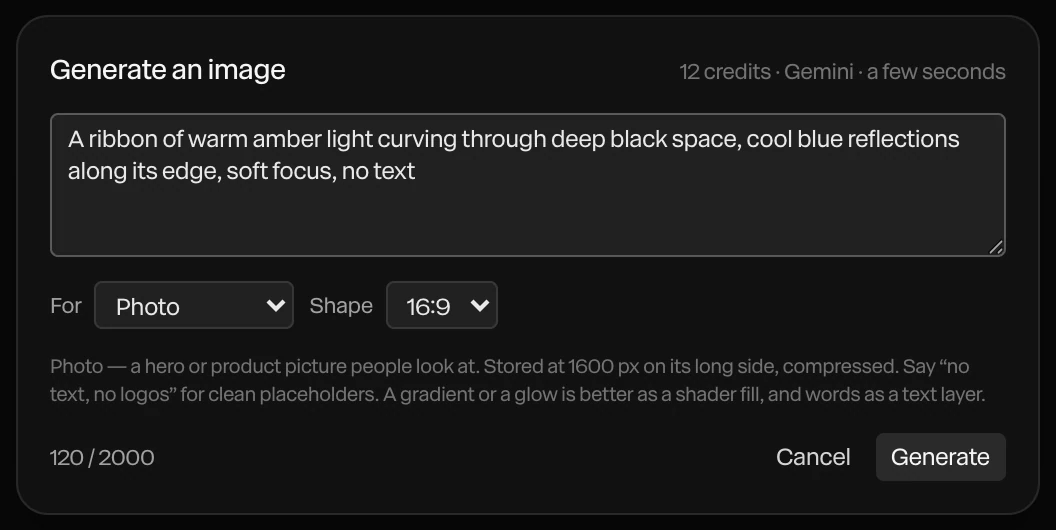
The top of the dialog says what the picture costs in credits, which service makes it, and about how long it takes. Most take a few seconds.
The picture arrives as a new layer. If a shape or a 3D model is selected, Put it on… puts it on that layer instead, or on a device's screen.
What it's for
| For | What you get |
|---|---|
| Placeholder | A stand-in photo for a card, a phone screen or a website mock |
| Photo | A hero or product picture people look at, at higher quality |
| Background | A picture that fills the frame behind everything, at the largest size |
| Texture | A seamless material, such as wood, plaster or paper. Always square. See Textures. |
| Overlay | A transparent picture: a light leak, a sticker, a cut-out |
| Icon | A real vector, as an SVG, sharp at any size |
| Illustration | A vector drawing, as an SVG |
Each is stored at a size that suits it, and compressed, so your project stays light. The line under the menus says the size.
Write a good description
- Say what's in the picture, the light, and the colors: "a ribbon of warm amber light curving through deep black space, cool blue reflections".
- Add "no text, no logos" for clean placeholders. AI pictures often invent lettering.
- Keep words, gradients and glows out of pictures. Words are better as a text layer, which stays sharp and editable. A gradient or a glow is better as a shader fill, which moves. See Shader fills.
- A description can be up to 2,000 characters.
Tip
The assistant can make pictures too, as part of a bigger request: "Put a photo of a ceramic mug on the second card." See Meet the assistant.
Credits
Generating uses AI credits from your plan. When you're out, the dialog offers Upgrade. With your own API key for the service, a picture costs no credits. See AI credits and keys.
Cancel closes the dialog before you start. While a picture is being made, Stop waiting closes it.