
Generate rooms
Describe a place, or start from a photo, and Paraplex builds it in 3D with AI: a gallery, a loft, a forest clearing. The room arrives around the camera, so you stand inside it. Light it, put your own layers in it, fly the camera through it, or let viewers walk around it in Preview.
Where to find it: Generate room in the quick-actions strip, or ask the assistant.
Make a room
- Open Generate room.
- Describe the place: what it is, its materials, its light, the time of day.
- To start from a picture instead, or as well, click Start from a picture… and choose a photo or a 360° panorama.
- Pick a size.
- Click Generate, or press ⌘ Enter.
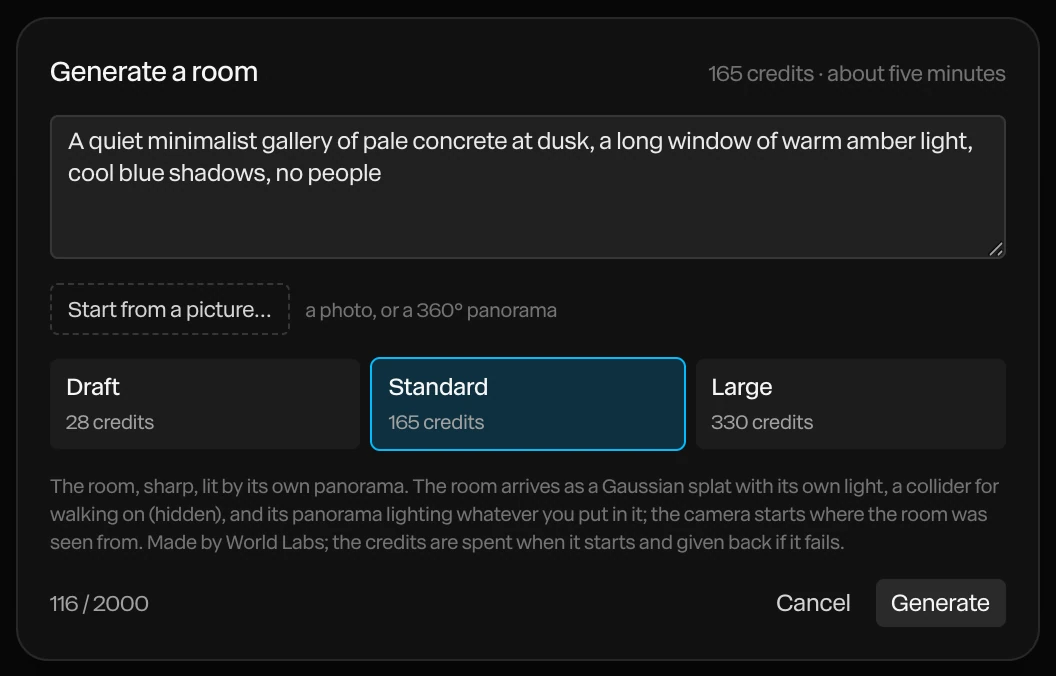
| Size | What you get |
|---|---|
| Draft | A quick sketch of the room, rough at the edges, lit by your scene's own light. Under a minute. |
| Standard | The room, sharp, lit by its own panorama. About five minutes. |
| Large | A bigger world: outdoors, or a large interior. Five minutes or more. |
The dialog shows each size's credits. They're spent when the room starts, and given back if it fails.
What arrives
When it's done, a message says the camera is inside the room. In the Layers panel you'll find:
- The room itself, as a Gaussian splat: a 3D picture made of millions of soft points, with its own light. See 3D models and splats.
- A collider, hidden, so viewers can walk on its floor and bump into its walls in Preview.
- From Standard up, the room's panorama lights your scene, so what you put in it matches its light.
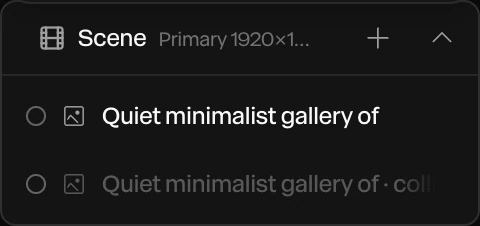
The room is measured in meters, with the camera at eye height.
Walk around
Click Preview in the top bar, and look or walk around the room. To set how viewers move the camera (orbit, look around, walk, or fixed), see Viewer camera.
Tip
Describe one place with clear materials and light: "a quiet minimalist gallery of pale concrete at dusk, a long window of warm amber light". Start with a Draft to check the idea, then make a Standard for the finished piece.