
Cloud sync and revisions
Signed in, Paraplex keeps your projects and your library in your account as well as in your browser. Open them on any computer you sign in on, go back to an earlier save, and get a deleted project back from the bin.
What syncs
With Keep projects and your library in the cloud on (it's on unless you turn it off):
- Projects: every saved project, kept in your account.
- Your library: design systems, skills, components, shader presets and generated 3D models.
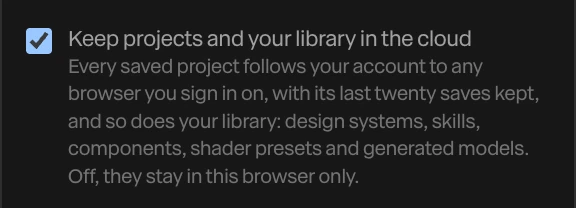
The switch is in your account window: click your email at the right of the top bar. Off, everything stays in this browser only, and what's already in your account is left as it is.
Projects you made before signing in go up to your account when you sign in.
When it syncs
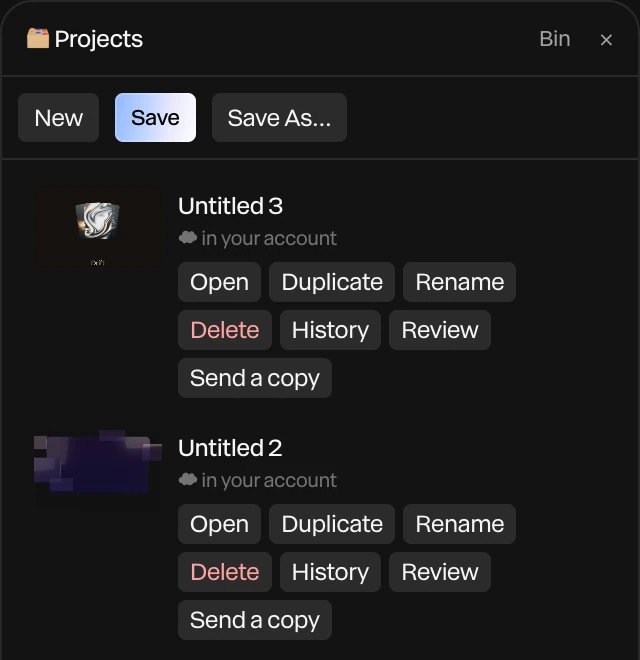
Changes go up a moment after you make them. Paraplex also checks for changes from your other devices when it opens, when you sign in, and when you come back to the tab. In the Projects panel, each project says where it is: in your account, saving to your account… or not yet in your account.
Note
If the same project was changed on two devices, the last save wins. The other version isn't lost: it's in the project's history, and a message tells you.
Offline, you keep working and saving in the browser. Changes go up when the connection is back.
Go back to an earlier version
- Choose Menu › Open project….
- Click History on the project.
- Click Restore beside the version you want.
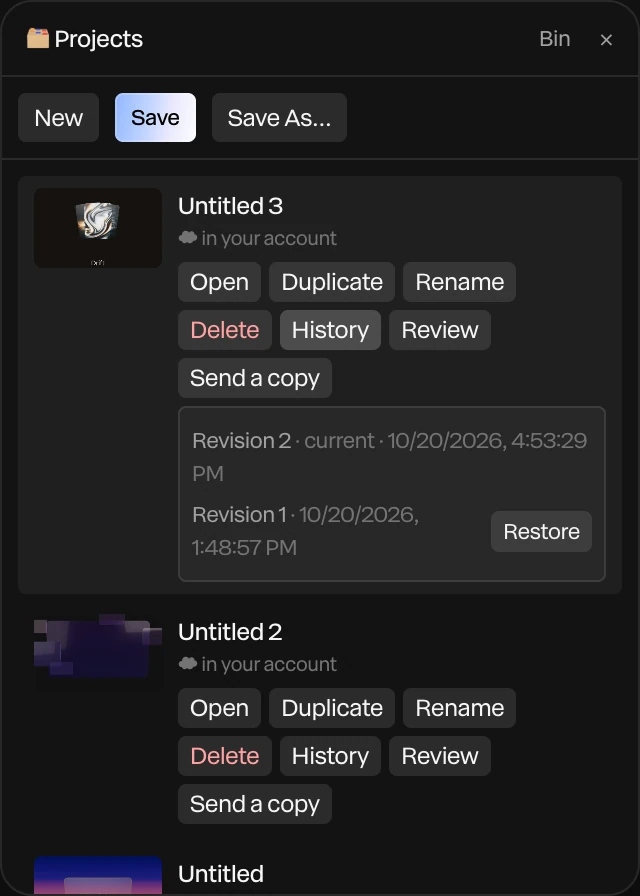
Restoring saves that version as the newest, so the one you had stays in the history too. Your account keeps a project's last 5 saves on Free, and its last 20 on Pro.
The bin
Deleting a project that's in your account moves it to the bin.
- In the Projects panel, click Bin.
- Click Restore to bring a project back, or Delete forever to remove it and its history for good.
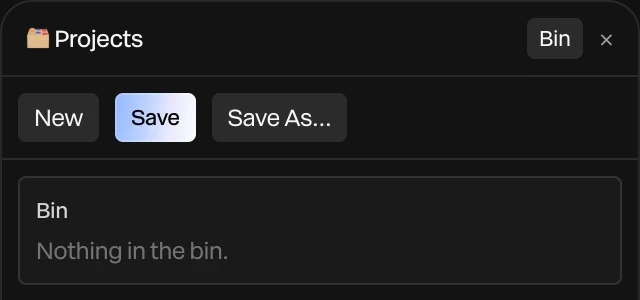
Projects stay in the bin until you delete them forever.
Limits
| Free | Pro | |
|---|---|---|
| Projects in your account | 10 | 200 |
| Saves kept for each project | 5 | 20 |
| Library | 200 items, 250 MB | 5,000 items, 5 GB |
A project can be up to 25 MB in your account. A larger one stays in this browser, and Paraplex says so. See Plans and credits.