

Use case
Explainer videos
Long-form explainers and 3D documentaries from a script, with a voice, captions, chapters and a score, in pieces up to an hour long.
Templates: Paper trail, The AI ROI gap, Whiteboard explainer
Long-form YouTube videos from a script, Shorts with captions that keep time with every word, cuts that land on the beat, and new videos that make themselves from a sheet, a feed or a webhook. Every one in your own look, built in real 3D in your browser. Free at 1080p, with no watermark.
Unlimited free 1080p exports. No watermark. Runs in your browser.










Four jobs that take a solo creator or a small team the longest, and the part of Paraplex that handles each.
“A long video takes me a week.”
Paste a script of up to 50,000 characters and Script mode lays it out on the timeline: headings become chapters and paragraphs become beats. Add a voice, and every beat moves to its words.
“My look drifts from post to post.”
A design system keeps your fonts, colors, title treatments, motion, filter and effect presets, textures, music and sound effects together, and applies them to any scene in one step.
“Every Short needs captions and cuts.”
Captions are timed to each word, from the voice or from the video's own speech, and Detect beats drops a marker on every beat of your track so clips snap into place.
“I can't post every day.”
An automation renders a new, finished video when a row is added to a sheet, a feed posts, a webhook fires or the clock says so, then emails it, stores it or posts it for you.
Paste a script of up to 50,000 characters, about 55 minutes read aloud, and Script mode lays it out on the timeline. Each heading becomes a chapter and each paragraph a beat, and notes marked VISUAL:, B-ROLL: or ON SCREEN: sit under their beat without being read aloud. Pick a voice, and Re-time moves every beat to its words.
Then build the picture in real 3D: maps and globes, call-outs, photo pans with 2.5D depth, date counters and five documentary looks, in pieces up to an hour long. It's how faceless channels and video essayists get a documentary look without a camera. See explainer videos.
Make clips turns a long video, a talk or a podcast into 3, 5, 8 or 12 vertical clips of 15 to 90 seconds. It transcribes the video, notes who speaks and where people laugh or clap, keeps the frame on the speaker with Follow faces, and hands you each clip as an editable 1080 × 1920 project.
Captions are added for you and timed to each word, whether the words come from an AI voiceover or from a video Make clips transcribed. Pick Shorts (two words, big and bold), Documentary, Subtitle or Spoken, where each word lights up as it's said. They stay low in the frame in every format and export as SRT or WebVTT for YouTube.
Safe zones show what TikTok, Reels, Stories and Shorts cover, and never appear in the export. Need a square or 4:5 cut too? Add it as an artboard. More on social media videos.
Select a music track and Detect beats drops a marker on every beat and reports the tempo, and clips snap to the markers as you drag them. Music without a steady beat gets a marker on each hit instead. See beat sync.
For narration, type a script and pick from a shelf of ten voices, in 29 languages. Add sounds from a library of more than 60 made for motion, or describe a sound effect or a music bed and it's made for you. Bring your own ElevenLabs key and voiceovers skip Paraplex credits. More on AI voiceover and sound.
Origami logo reel, playing here, changes its look on every beat of a 120 BPM score.

Set up an automation once and it makes a new, publish-ready video from scratch whenever something happens: a row added to a Google Sheet or CSV, a new post in an RSS or Atom feed, a webhook from your form, store or app, or a time on a schedule. Sheets and feeds are checked every 15 minutes, and you can run it by hand whenever you like.
Each step can use what the steps before it gave, so every video is personalized with your own data. Fetch pulls in numbers or headlines, Ask Claude writes the words, Render fills your template's text, pictures and data, and Ask me to approve waits for your OK. Then email it, send it to Slack, save it to your own storage, or post it with its caption to X, Bluesky, Facebook, Instagram, LinkedIn, Pinterest, Reddit, Threads, TikTok and YouTube through a Postiz connection, live or as drafts.
Automations come with Pro, at 1,000 runs a month, and a Test run tries one with sample input first. Working in n8n? The Paraplex node is live, and Make and Zapier are coming soon. See automations, or make a version per row by hand.
A design system holds everything that makes your videos look like yours: palette, fonts, text styles and title treatments with 3D materials, text animation presets, and motion tokens for your easings, durations and staggers. Restyle moves a whole scene onto it in one step, and Variations tries it several ways side by side.
Design systems now carry far more than type and color. Save filters and effects as presets, like a grunge texture or a scrapbook-photo edge, and they're applied automatically wherever the system is used. Keep asset packs of textures, pre-approved pictures, logo files, brushes, icons and 3D models alongside your background music, songs and sound effects, so every new video and every automation starts on brand.
Paper trail shows how far it goes: it ships with the Broadsheet design system, eleven effects from Photocopy to Stop-motion boil, a kit of paper, tape and stamps, a custom score and seven sound effects. Save pieces as reusable components too. More on design systems.
Each one opens with every layer, keyframe, light, sound and camera move ready to swap for your own.
The two kinds of video creators bring to Paraplex most, each with its own page of examples, templates and answers.
Use case
Long-form explainers and 3D documentaries from a script, with a voice, captions, chapters and a score, in pieces up to an hour long.
Templates: Paper trail, The AI ROI gap, Whiteboard explainer
Use case
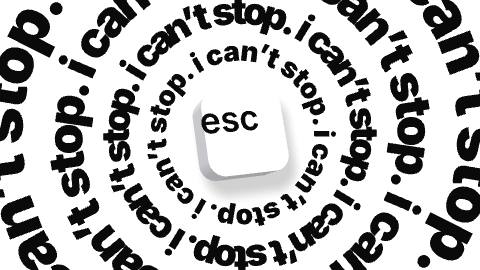
Narrated Reels, Shorts and TikToks in real 3D, with captions timed to every word, cuts on the beat and your look on every post.
Templates: Nonstop, Origami logo reel, Three things that sell
Text animation presets for 2D and 3D type
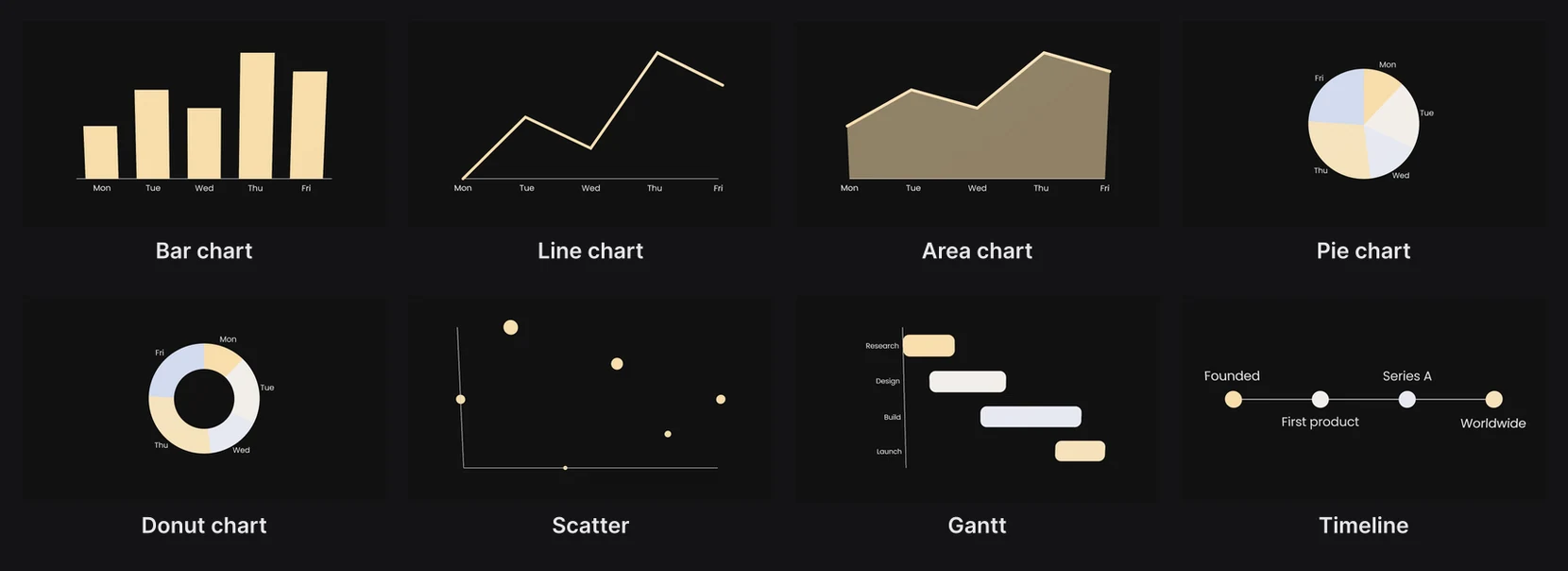
Animated charts from a CSV for data videos
Free screen recording in any browser
Maps and globes for travel and history videos
Transparent video for overlays and stingers
Animated cursors for tutorials
AI images and 3D models from a sentence
Save any scene as your own template
Yes. Paste your script into Script mode and it becomes chapters and beats on the timeline, read by an AI voice with captions timed to each word. Build the picture from 3D scenes, maps and globes, call-outs, photo pans and documentary looks, and render pieces up to an hour long, with no camera and no face on screen.
Use Make clips. It transcribes your video, finds moments that stand on their own and builds 3, 5, 8 or 12 vertical clips of 15 to 90 seconds, each with captions timed to the words and the frame kept on the speaker. Every clip is an editable 1080 × 1920 project, so you can add titles, your look and music before you export.
Yes. Captions are timed to each word, from an AI voiceover or from a video Make clips transcribed, in Shorts, Documentary, Subtitle or Spoken style. They stay low in the frame in every format and export as SRT or WebVTT for YouTube.
Yes, with Automations on Pro. An automation can render a new video when a sheet row is added, a feed posts, a webhook fires or on a schedule, wait for your approval if you want it to, and post it with its caption to X, Bluesky, Facebook, Instagram, LinkedIn, Pinterest, Reddit, Threads, TikTok or YouTube through a Postiz connection, live or as drafts. Pro includes 1,000 runs a month.
Save your look as a design system: fonts, colors, title treatments, text animation presets, motion tokens, filter and effect presets, asset packs, music and sound effects. Apply it to any scene or template in one step, and your automations use it too.
Yes. The free plan has the whole editor and unlimited 1080p exports with no watermark, captions and screen recording included. Pro costs $19 a month billed yearly or $24 month to month and adds 4K at 60 fps, batch export, Studio render and Automations.
Start free in your browser. Upgrade when your work needs 4K.
Paraplex is a browser-based 3D motion design studio with an AI assistant that edits real layers and keyframes.
Data and explainers
Type a script, pick an ElevenLabs voice, and the voiceover lands on the timeline with captions timed word by word.
Templates: Whiteboard explainer, The AI ROI gap
Brand and social
Give a particle cloud your SVG logo and it flies together into the shape, or trim a stroke so the outline draws itself on.
Templates: Logo swarm, From a dot, Logo match cut

Brand and social
Vertical cuts with safe zones for TikTok, Reels and Shorts, captions timed to the voice, and your brand's design system applied in one step.
Templates: Match-cut stack, Kinetic stomp, Louder
Brand and social
One version per spreadsheet row: columns fill headlines, prices and photos by layer name, and Export all variants renders them in one job (Pro).
Templates: On sale, Product launch
Web and slides
Export an MP4 or WebM loop, or publish a live embed that plays in real time and answers hover, click and scroll.
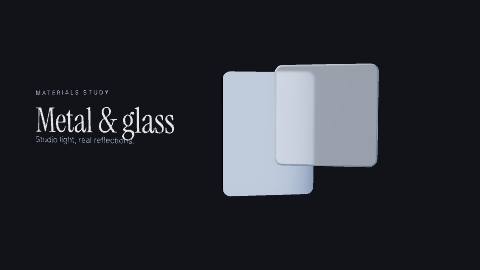
Templates: Chrome & glass hero, Liquid metal hero, Bento hero
Web and slides
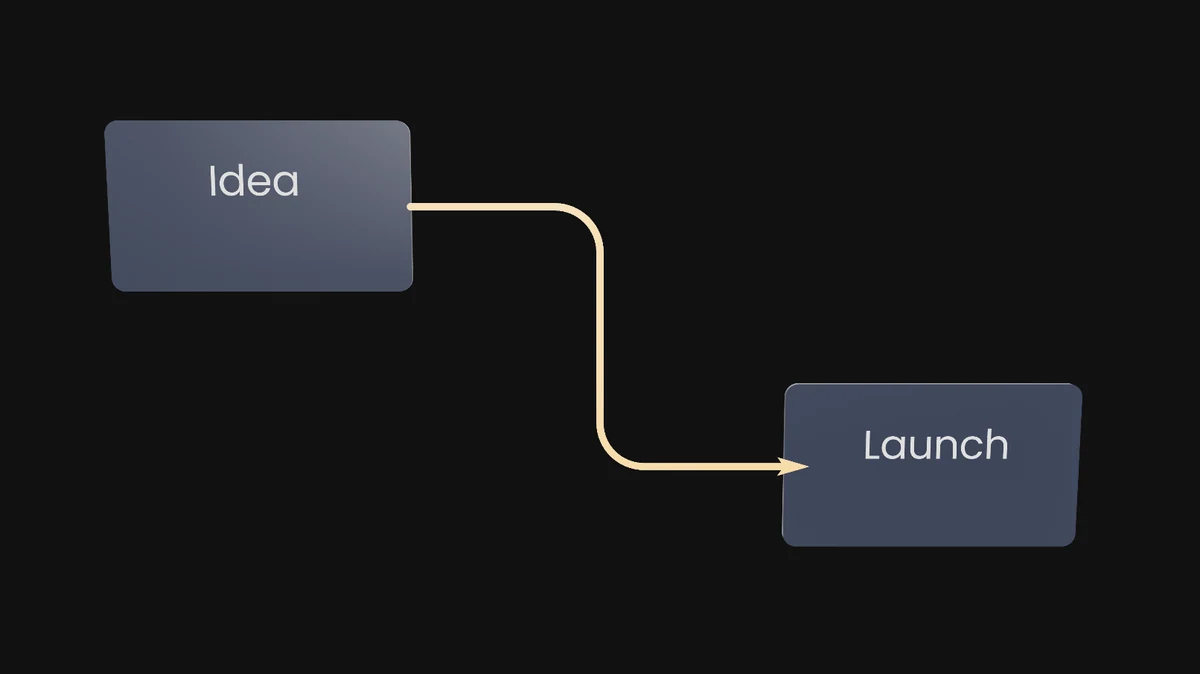
Export a 16:9 or 4:3 video for a slide, or a transparent WebM on Pro to sit over your own background.
Templates: Title slide, Number slide, Chart drop
Whatever the job, a project starts from words, from a finished template, or from the files you already have. All three open in the same editor, and you can mix them in one scene.
01
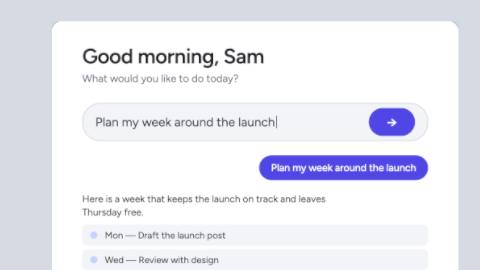
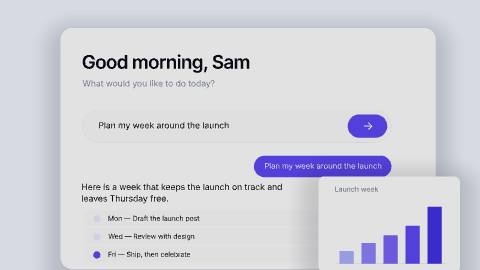
Type what you want on the home page and click Make it. The assistant builds the scene from real layers and keyframes, and you Apply or Discard what it made.
Describe a scene02
62 finished templates in 13 categories, each built for you to swap in your words, pictures, logo, colors, data, music, video or voice.
Browse templates in Paraplex03
Drop screenshots, recordings, GLB models or Lottie files on the canvas, paste an SVG from Figma or HTML and React as a live layer, or upload a CSV for a chart.
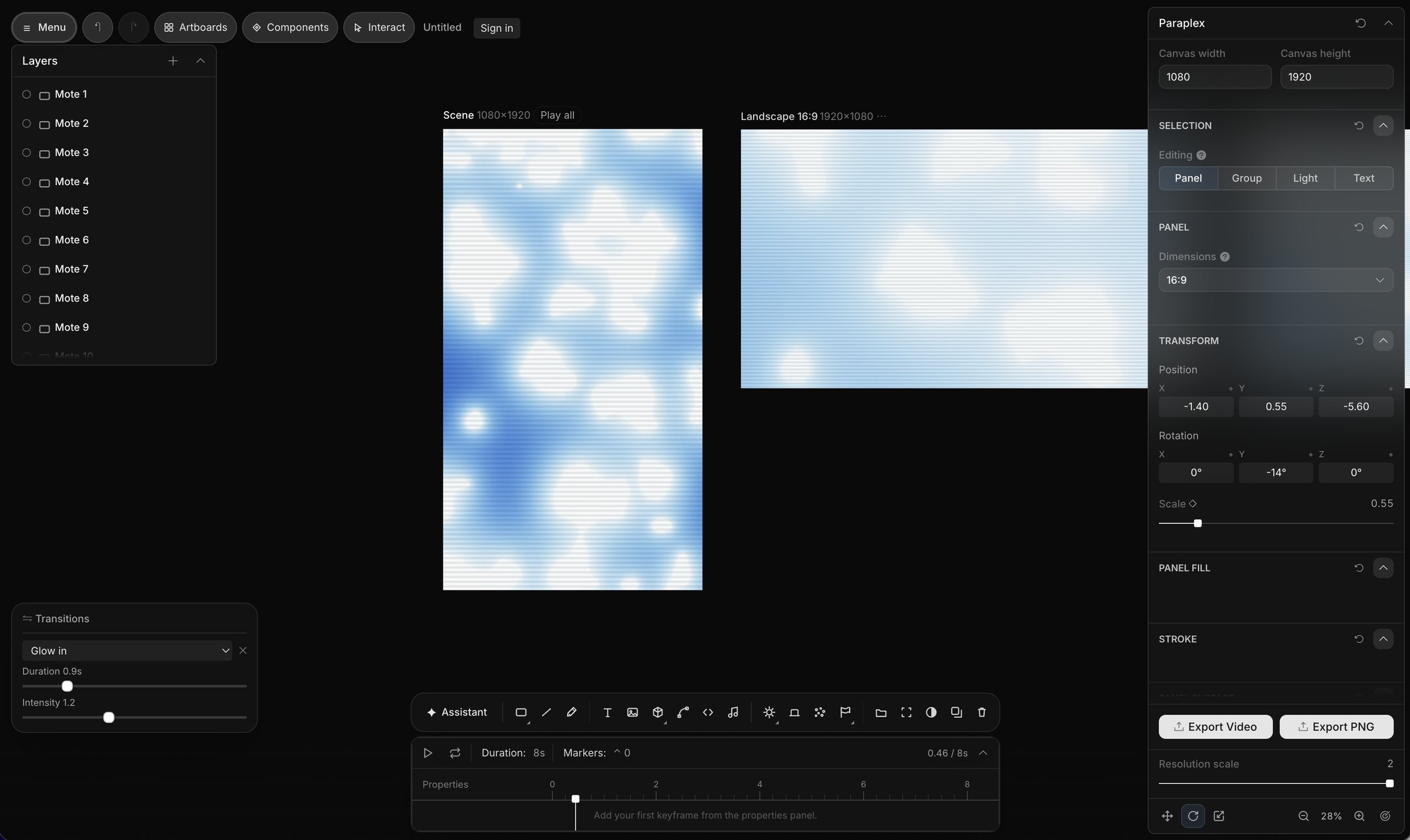
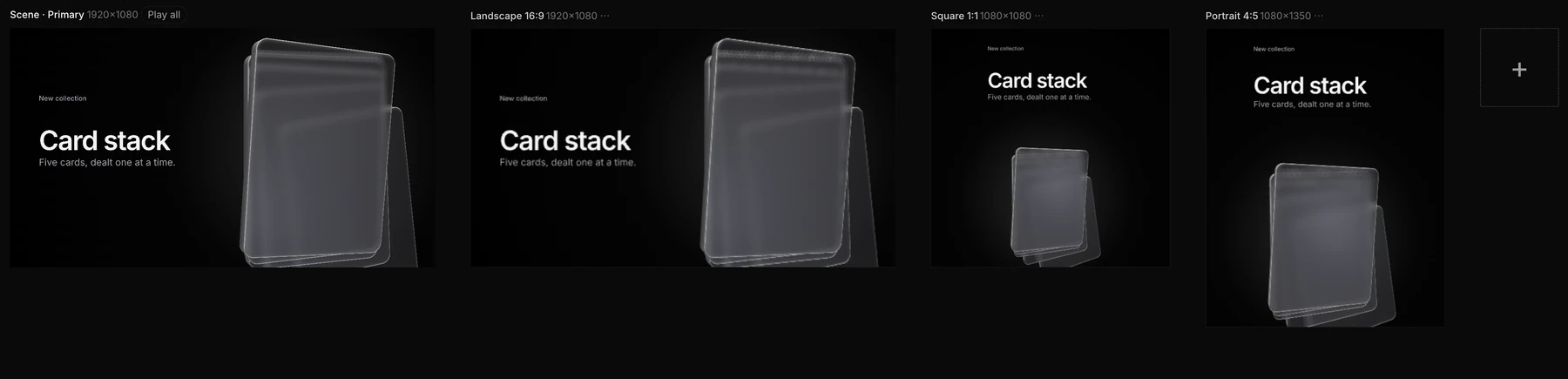
Start with a blank sceneWhatever the job, the same scene exports for every place it runs. Add formats as artboards beside your frame, let Responsive framing re-stack blocks for each shape, and pin your logo to its corner. Then export MP4, WebM, a GIF or a Lottie, or publish a live embed for your site.
Export to
5 shapes
16:9, 9:16, 1:1, 4:5 and 4:3, or a custom size
Safe zones for
4 feeds
TikTok, Reels, Shorts and the Instagram feed
Up to
4K at 60 fps
on Pro; free exports run to 1080p, no watermark
Landscape 16:9 · YouTube, slides and your site
Vertical 9:16 · Reels, Shorts & TikTok

Portrait 4:5 · feeds on Instagram, X and LinkedIn
Render needed · FR-03
Paraplex for
Every channel wants its own cut. Build one scene, reframe it for 16:9, 9:16, 1:1 and 4:5 with safe zones for each feed, and keep every version on brand with a design system.
Templates: Stat drop, Match-cut stack, The AI ROI gap
Render needed · FR-04
Paraplex for
Every client has a brand, and every brand has revisions. Keep each client's colors, fonts and motion as a design system, apply it in one step, and share a link for review.
Templates: Logo match cut, Logo swarm, Whiteboard explainer
Render needed · FR-05
Paraplex for
Motion that has to fit the code. Paste HTML, React or a GSAP timeline as a live layer that exports frame for frame, or ship a live embed your page fills in by layer name.
Templates: Glass list hero (website loop), Liquid metal hero, Bento hero
Keep colors, fonts, text styles, materials, scene looks and motion as a design system, and apply it to any scene at once.
Export MP4, WebM, GIF, PNG or Lottie, or publish an embed that plays in real time on your site and answers hover, click and scroll.
Yes. Paraplex has a free plan with 1080p exports, transparent video included, and no watermark, and it runs in your browser with nothing to install. Pro starts at $19 a month billed yearly and adds 4K at 60 fps and batch export.
Screenshot · one scene on four artboards