
Dynamic artboards. One scene, every screen.
Design once on your primary artboard, then add 16:9, 9:16, 1:1, 4:5, 4:3 or a custom size. Each new artboard lays your scene out again for its shape, like a responsive web page, and every edit on the primary flows to all of them.
Unlimited free 1080p exports. No watermark. Runs in your browser.
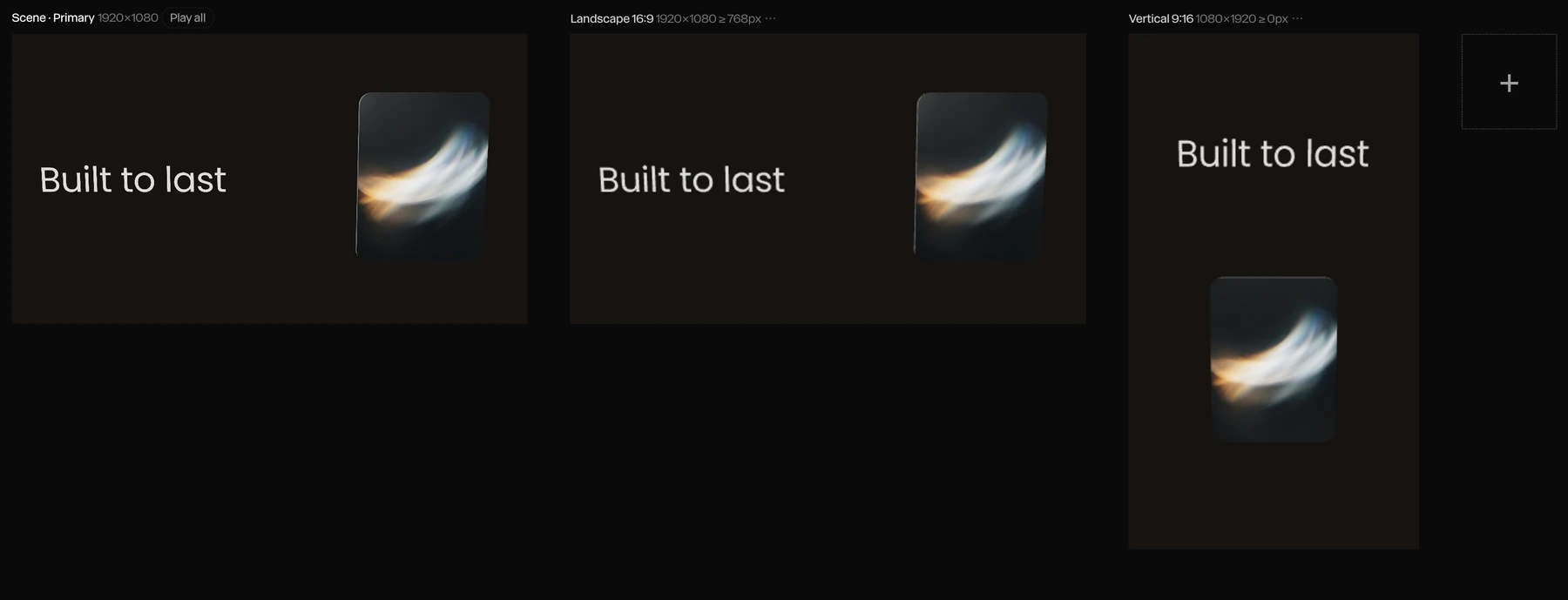

Screenshot · Responsive re-stacks the 9:16 artboard
A motion piece used to mean one export per platform, and an afternoon of nudging layers for every new shape. In Paraplex, every size is an artboard beside your scene. Edits on the primary flow to every artboard, each one lays itself out for its shape, and the deck cover and the Instagram Story come from the same scene.
Build once. Publish everywhere.
Four steps from one scene to every screen you post on, present on or put on your site.
01
Design on the primary artboard.
Build the scene once: type, 3D objects, lights, camera moves and music. The primary artboard is the one every other size is made from.
Live stand-in · EAR-03a
02
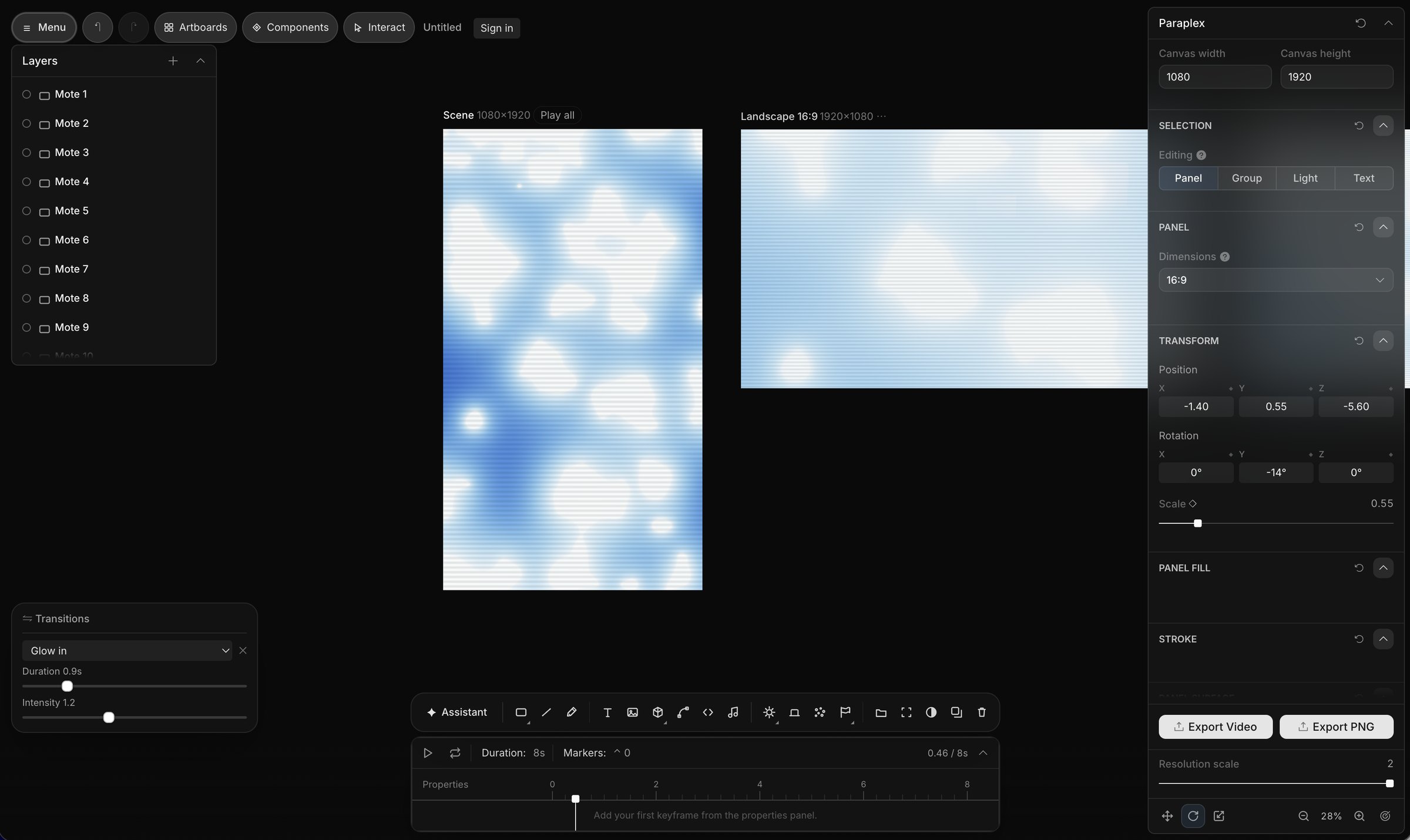
Add a size.
Add Landscape 16:9, Vertical 9:16, Square 1:1, Portrait 4:5, Classic 4:3 or a custom size. Each one appears as an artboard beside your scene, already laid out for its shape.
Live stand-in · EAR-03b
03
Edit once. Every artboard follows.
Change a headline, swap a photo or retime a move on the primary artboard, and the change flows down to every other artboard. No copying the same fix into five files.
Live stand-in · EAR-03c
04
Make one artboard its own.
When a format needs something different, edit that artboard alone or give it its own motion. Those changes stay on that artboard, and the rest keep following the primary.
Live stand-in · EAR-03d
Every screen size, at a glance.
Your artboards sit side by side on the canvas, each showing the same scene in its own shape. Check the Story, the square post and the deck cover together before you export anything, and catch a cramped headline while it's still a one-second fix.
Show artboards, in the export formats menu, brings them up or hides them when you want the canvas to yourself.
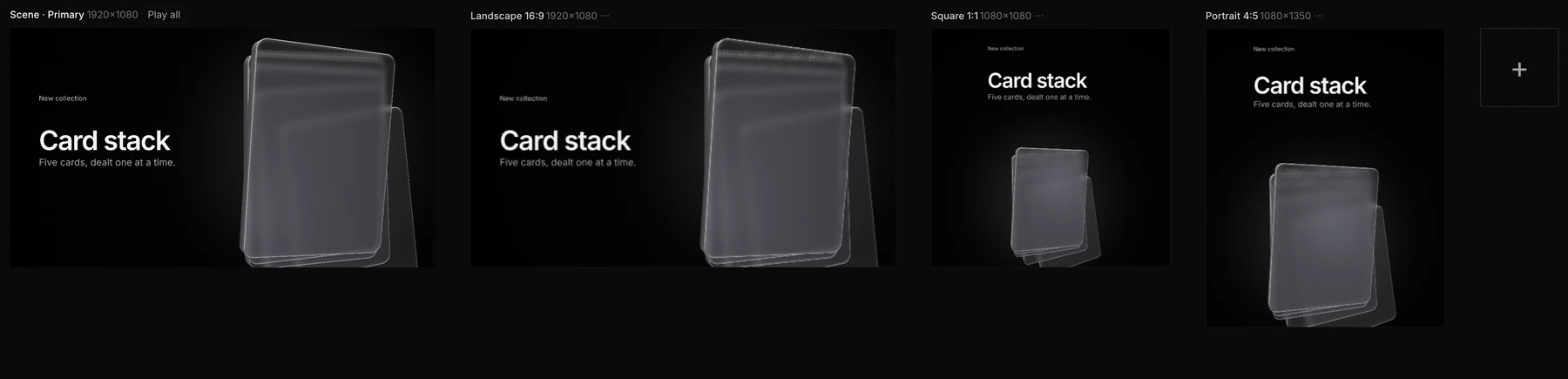
Screenshot · one scene on four artboards
Choose how each artboard fits.
Every artboard has its own framing. Responsive lays the scene out again for the new shape, block by block, and the other three decide how the frame as a whole goes into it. Set it per artboard, so the Story can re-stack while the deck cover keeps its layout.
Live stand-in · EAR-04a

Responsive
Blocks re-stack side by side or top to bottom, the way a web page reflows from desktop to phone.
Live stand-in · EAR-04b

Scale to fill
The scene scales with the artboard so it fills the new shape.
Live stand-in · EAR-04c

Fit
The whole frame shows inside the new shape.
Live stand-in · EAR-04d
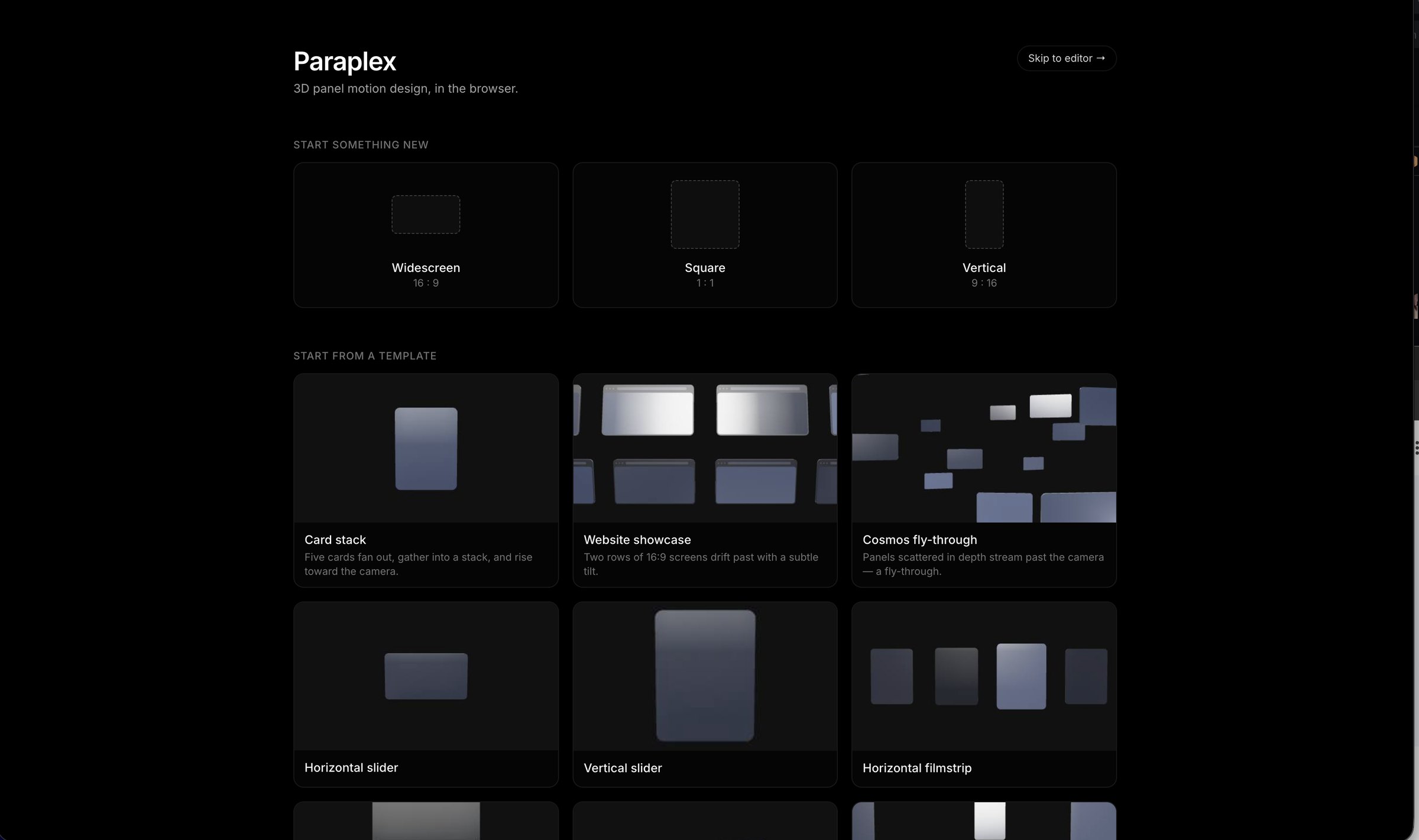
Fill frame
The frame covers the new shape edge to edge.
Your logo stays in its corner.
Pin to frame keeps a layer in its corner on every format, so the logo you placed top right on the landscape cut is still top right on the Story.
Size type and shapes in vw, vh or percent and they follow each artboard's width and height instead of a fixed number of pixels, so a headline that fills the width of a 16:9 frame fills the width of a 9:16 one too.
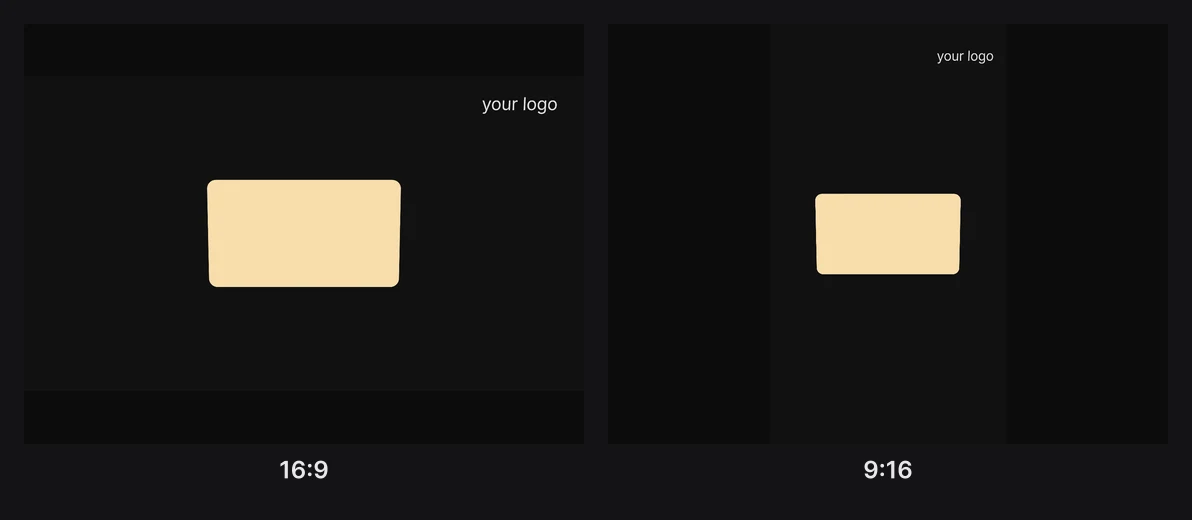
Screenshot · Pin to frame on 16:9 and 9:16
Made for every feed.
Turn the landscape cut into a vertical Story without rebuilding it. Safe zones show where each app's buttons and captions cover the frame, so your text stays clear of them on every artboard.
YouTube Shorts
Logo needed
Instagram Reels
Logo needed
TikTok
Logo needed

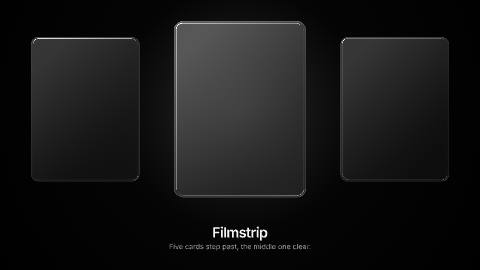
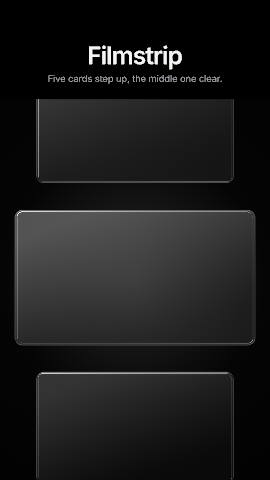
Vertical filmstrip template: dark glass cards stepping up a 9:16 frame.
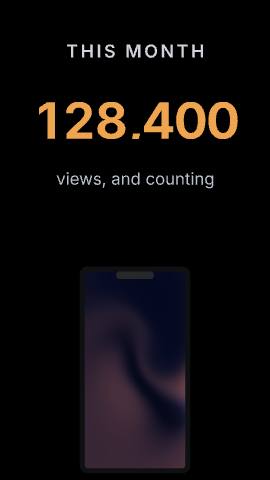
Stat drop template: a number that counts up, made for the vertical feed.
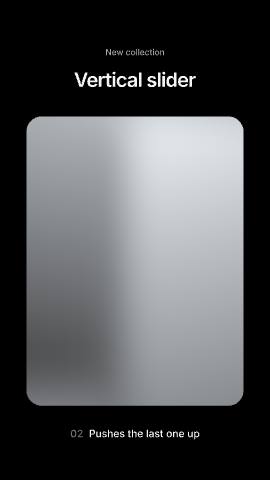
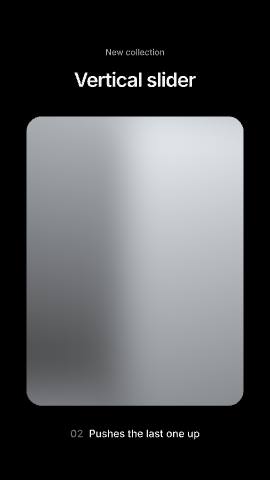
Vertical slider template: tall chrome sheets rising one after another.
Social formats
Vertical 9:16 for Stories, Reels, Shorts and TikTok
Portrait 4:5 and Square 1:1 for feeds on Instagram, X and LinkedIn
Landscape 16:9 for YouTube and your site
Safe zones
TikTok, Instagram Reels, YouTube Shorts and the Instagram feed
Covered areas tinted, usable space outlined and measured
A guide only: never in your export
Slides and the web
16:9 or Classic 4:3 for a deck in Keynote, PowerPoint or Google Slides
An MP4 or WebM loop for a website
Or a live embed that picks an artboard by page width
Export one size, or all of them.
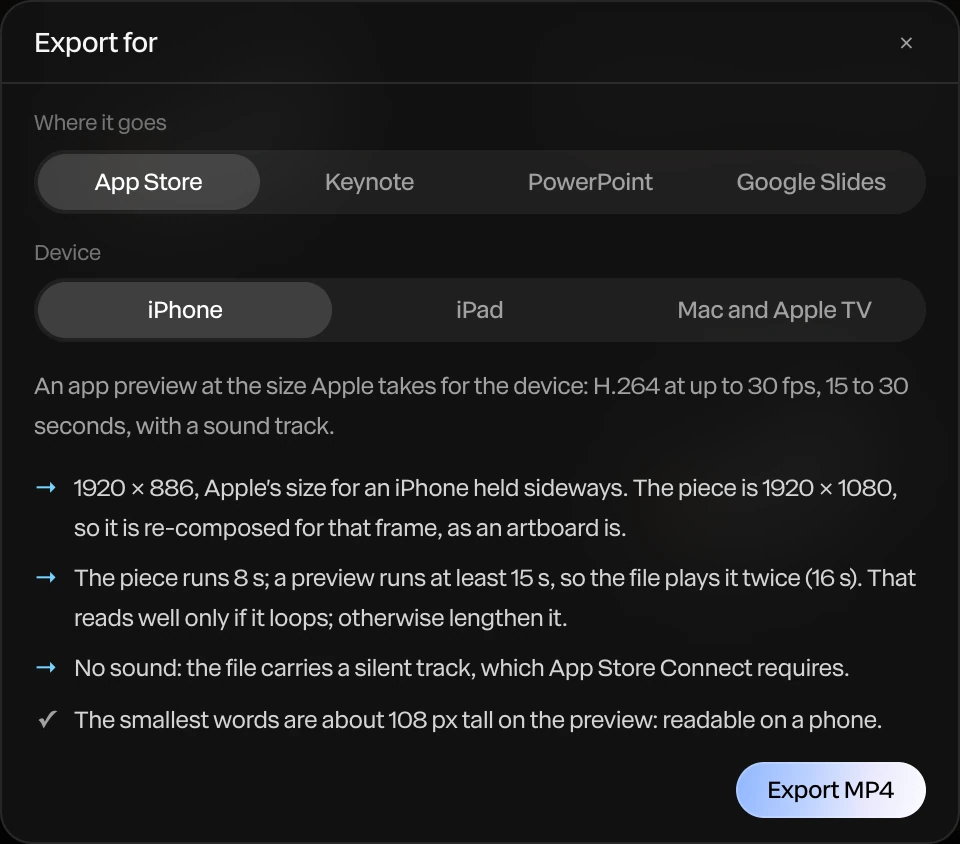
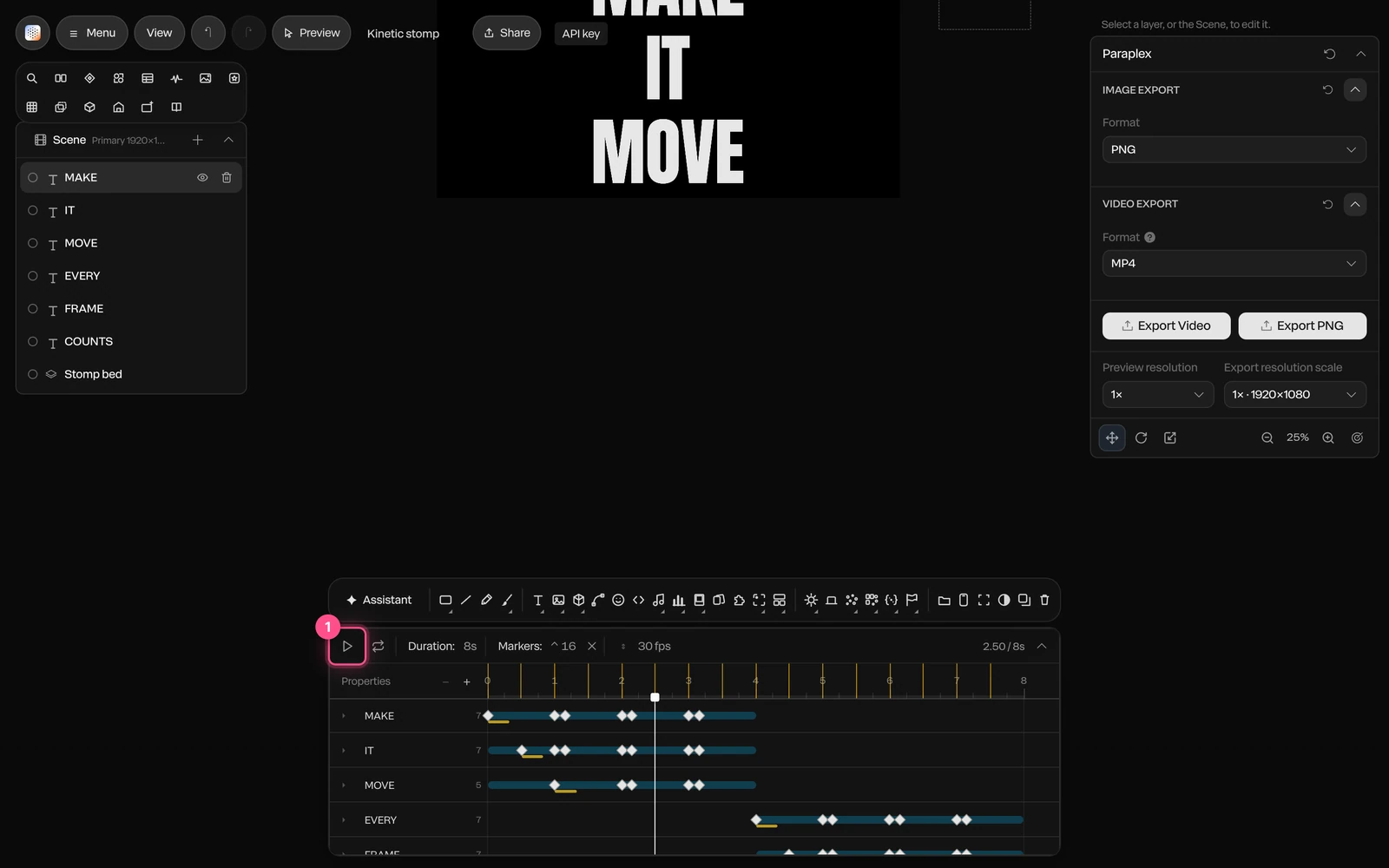
On the free plan, select an artboard and choose Export Video or Export PNG to render that size, at up to 1080p with no watermark. Stills export almost instantly and video renders right in your browser, so you can work through every size in one sitting.
On Pro, Export all enabled renders every artboard you've switched on in one go, at up to 4K and 60 fps. Add Data variants and you get one version per spreadsheet row, in every enabled format.
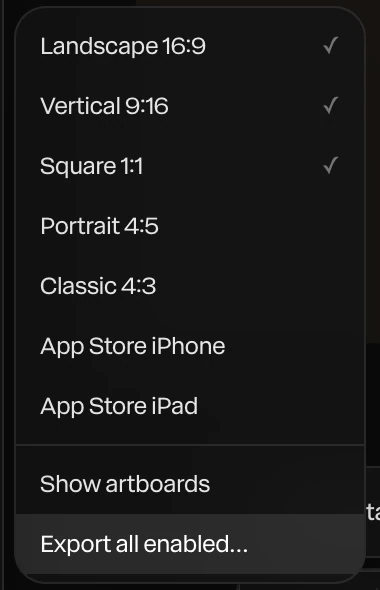
Screenshot · the export formats menu
Every format, by the numbers.
The shapes you can add, how each artboard is framed, and the ways out of Paraplex, counted in the app on October 9, 2026.
5
preset formats, plus any custom size
4
framing modes, chosen per artboard
Formats
Landscape 16:9 and Classic 4:3
Vertical 9:16, Portrait 4:5 and Square 1:1
Any custom width and height
Framing
Responsive: blocks re-stack like a web page
Scale to fill, Fit or Fill frame
Sizes in vw, vh and percent follow each artboard
Export
Export Video or PNG for any artboard, free to 1080p
Export all enabled in one go (Pro)
MP4 or WebM up to 4× the canvas, plus GIF and PNG
More ways to reach every screen.
Data variants in every enabled format (Pro)
Canvas presets from Landscape 3:2 to Tall 2:3
Live embeds that pick an artboard by page width
16:9 and 4:3 for slide decks
Export scale from 0.5× to 4× the canvas
Animated GIFs small enough to post
Transparent WebM for overlays (Pro)
Design systems keep every format on brand
Templates in every shape.
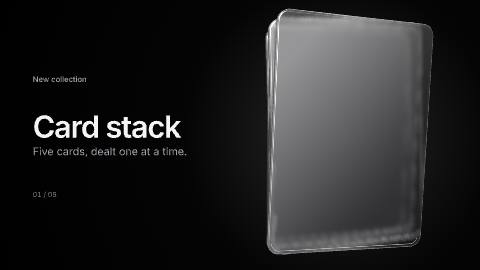
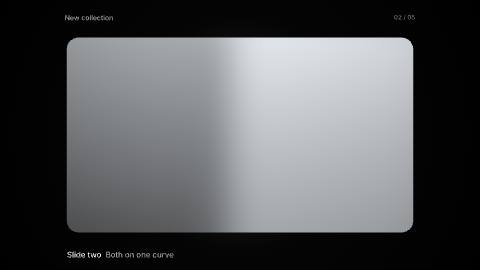
Landscape and vertical pairs, a square logo sting, and the Card stack from the artboards above. Open any of them and add the sizes you need.

Questions about every aspect ratio
How do I resize a video for Instagram, TikTok and YouTube without starting over?
Add the formats you need as artboards in Paraplex: Vertical 9:16 for Stories, Reels, Shorts and TikTok, Square 1:1 or Portrait 4:5 for feeds, and Landscape 16:9 for YouTube. Each artboard lays your scene out for its shape, and edits on the primary artboard flow to all of them, so you build the video once.
Can I turn a 16:9 video into a 9:16 vertical video?
Yes, for scenes you make in Paraplex. Add a Vertical 9:16 artboard and the scene is laid out again for the tall frame; with Responsive framing, blocks that sat side by side re-stack top to bottom instead of being cropped. Artboards work on the scene's layers, not on a finished video file.
If I edit one artboard, do the others change?
Edits you make on the primary artboard flow down to every artboard. When one format needs something different, edit that artboard on its own or give it its own motion, and those changes stay on that artboard.
What does Responsive framing do?
Responsive re-stacks blocks side by side or top to bottom to suit each artboard's shape, the way a web page reflows from desktop to phone. The other framing modes are Scale to fill, Fit and Fill frame, and you choose one per artboard.
Can I export every aspect ratio at once?
Yes, on Pro: Export all enabled renders every artboard you've switched on in one go. On the free plan you export each artboard with Export Video or Export PNG, at up to 1080p with no watermark.
Which aspect ratios can I export?
Landscape 16:9, Vertical 9:16, Square 1:1, Portrait 4:5, Classic 4:3 or any custom width and height. Social safe zones for TikTok, Reels, Shorts and the Instagram feed show where each app covers the frame, and they never appear in the export.
Build with Paraplex.
Start free in your browser. Upgrade when your work needs 4K.
Paraplex is a browser-based 3D motion design studio with an AI assistant that edits real layers and keyframes.