Concept render

Live code, inside the scene.
Paste HTML, a React component or a shadcn/ui component as a code layer. Inside an embed it runs live and responds to the pointer.
Build a real 3D hero in glass, chrome and light, make it answer hover, click, drag and scroll, then publish it as a snippet you paste into Webflow, Framer or any site. It's all visual, so there's no code to write.
Unlimited free 1080p exports. No watermark. Runs in your browser.

When every new site starts from the same AI-built layout, they start to look alike. The hero is where yours can stand apart. Paraplex builds real 3D scenes lit like a studio, lets them answer the pointer and the scroll, and publishes them as a live embed you paste into any site, with every layer still yours to edit.
Interactions are set in the editor, tried in Preview the way a visitor would, and carried into the embed. Every interactive layer also gets a keyboard-focusable stand-in, so it can be reached with Tab and Enter.
Render needed · WH-02a
Hover
6 s loop · 16:9 with a center-safe 1:1 · Preview recording · MP4, WebM and poster
Chrome & glass hero in Preview. A cursor glides onto the glass card; it lifts and its rim brightens on a spring, then settles as the cursor leaves. Same set and framing in WH-02a to e.
Hover
Give a layer a hover state: its own properties change over a duration you set, springs included.
Render needed · WH-02b
Click
6 s loop · 16:9 with a center-safe 1:1 · Preview recording · MP4, WebM and poster
Same scene. The cursor clicks a hotspot and the camera glides to frame the chrome panel; a second click glides it back.
Click
A click can jump to a time, play a range, play or pause, open a link, or glide the camera to a hotspot.
Render needed · WH-02c
Drag
6 s loop · 16:9 with a center-safe 1:1 · Preview recording · MP4, WebM and poster
Same scene. The cursor drags the glass card along X and lets go; a fine white particle field scatters away from the pointer and drifts back.
Drag
Visitors can drag a layer along an axis, and particles can scatter away from the pointer.
Render needed · WH-02d
Scroll
6 s loop · 16:9 with a center-safe 1:1 · Preview recording · MP4, WebM and poster
Same scene inside a plain page. Scrolling down plays the chrome panel's turn forward; scrolling up plays it back.
Scroll
The visitor's scrolling drives the timeline, so the scene plays forward and back as the page moves.
Render needed · WH-02e
Camera
6 s loop · 16:9 with a center-safe 1:1 · Preview recording · MP4, WebM and poster

Same scene with Orbit on. The cursor drags and the camera circles the pair, so studio reflections slide across the glass and chrome.
Camera
Let visitors Orbit the scene, Look around it like a panorama, Walk through it with W A S D, or keep the camera Fixed.
The assistant can draft the scene, but nothing goes live until you've seen it, and every part of it stays yours to change. Each step below is a tool in the editor.
01

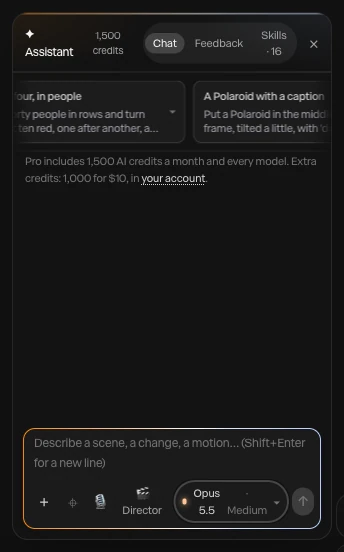
Type what you want, such as a chrome panel turning behind a frosted glass card, or attach a screenshot or video to build from. The AI motion design assistant builds it with the editor's own layers, keyframes, lights and camera moves, using 140 tools, and every turn is a preview you Apply or Discard.
Render needed · WH-03a
Describe it
6 to 8 s loop · 9:16 crop of a screen recording · MP4, WebM and poster
A one-line prompt for a website hero typed into the assistant; layers appear as the scene builds; Apply.
02
The assistant renders the piece at up to six moments and checks that everything is in frame and the type is readable. What it makes stays ordinary layers and keyframes: retime a move by hand, swap a material, or click layers with Point at it and ask for a change. Each applied turn undoes in one step.

Render needed · WH-03b
Change anything
6 to 8 s loop · 9:16 crop of a screen recording · MP4, WebM and poster
Point at it: two layers clicked on the canvas and a change requested, then one keyframe dragged by hand on the timeline.
03
Give layers hover and click states, let them be dragged, let scrolling drive the timeline, or build a state machine with an idle loop and a press. Then open Preview and try it the way a visitor will, with hover, click, drag and scroll all working.
Render needed · WH-03c
Add interactions
6 to 8 s loop · 9:16 crop of a screen recording · MP4, WebM and poster
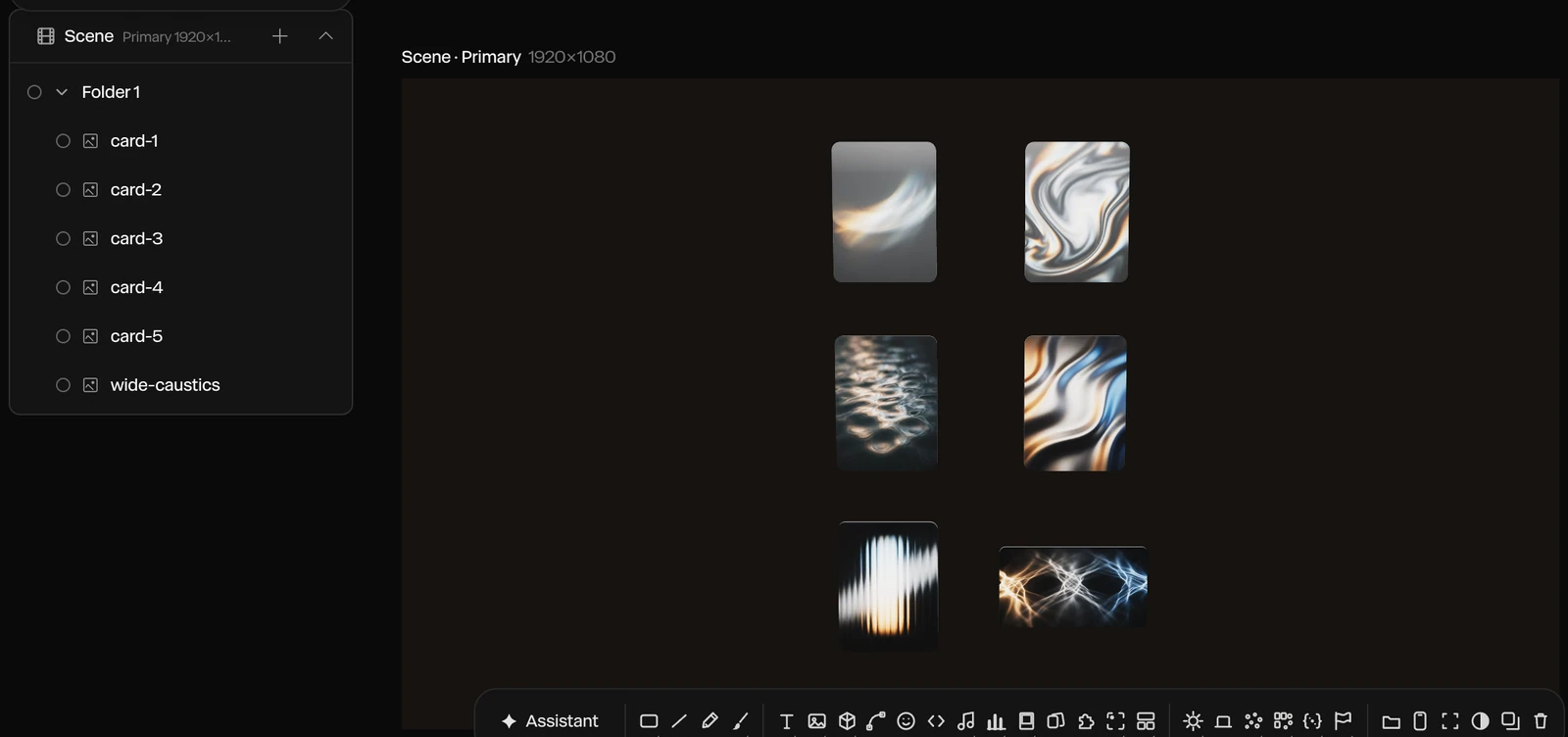
A hover state added to the glass card in the properties panel, then Preview: the cursor hovers, clicks and scrolls, and the scene answers each time.
04
Publish embed gives you a snippet that puts the live scene on any website, playing in real time. Paste it into your page, and breakpoints let the embed pick an artboard by page width, so one hero fits desktop and phone layouts.
Render needed · WH-03d
Publish and paste
6 to 8 s loop · 9:16 crop of a screen recording · MP4, WebM and poster
Publish embed, the snippet copied, then pasted into a site builder's embed element; the live hero appears on the page.
A Paraplex hero isn't a video file you host. It's the live scene, published once and placed with a snippet wherever your site builder takes custom code. Breakpoints pick the right artboard for each screen.
.svg)
Webflow

Framer
Any HTML page
Render needed · WH-04a
Webflow, phone
6 to 8 s loop · 9:16 phone screen recording · MP4, WebM and poster
A published Webflow page whose hero is the Chrome & glass hero embed; the vertical artboard is picked by breakpoint and a thumb scroll plays the scene.
A Webflow page at phone width
Render needed · WH-04b
Framer, phone
6 to 8 s loop · 9:16 phone screen recording · MP4, WebM and poster
The same embed in a published Framer site; a tap on the glass card plays its press state.
The same hero in a Framer site
Render needed · WH-04c
Plain HTML, phone
6 to 8 s loop · 9:16 phone screen recording · MP4, WebM and poster
The same embed pasted into a bare HTML page; a two-finger drag orbits the camera.
And in a plain HTML page
Publish embed gives you the snippet
Paste it where your site takes custom code: a Code Embed in Webflow, an Embed in Framer
Or into the HTML of any page
Breakpoints pick an artboard by page width
Responsive framing re-stacks blocks for each shape
Sizes in vw, vh and percent follow each artboard
Fill a headline, a number, a color or a picture by layer name
Switch Light and Dark themes live
Send inputs to a state machine, or pass scroll progress
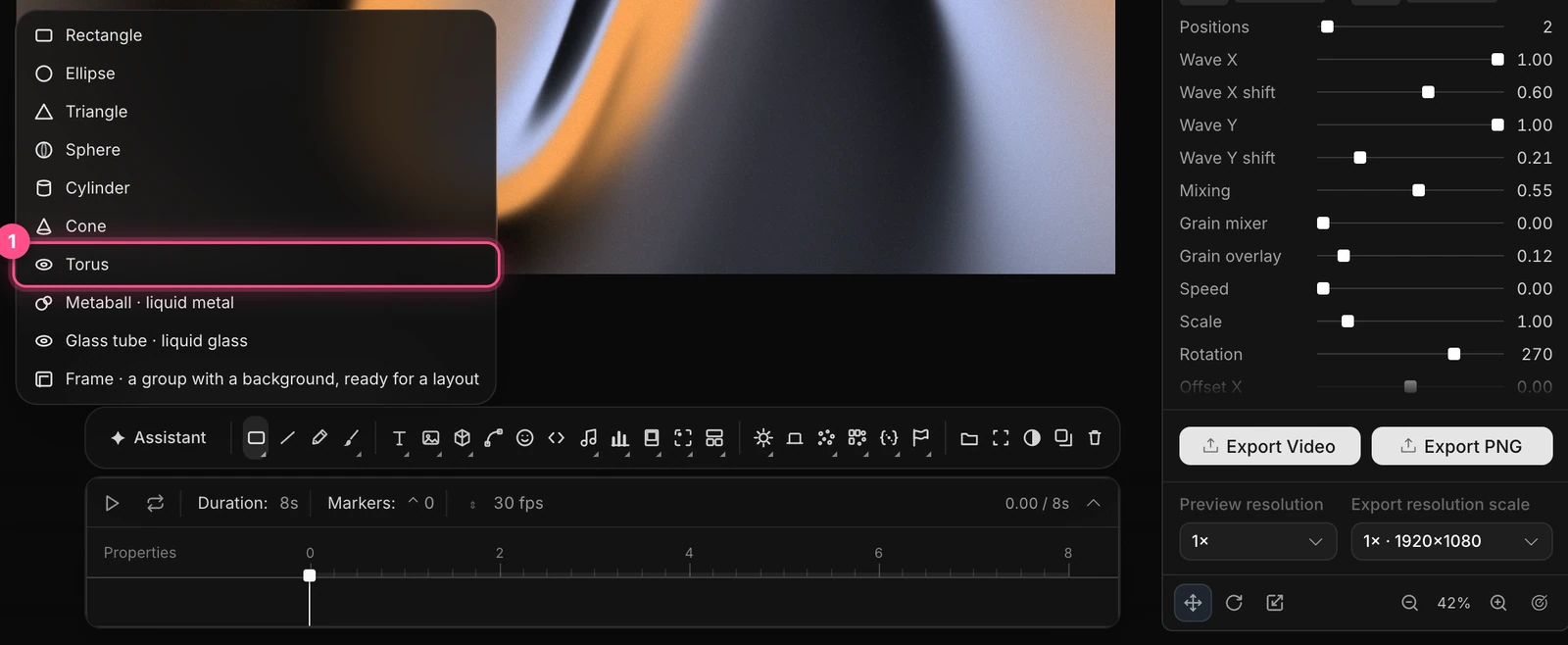
Not every site takes custom code. Export the scene as an MP4 that plays everywhere or a smaller WebM for a video element, or as a WebM with a real alpha channel to sit over your own background on Pro. Every frame is rendered one at a time at full quality, so the file matches what you saw.
Free exports run to 1080p with no watermark, and Pro goes up to 4K at 60 fps. The Liquid metal hero template is playing here.
Concept render
Live code, inside the scene.
Paste HTML, a React component or a shadcn/ui component as a code layer. Inside an embed it runs live and responds to the pointer.
Concept render

Lit like a studio.
Eleven environments, eight HDRI panoramas and a one-click 3-point setup, with soft shadows and real reflections.
Concept render

Every keyframe stays open.
Templates and the assistant build ordinary layers and keyframes you can retime by hand.
Concept render

Real glass and chrome.
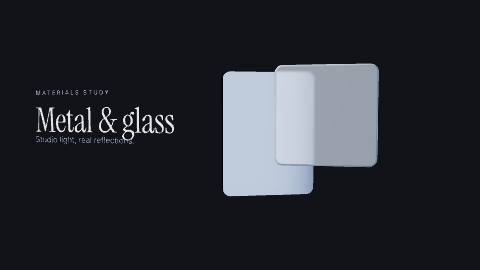
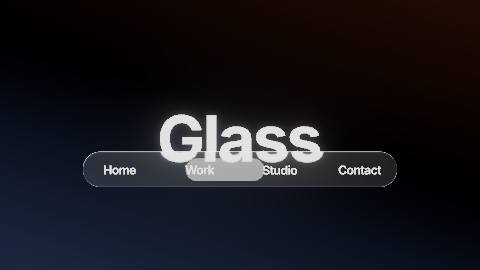

Physical glass bends and frosts whatever sits behind it, with refraction and dispersion, and Liquid glass panes split the light at their rims.
A hero gets a few seconds and one job. These are the parts of Paraplex that do the most work there.
21
one-click material looks, from brushed steel and chrome to liquid glass and dark glass
23
easing presets, plus springs that overshoot and settle
Hover and click states, springs included
Drag along an axis; particles that scatter from the pointer
Camera hotspots, Orbit, Look around and Walk
Physically based materials, cast shadows and bounce light
Reflective floors that mirror what stands on them
Tone mapping: Filmic, AgX, Neutral or None
MP4 and WebM loops for a video element
Transparent WebM (Pro), GIF and PNG
Lottie, for the flat parts of a scene
Generate a 3D model from a text description
Paste an SVG logo as editable vector paths
Randomize glass, light or panel settings for variations
23 live shader backgrounds, from mesh gradients to liquid metal

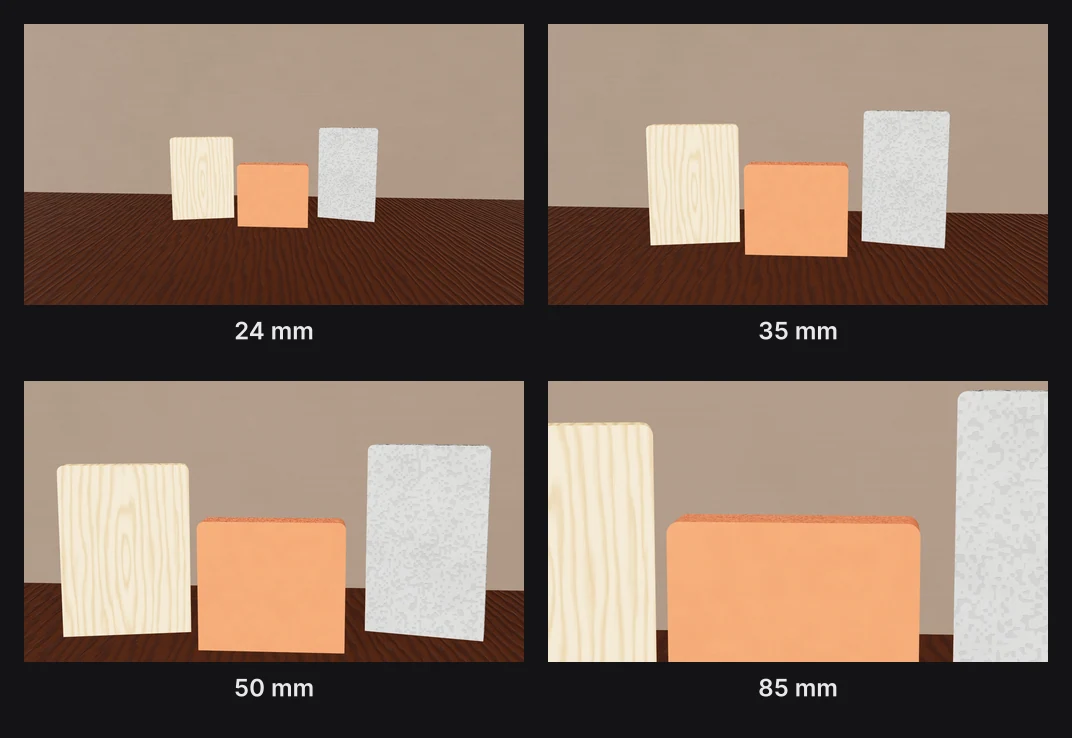
Depth of field and eight camera moves
Glass caustics and contact shadows over any background
GLB models and Gaussian splats visitors can orbit or walk through
3D text in chrome, glass or frosted materials
Each template opens with every layer, keyframe, light and camera move ready to edit.
Build the scene in Paraplex, which runs in your browser, from a template or by describing it to the assistant. Add hover, click or scroll behaviors in the editor, then choose Publish embed and paste the snippet into your site. Everything is set visually, so there's no code to write.
Yes. Publish embed gives you a snippet that puts the live scene on any website, so you can paste it wherever your site builder accepts custom code, including Webflow and Framer. The scene plays in real time and answers hover, click, drag and scroll.
They can hover and click layers that answer with their own animated states, drag layers along an axis, scroll to play the scene forward and back, and move the camera if you allow it, with Orbit, Look around or Walk. A click can also open a link or glide the camera to a hotspot.
Yes. Embeds can pick an artboard by page width, so one piece fits desktop and mobile layouts. Add a vertical artboard beside the frame, frame the scene for a phone, and narrow screens get that version.
Yes. Describe the scene, or attach a screenshot or video for reference, and the assistant builds it from real layers, keyframes, lights and camera moves. Each change is a preview you Apply or Discard, and everything stays editable by hand afterwards.
Yes. Export the same scene as an MP4 or WebM loop, or as a WebM with transparency on Pro. Free exports run to 1080p with no watermark, and Pro exports go up to 4K at 60 fps.
Yes. Every interactive layer in a Paraplex scene gets a keyboard-focusable stand-in, so visitors can reach it with Tab and activate it with Enter.
Start free in your browser. Upgrade when your work needs 4K.
Paraplex is a browser-based 3D motion design studio with an AI assistant that edits real layers and keyframes.
Whatever the job, the same scene exports for every place it runs. Add formats as artboards beside your frame, let Responsive framing re-stack blocks for each shape, and pin your logo to its corner. Then export MP4, WebM, a GIF or a Lottie, or publish a live embed for your site.
Export to
5 shapes
16:9, 9:16, 1:1, 4:5 and 4:3, or a custom size
Safe zones for
4 feeds
TikTok, Reels, Shorts and the Instagram feed
Up to
4K at 60 fps
on Pro; free exports run to 1080p, no watermark
16:9
Landscape 16:9 · YouTube, slides and your site
9:16
Vertical 9:16 · Reels, Shorts & TikTok
4:5
Portrait 4:5 · feeds on Instagram, X and LinkedIn
| Paraplex | Screen Studio | Rotato | A Fiverr freelancer | |
|---|---|---|---|---|
| Runs on | The browser, nothing to install | macOS only | Mac app; web version in public beta | Not applicable |
| Starts from | Your screenshots, screen recordings, SVGs or live code | A recording of your screen | Your screens on 30+ 3D device models | Your brief |
| 3D | Full 3D scenes: devices, glass, chrome, lights, camera moves | Device-frame mockups | 3D device mockups | Depends on the freelancer |
| Cursor | Animated cursor with clicks, taps and drags; seven styles | Smoothed, restyled cursor with click ripples and auto-zoom on clicks | Not listed | Depends on the freelancer |
| Exports | MP4, WebM (alpha on Pro), GIF, PNG, live embed; every aspect ratio from one scene | MP4, GIF | ProRes 4444, H.264 or HEVC up to 8K, PNG frames, web export | As agreed |
| Price | Free (1080p, no watermark); Pro from $19/mo billed yearly | $9/mo billed yearly, or $29 month to month | One-time purchase tiers | $40 to $350 per app promo, across 1,000+ gigs |
When to pick something else. If your video is a recorded walkthrough of a real product session, Screen Studio's auto-zoom on a live recording is the faster path on a Mac. If you want a clickable tour that visitors step through themselves, interactive demo platforms such as Arcade, Storylane and Navattic are built for that. If you want one prompt to return a finished video with little editing, one-prompt tools such as Hera Launch, Motion.so and Pexo aim there. Paraplex is for launch pieces you direct shot by shot, in 3D.
CSS stand-in · LV-03a
CSS stand-in · LV-03b
CSS stand-in · LV-03c

Render needed · LG-00
Shot title
10 s loop · 16:9 · MP4, WebM and poster
Shot brief goes here.