
Concept render

Real layers, not a flat video.
It adds and arranges layers in your Layers panel. It writes code too: describe a generator and it writes the program, with its settings as controls you can animate.
Most AI is a black box. Paraplex is a glass box. Describe a shot and the assistant builds it from real layers, keyframes, camera moves and materials. Every change arrives as a proposal you Apply or Discard, and everything it makes stays yours to edit.
Free 1080p exports, no watermark. Runs in your browser.
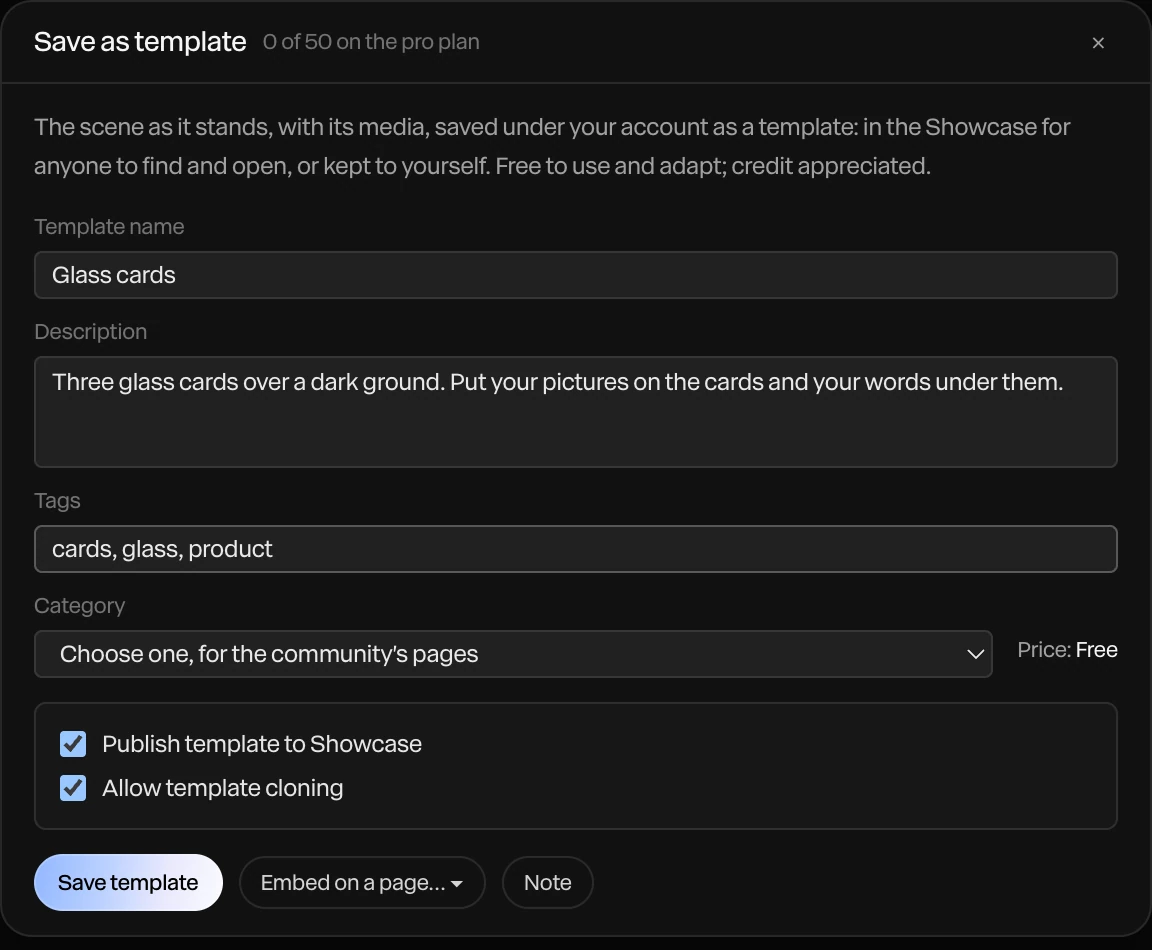
Glass-box AI is an assistant whose every change is visible, reviewable and reversible, made with the same tools a person uses. In Paraplex it builds your scene from real layers and keyframes, and nothing stays until you press Apply.
Concept render
Real layers, not a flat video.
It adds and arranges layers in your Layers panel. It writes code too: describe a generator and it writes the program, with its settings as controls you can animate.
Concept render

Materials in real light.
It sets glass, chrome and other physically based materials in a lit 3D scene.
Concept render

Keyframes you can drag.
It writes keyframes and camera moves on your timeline, and every one stays open to retime by hand.
Concept render

Charts and captions, too.
Hand it your data and it builds an animated chart, every bar and label a layer. It captions voiceovers too, timed word by word.
Open the assistant from the dock, from the last row of any search, or with Ask the assistant about this on any layer. Every turn follows the same path, from your words to keyframes you keep.
01
Type what you want on the home page and click Make it: Paraplex opens a new 1920×1080 file and the assistant builds the scene in it. Inside a project, just ask, and it works on the scene you have open.

Render needed · AM-03a
Describe the shot
6–8 s loop · 9:16 · screen recording crop · MP4, WebM and poster
Vertical crop of the Paraplex home page: a sentence is typed into the box, Make it is clicked, and the new file opens with layers filling in.
02
For bigger pieces, Director mode has the assistant write a plan and a storyboard of stills for you to approve. Then it builds the piece section by section, checking each one as it goes.
Render needed · AM-03b
Plan and storyboard
6–8 s loop · 9:16 · screen recording crop · MP4, WebM and poster
Vertical crop of the assistant panel in Director mode: the plan appears, storyboard stills arrive one by one, and the approval is clicked.
03
After building, it renders the piece at up to six moments and looks: is everything in frame, is the type readable, do the key moments land? It fixes what it finds. When a decision is genuinely yours, like a direction or a mood, it stops and offers a short set of choices.
Render needed · AM-03c
Checking its frames
6–8 s loop · 9:16 · screen recording crop · MP4, WebM and poster
Vertical crop of the assistant panel as it renders check frames of the piece and fixes one, such as a title nudged back inside the frame.
04
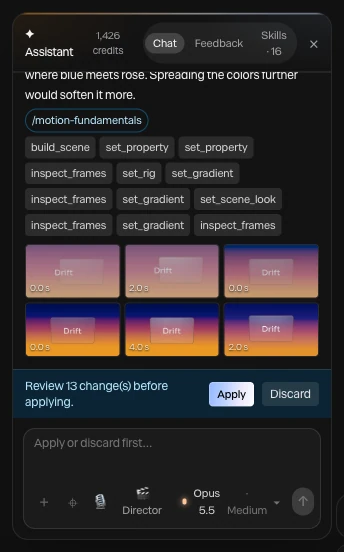
Each turn arrives as a preview on your canvas. Apply keeps it and Discard drops it, and an applied change undoes in one step, however many layers it touched.
Render needed · AM-03d
Apply or Discard
6–8 s loop · 9:16 · screen recording crop · MP4, WebM and poster
Vertical crop of canvas and assistant panel: the proposed change previews on the canvas, the cursor clicks Apply, then one undo restores the scene.
05

What it makes is ordinary layers and keyframes, not a flat video. Drag a keyframe later, retype a headline or swap a material by hand, or ask again.
Render needed · AM-03e
Keep every keyframe
6–8 s loop · 9:16 · screen recording crop · MP4, WebM and poster
Vertical crop of the timeline under the canvas: one keyframe the assistant wrote is dragged later by hand, and the piece replays with the new timing.
Ask in plain words, or aim the request: Point at it lets you click layers on the canvas or drag a box over part of the frame. Each clip runs one request on the same scene, and the slider tracks it from before to after.
Render needed · AM-02a
Slower
6 s loop · 16:9 with a center-safe 1:1 · canvas only · MP4, WebM and poster
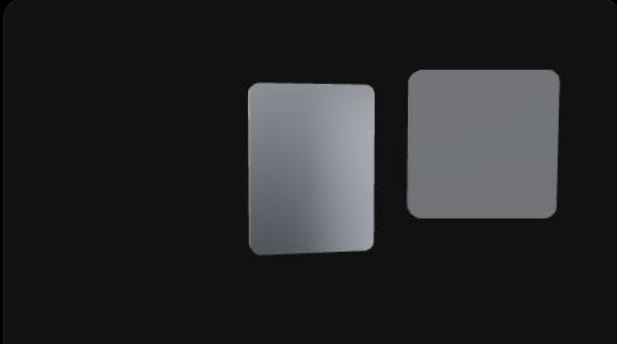
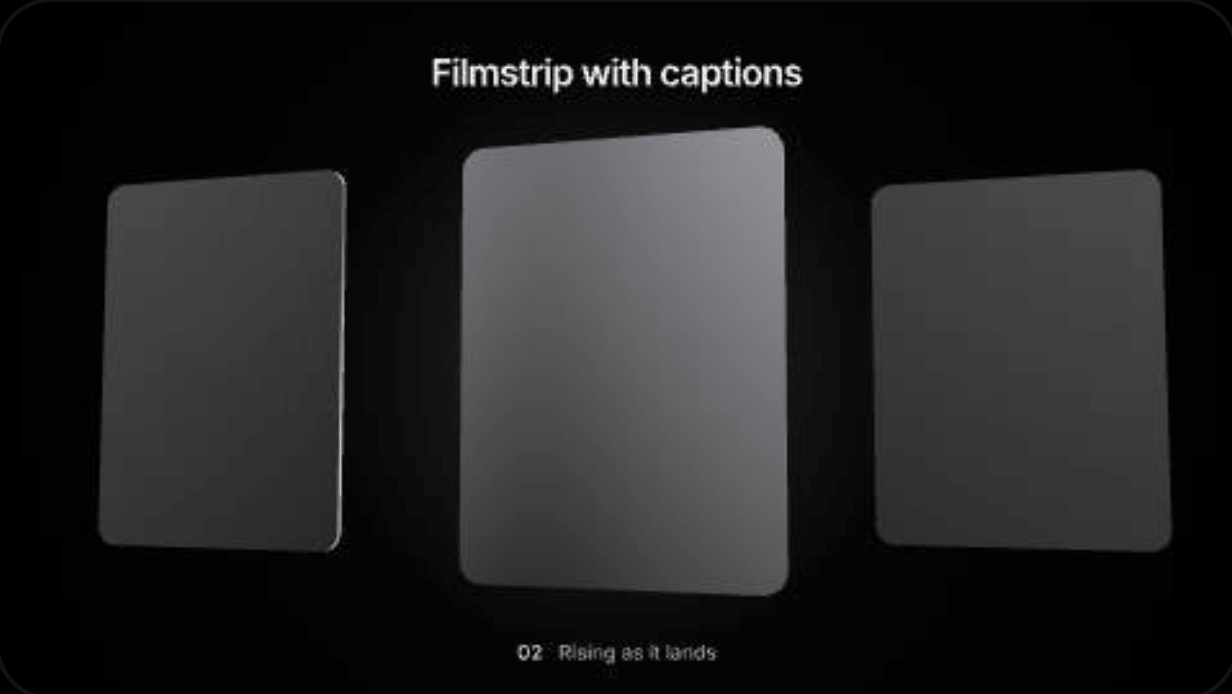
Three dark-glass cards and a white price on a black seamless under an overhead softbox. The fan-out plays at its first speed, eases to the slower retime, then back.
Slower
“Slow the fan-out down.” It retimes the keyframes it wrote, and you can still drag them yourself.
Render needed · AM-02b
Chrome
6 s loop · 16:9 with a center-safe 1:1 · canvas only · MP4, WebM and poster
Same set. The cards change from dark glass to chrome and back, so the softbox reflections appear and fade.
Chrome
“Make the cards chrome.” It sets the material on each card, and the lit scene does the rest.
Render needed · AM-02c

Push in
6 s loop · 16:9 with a center-safe 1:1 · canvas only · MP4, WebM and poster
Same set. The camera pushes in on the price until it fills the frame, then eases back.
Push in
“Push in on the price.” It writes a camera move, as keyframes you can retime.
Render needed · AM-02d
Same width
6 s loop · 16:9 with a center-safe 1:1 · canvas only · MP4, WebM and poster
Same set, cards at three widths. A thin white selection box draws over them, the three settle to one width, then return.
Same width
“Make these three the same width.” Drag a box over the cards, and the request means exactly those three.
Render needed · AM-02e
On brand
6 s loop · 16:9 with a center-safe 1:1 · canvas only · MP4, WebM and poster
Same set. Apply with AI restyles it in a fictional brand: Inter becomes a serif, dark glass becomes brushed metal, a warm key replaces the cool fill. Palette stays near-monochrome. Then back.
On brand
“Restyle this in our brand.” Apply with AI restyles the scene from your design system.
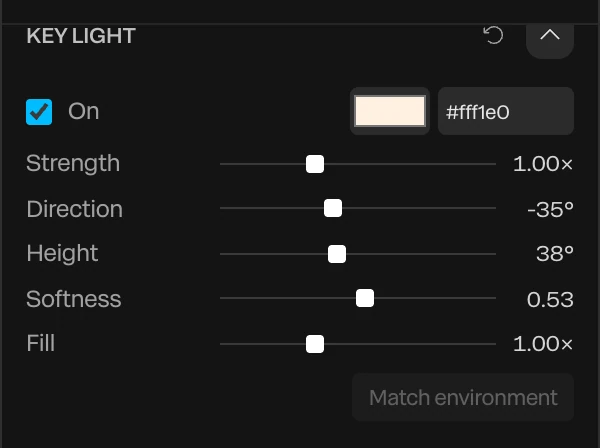
Give the assistant a design system, a skill or a reference, and it works to your rules instead of a generic look.
140
tools it edits with, the same building blocks you use by hand
6
craft skills built in, from typography in motion to camera language
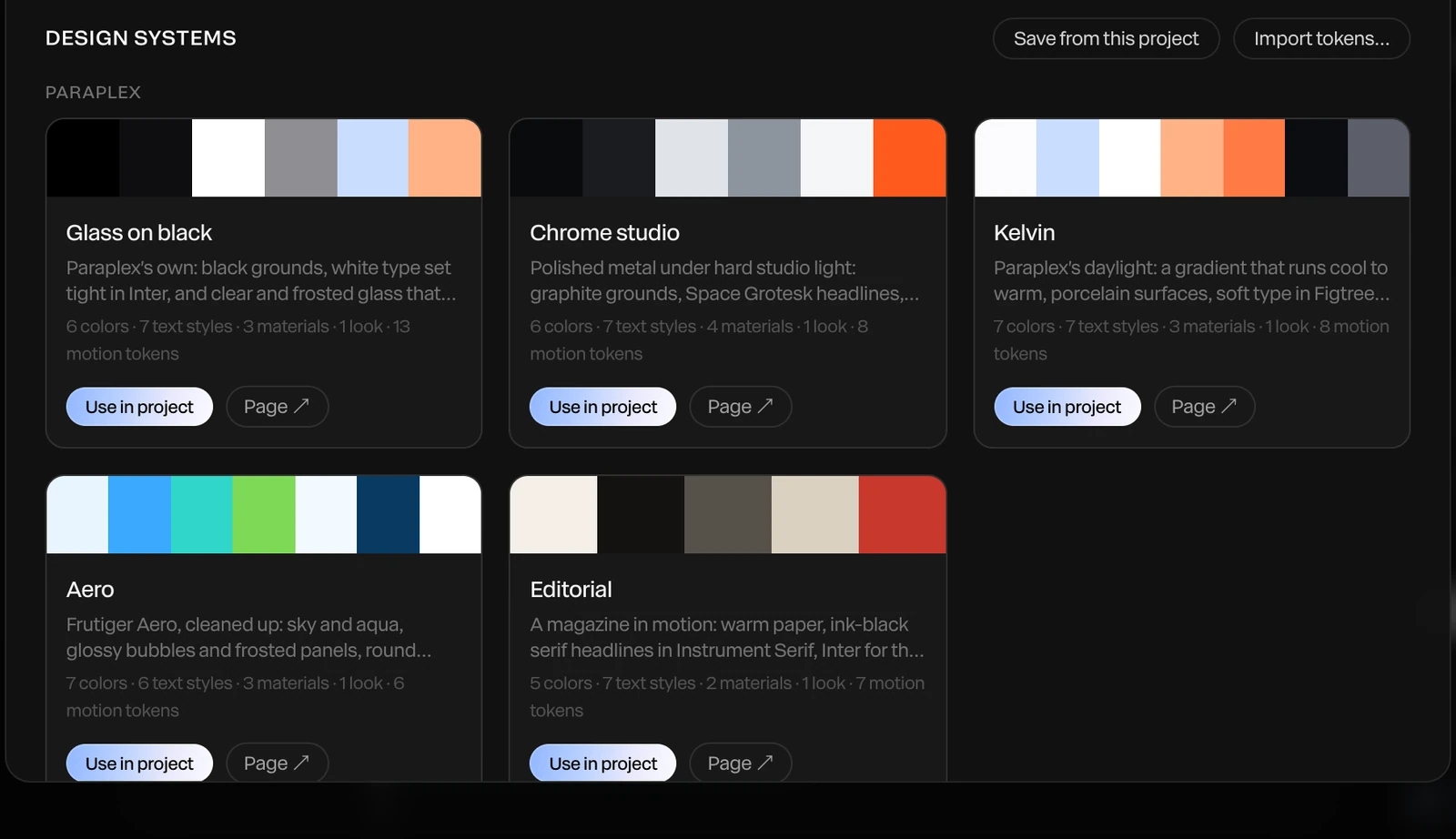
A design system holds colors, fonts, text styles, materials, scene looks and motion tokens
Apply with AI restyles a scene in that brand
Brand kits and design tokens attach to a message
Motion fundamentals and typography in motion
Camera language, editing and rhythm
Look and color, plus Paraplex recipes
Choose the model the assistant runs on
Set how much effort it spends
Speak a prompt instead of typing it
The assistant builds scenes from layers rather than generating video pixels. For a generative finish, Render with AI takes 5 or 10 seconds of your scene and has an AI video model restyle it to match a description, keeping its layout and motion.
Choose Draft, Standard, Best 720p or Best 1080p, and how closely it keeps to the scene: Close, Balanced or Loose. The render lands as a video layer over the same stretch, and hiding it shows the scene it came from.
Render needed · AM-05
Scene, then render
10 s loop · 16:9 · MP4, WebM and poster
A 5 s stretch of a glass-and-chrome scene on a black seamless, then a slow wipe reveals its Render with AI version (Balanced) over the same motion, then the layer hides to show the original. Grade toward monochrome.
AI sound effects and music from a description
Use your own Anthropic and ElevenLabs API keys
Generate a 3D model from a sentence
Comment on layers; threads record each round of changes
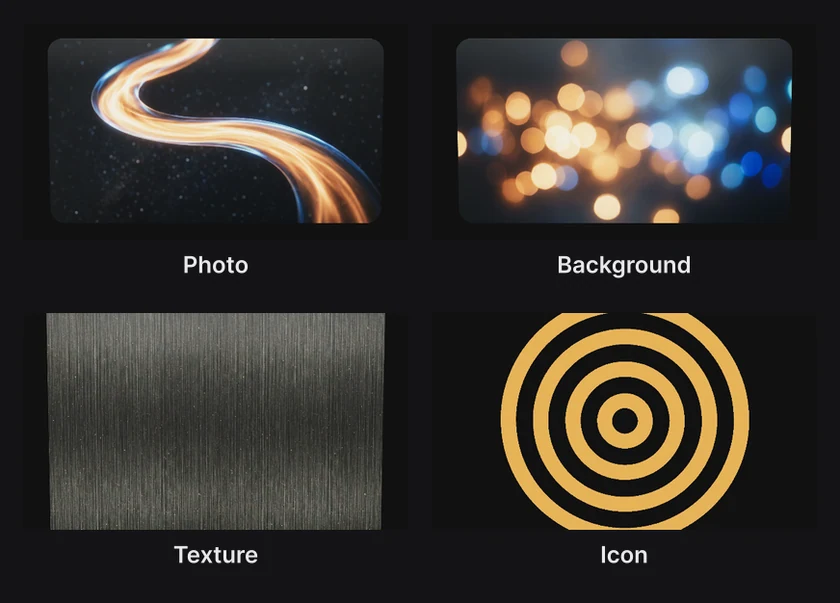
Generate images for the job: photo, texture, overlay or SVG icon
Walkable 3D rooms from a description or a photo
Animate a still picture into a short clip
AI voiceovers with a caption on every word
| Paraplex | Claude Motion | Hera | Jitter AI | Figma Motion | |
|---|---|---|---|---|---|
| What the AI builds | Layers, keyframes, camera moves, materials, charts and captions in a 3D scene | An animation written as code from your text, charts, shapes and images | Animation written as code, with each element an editable object | Animations, effects and variations on Jitter layers | Keyframes on Figma's timeline, using your design tokens |
| Where you refine it | The keyframe timeline and properties panel, or by asking again | An editor, or by asking Claude | A scene-by-scene editor | Jitter's editor and its action-based timeline | Figma's Motion timeline |
| Real 3D materials and light | Yes | Not shown in launch materials | Not listed | No native 3D (3D flip and rotation effects) | No; 3D transforms listed as coming soon |
| Exports | MP4, WebM (alpha on Pro), GIF, PNG, Lottie (flat layers), live embed | MP4 or a share link | MP4, MOV, GIF (360p to 4K) | MP4, MOV, WebM, GIF, Lottie | MP4, WebM, GIF, animated SVG, plus CSS, JSON or React code |
| Who can use it | Free plan with 100 AI credits a month on the standard models; Pro from $19/mo billed yearly with 1,500 credits and every model; or your own API key, which uses no credits | Beta on Claude Team and Enterprise plans (since Oct 8, 2026) | Free tier; Pro $24/mo billed yearly in an August 2026 review | Free and paid plans; AI credits vary by plan | Open beta since June 24, 2026; the motion agent needs a paid Figma plan |
Where Paraplex fits. AI motion tools come in three kinds. Generative video models such as Runway, Pika and Luma render pixels from a prompt. Prompt-to-video agents such as Hera and Motion.so return a finished video from one prompt, with light edits. AI inside a motion editor works on layers and keyframes you keep editing; that's Paraplex, Claude Motion, Jitter AI and Figma Motion, and it's what the table compares.
Most of these now say their output stays editable, and many mean it. The difference is where you edit: through a property panel or a chat, or on a full keyframe timeline with the materials, lights and camera you'd use by hand. If you want one prompt to return a finished launch video with little editing, Motion.so and Hera Launch are built for that.
Every template opens with its layers, keyframes, lights and camera moves ready to edit, by hand or by asking the assistant.
Poster needed · TPL-AM1
The AI ROI gap
Social media
Poster needed · TPL-AM2
Whiteboard explainer
Social media
Poster needed · TPL-AM3
Chart drop
Infographics
Poster needed · TPL-AM4
Typography motion kit
Titles & text
Poster needed · TPL-AM5
Card stack, chrome
Starter templates
Glass-box AI is an assistant whose every change is visible, reviewable and reversible, made with the same tools a person uses. It's the idea behind Paraplex's assistant, which edits real layers and keyframes and shows each change for you to Apply or Discard.
It depends on the job. As of October 2026, Paraplex fits editable 3D motion with change-by-change review; Claude Motion fits code-built 2D explainers inside Claude Team and Enterprise; Figma Motion fits UI motion inside Figma; and Jitter fits 2D motion with a large template library.
Yes. Paraplex's assistant builds motion graphics as ordinary layers and keyframes, not a flat video, so you can retime, restyle or delete anything it made, by hand or by asking again. Many AI motion tools now claim editable output; what differs is whether you edit on a full keyframe timeline or through a property panel or chat.
Yes. Type a description on the Paraplex home page and click Make it. Paraplex opens a new 1920x1080 file, the assistant builds the scene with real layers and keyframes, and you choose Apply to keep it or Discard to drop it.
Yes. Keep your brand's colors, fonts, text styles, materials, scene looks and motion tokens as a design system in Paraplex, and Apply with AI restyles a scene in that brand. You can also attach brand kits, design tokens or reference images to a message, and add skills that teach the assistant your house style.
Yes. Choose which model the assistant runs on, and how much effort it spends, from a picker in the composer. You can also add your own Anthropic API key for the assistant, and your own ElevenLabs key for voiceovers, in the account window.
The assistant builds scenes from layers rather than generating video pixels. Separately, Render with AI can restyle 5 or 10 seconds of your scene with an AI video model while keeping its layout and motion, and the result lands as a video layer you can hide to see the original.
Start free in your browser. Upgrade when your work needs 4K.
Paraplex is a browser-based 3D motion design studio with an AI assistant that edits real layers and keyframes.
CSS stand-in · LV-03a
CSS stand-in · LV-03b
CSS stand-in · LV-03c
Add export formats and each one appears as an artboard beside your frame. Responsive framing re-stacks blocks for the new shape instead of cropping them, Pin to frame keeps your logo in its corner, and safe zones show where each app's buttons cover the frame. On Pro, export every enabled format in one go. For the landing page itself, publish the same scene as a live embed or export a short looping WebM.
Export to
5 shapes
16:9, 9:16, 1:1, 4:5 and 4:3, or a custom size
Safe zones for
4 feeds
TikTok, Reels, Shorts and the Instagram feed
Up to
4K at 60 fps
on Pro; free exports run to 1080p, no watermark
Stand-in · LV-04a

Landscape 16:9 · YouTube and your site
Stand-in · LV-04b
Vertical 9:16 · Reels, Shorts and TikTok
Stand-in · LV-04c
Portrait 4:5 · feeds on X and LinkedIn
| Paraplex | Claude Motion | Hera | Jitter AI | Figma Motion | |
|---|---|---|---|---|---|
| What the AI builds | Layers, keyframes, camera moves, materials, charts and captions in a 3D scene | An animation written as code from your text, charts, shapes and images | Animation written as code, with each element an editable object | Animations, effects and variations on Jitter layers | Keyframes on Figma's timeline, using your design tokens |
| Where you refine it | The keyframe timeline and properties panel, or by asking again | An editor, or by asking Claude | A scene-by-scene editor | Jitter's editor and its action-based timeline | Figma's Motion timeline |
| Real 3D materials and light | Yes | Not shown in launch materials | Not listed | No native 3D (3D flip and rotation effects) | No; 3D transforms listed as coming soon |
| Exports | MP4, WebM (alpha on Pro), GIF, PNG, Lottie (flat layers), live embed | MP4 or a share link | MP4, MOV, GIF (360p to 4K) | MP4, MOV, WebM, GIF, Lottie | MP4, WebM, GIF, animated SVG, plus CSS, JSON or React code |
| Who can use it | Free plan with 100 AI credits a month on the standard models; Pro from $19/mo billed yearly with 1,500 credits and every model; or your own API key, which uses no credits | Beta on Claude Team and Enterprise plans (since Oct 8, 2026) | Free tier; Pro $24/mo billed yearly in an August 2026 review | Free and paid plans; AI credits vary by plan | Open beta since June 24, 2026; the motion agent needs a paid Figma plan |
| Paraplex | Screen Studio | Rotato | A Fiverr freelancer | |
|---|---|---|---|---|
| Runs on | The browser, nothing to install | macOS only | Mac app; web version in public beta | Not applicable |
| Starts from | Your screenshots, screen recordings, SVGs or live code | A recording of your screen | Your screens on 30+ 3D device models | Your brief |
| 3D | Full 3D scenes: devices, glass, chrome, lights, camera moves | Device-frame mockups | 3D device mockups | Depends on the freelancer |
| Cursor | Animated cursor with clicks, taps and drags; seven styles | Smoothed, restyled cursor with click ripples and auto-zoom on clicks | Not listed | Depends on the freelancer |
| Exports | MP4, WebM (alpha on Pro), GIF, PNG, live embed; every aspect ratio from one scene | MP4, GIF | ProRes 4444, H.264 or HEVC up to 8K, PNG frames, web export | As agreed |
| Price | Free (1080p, no watermark); Pro from $19/mo billed yearly | $9/mo billed yearly, or $29 month to month | One-time purchase tiers | $40 to $350 per app promo, across 1,000+ gigs |