Concept render

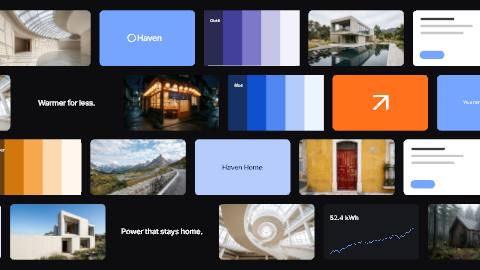
One system, every style.
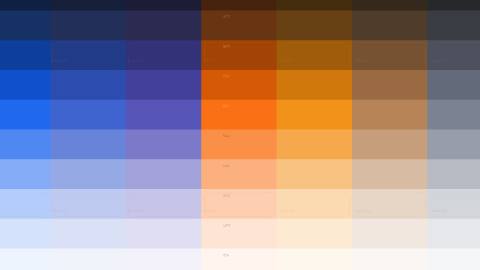
Colors, fonts, text styles, materials, scene looks and motion, kept together in your Library and applied to any scene in one click.
Keep your brand's colors, fonts, text styles, materials, scene looks and motion together as a design system, then put it on any scene in one click. Change a color once and every layer linked to it follows, so every video, post and embed your team makes looks like you.
Unlimited free 1080p exports. No watermark. Runs in your browser.
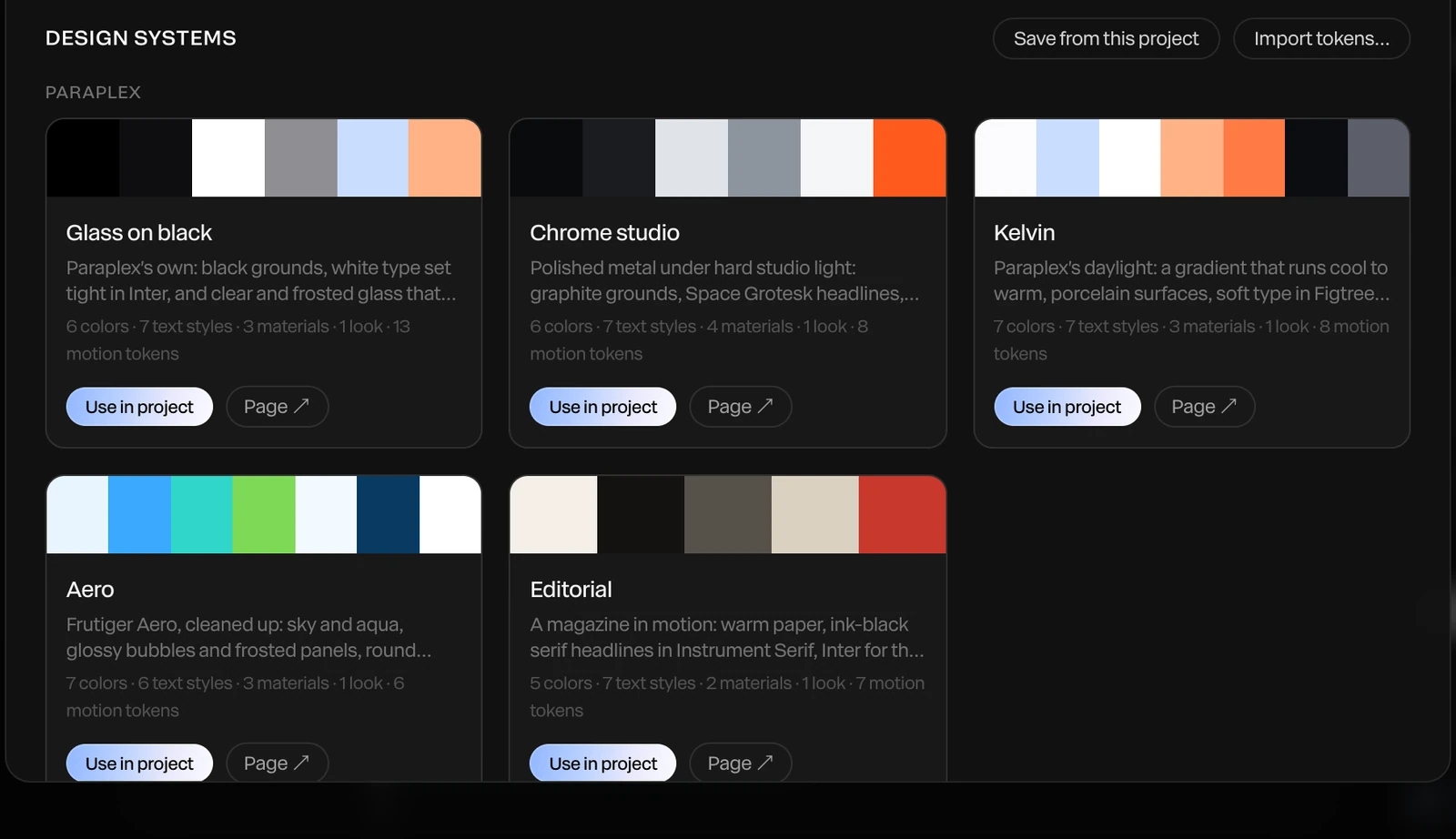
Screenshot · the Design systems library
Brand guides can show your colors & type. It can't show how your brand moves. In Paraplex, your brand is saved as a living design system: reusable colors, fonts, text styles, materials, and motion tokens, ready to be applied to any scene with a click.
Concept render
One system, every style.
Colors, fonts, text styles, materials, scene looks and motion, kept together in your Library and applied to any scene in one click.
Concept render

Motion tokens.
Your brand's timings and easing curves, named, and first in every keyframe's easing menu.
Concept render

Looks and light.
Save a scene's grade and environment as a look, and its lights as a rig, then reuse them in any project.
Concept render

Design tokens in.
Import W3C design token files, the format Figma variable exports produce. Aliases stay live, and color references keep linking to layers.
Four steps from the brand you already have to consistent, on-brand pieces shipped by your whole team.
01
Import a W3C design token file, the format Figma variable exports produce, and your colors land in the palette under their own names. Upload your brand fonts as TTF or OTF files, and keep logos and imagery once in the system's brand assets.
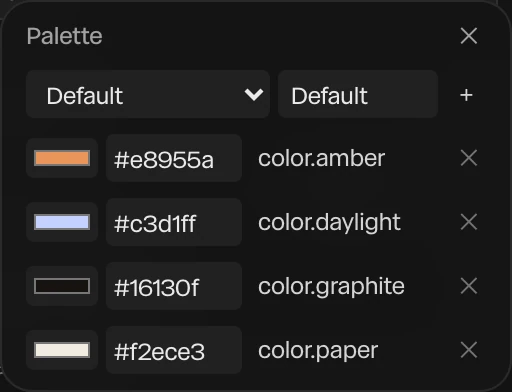
Screenshot · the palette after a token import
02
Pick your design system and its colors, fonts, text styles, materials, scene looks and motion arrive in the project together, ready to put on any layer.
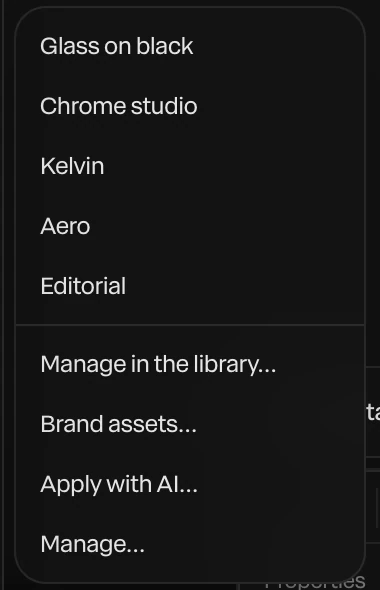
Screenshot · the Design system menu
03
Layers linked to a palette color follow it, so one change reaches every layer that uses it. Give the palette a value per theme, Light and Dark or a brand and a sub-brand, and every linked layer follows the active theme, in the editor and in embeds.

Screenshot · one card, two themes
04
Apply with AI has the assistant restyle a scene in your brand. Attach your design tokens or brand kit to a message, or create a skill from your brand to teach it your house style. Every change is still a preview you Apply or Discard.
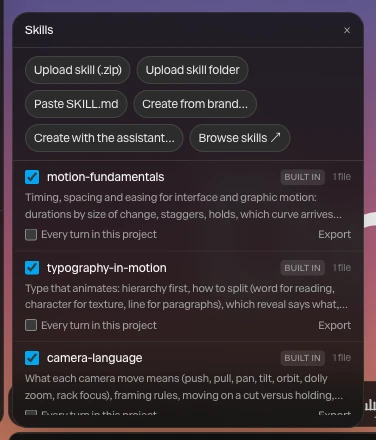
Screenshot · Skills, with Create from brand
Save your brand's colors to the palette as named tokens, such as Accent, Ground and Ink, and they sit beside every color field as swatches. Click one and the layer is linked to it, so changing Accent once changes every layer that uses it.
Bring a whole palette in from a design token file and the names come with it: color.amber stays color.amber, and layers linked to it follow when the file changes and you import it again.

Screenshot · your palette's tokens
A brand guide can show a color. It can't show how a card should land. Paraplex keeps your brand's motion as tokens in its design system: the timings and easing curves your team already talks about, named the way you name them.
No need to write them by hand. Extract them from projects that already move the way the brand does, and the brand's curves appear first in every keyframe's easing menu, so the next piece moves like the last one.
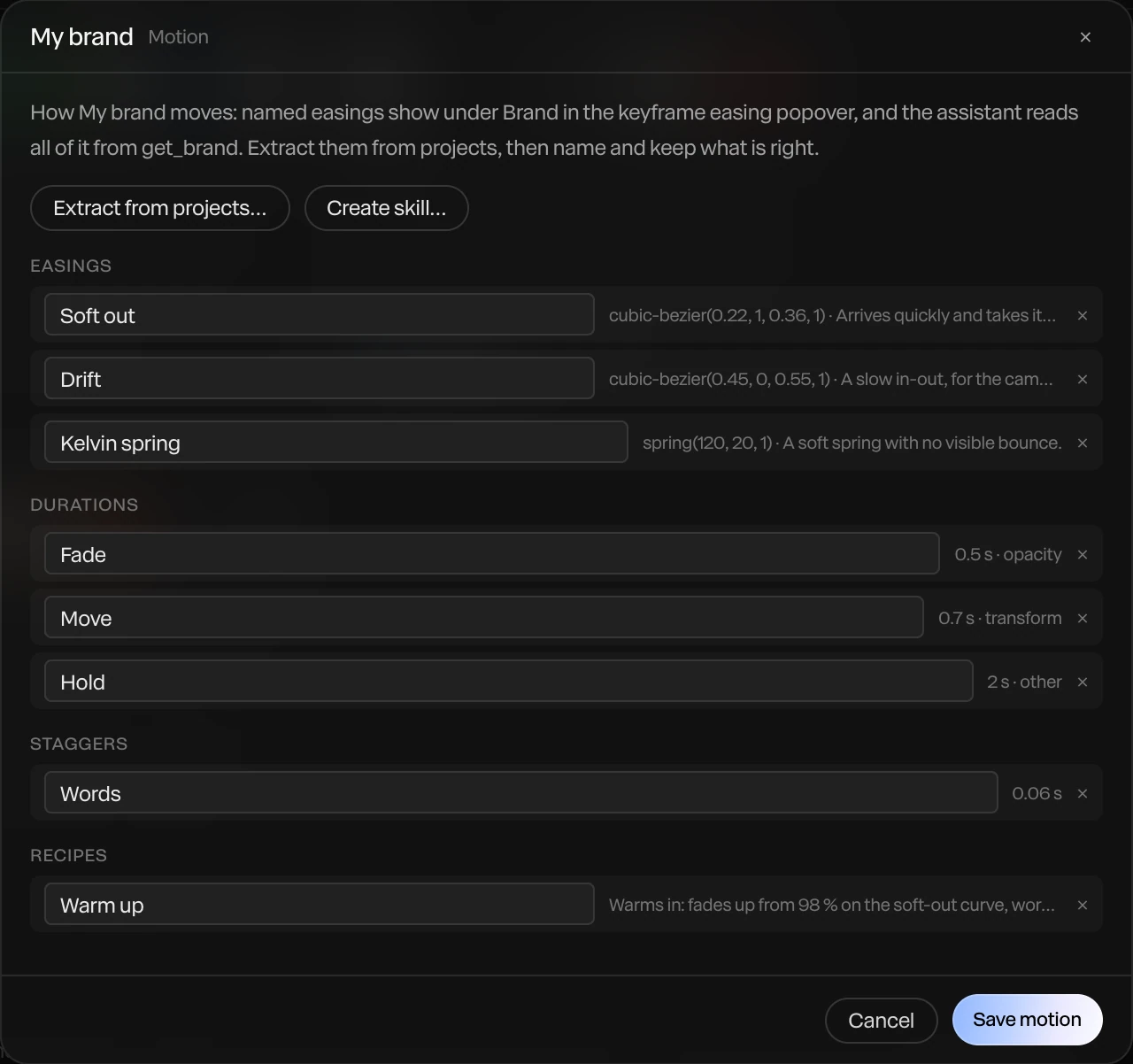
Screenshot · a brand's motion tokens
Tune a surface until it's yours, a chrome with your warmth or a glass with your frost, and save it as a material. Every layer that follows it updates when you change it. Save your text styles, scene looks and lighting rigs the same way, and reuse them in any project.
For a look that spans more than a material, Paste style copies a layer's fill or gradient, stroke, material, glow, light sweep, drop shadow and Liquid glass settings onto any other shape or text, without touching its content.

Screenshot · save your own material
Export a brand kit, your palette, text styles, materials, scene looks and uploaded fonts in one file, and a teammate imports it into their own project. Logos and imagery live once in the design system's brand assets, ready for any project.
Build the pieces you reuse as components: instances follow every change to the master and keep their own words and pictures. Save finished scenes as templates of your own, with notes on the canvas for whoever opens them next.
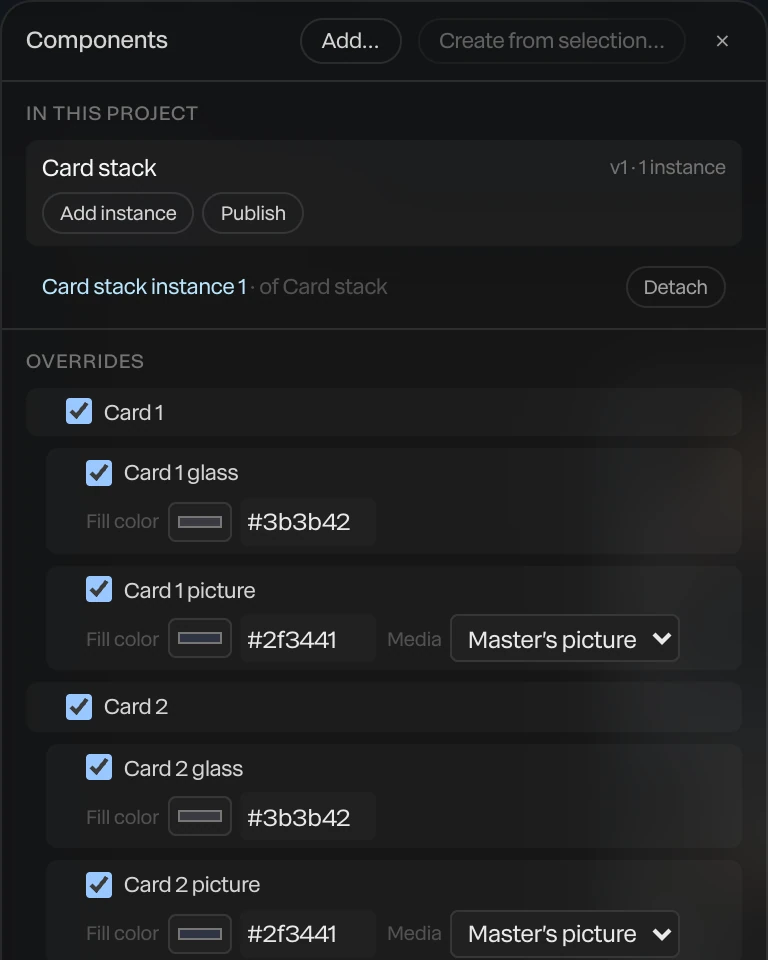
Screenshot · a component and its overrides
What a design system holds, how your brand gets in and where it goes, counted in the app on October 9, 2026.
6
kinds of style in one system: colors, fonts, text styles, materials, scene looks and motion
20
built-in fonts, plus your own TTF and OTF files
W3C design token files, the format Figma variable exports produce
Your own TTF and OTF fonts, saved with the project
A brand kit file from a teammate
A palette of named colors, linked to layers, with themes
Text styles, materials, scene looks and lighting rigs
Motion tokens: named timings and easing curves
Apply the system to any scene in one click
Apply with AI restyles a scene in your brand
Components and templates your team reuses
Components whose instances follow the master
Save any scene as a template of your own
Embeds that switch your palette's theme live
Canvas notes that travel with your templates
Data variants: one on-brand version per spreadsheet row
Share a scene look as a link
Paste style copies a whole look in one step
Skills that teach the assistant your house style
The three parts of the Haven brand film, two logo stings and a chrome and glass hero. Open one, apply your design system, and swap in your words, pictures and logo.
A design system keeps a brand's colors, fonts, text styles, materials, scene looks and motion together in your Library. Apply it to any scene in one click, or have the assistant restyle a scene in your brand with Apply with AI. Logos and imagery can live in the system's brand assets, for use in any project.
Yes. Paraplex imports W3C design token files, the format Figma variable exports produce through common plugins, and builds a palette and design system from them. Aliases stay live, and color references keep linking to layers.
Motion tokens are a brand's named timings and easing curves, kept in its design system. Write them yourself or extract them from projects that already move the way the brand does, and the brand's curves appear first in every keyframe's easing menu.
Apply with AI has the assistant restyle a scene in your brand. You can also attach design tokens or a brand kit to a message, or create a skill from your brand to teach the assistant your house style. Every change it makes is a preview you Apply or Discard, and everything stays editable layers and keyframes.
Export a brand kit: the palette, text styles, materials, scene looks and uploaded fonts in one file that a teammate imports into their own project. Logos and imagery go in the design system's brand assets, kept once for use in any project.
Yes. Save a material, a text style, a scene look or a set of lights, apply it anywhere, and update everything that follows it in one change. Paste style copies one layer's look, from its gradient and stroke to its glow and Liquid glass settings, onto another.
Bring your brand in, apply it in one click, and start free in your browser.
Paraplex is a browser-based 3D motion design studio with an AI assistant that edits real layers and keyframes.