
Concept render


Live code, inside the scene.
Paste HTML, a React component or a shadcn/ui component as a code layer. Inside an embed it runs live and responds to the pointer.
Make a professional-grade logo reveal or a logo intro from your own SVG in seconds. Apply chrome, crystal, or liquid glass materials, animate the lighting, add advanced effects like particles, drawn outlines, glitches, VHS, or dozens of presets, then export it for every screen.
Unlimited free 1080p exports. No watermark. Runs in your browser.

Paste your logo's SVG from Figma or Illustrator and every shape arrives as an editable vector path. Give the paths depth and a bevel, then pick a one-click look such as chrome, gold, brushed steel, crystal, frosted, dark glass or liquid glass, lit by eleven studio environments and eight HDRI panoramas.
Then tune it until it's yours. Glass has dials for refraction, dispersion, IOR, iridescence, anisotropy and sheen, and roughness, metalness, clearcoat and transmission set how the surface takes the light. Studio render (Pro) path-traces every exported frame. The Liquid metal hero template is playing here.
Give the symbol an entrance or an exit in two clicks: Fade, Rise, Drop, Scale, Pop, Slide, Blur or Blur up, each with its own seconds, delay and curve, springs included. Select several layers and they all get it at once, or spread a clip transition across them with a stagger so they arrive one after another.
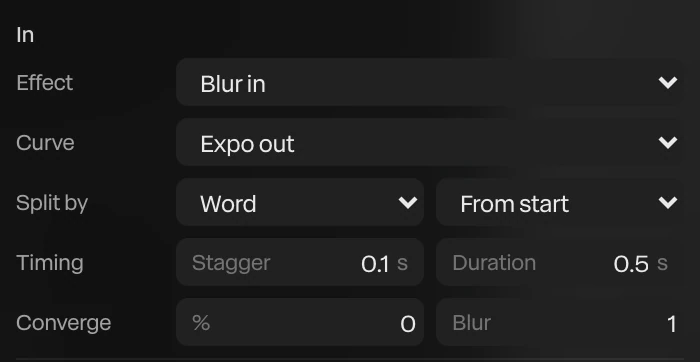
Set the wordmark as live text and it takes any of the 38 text animation presets, split by character, word or line: Stomp, Mask rise, Blur in, Tracking in, Decode, Glitch in and more. Each one also plays backwards as the exit, and every preset leaves ordinary keyframes you can retime.
Render needed · LA-02a
Pop
4 s loop · 16:9 · MP4, WebM and poster
Shared set for LA-02a to f: black seamless, overhead strip and two rim strips, an original placeholder mark in chrome. The symbol Pops in on a Bouncy spring, holds, and Pops out.
Pop · the symbol lands on a spring
Render needed · LA-02b
Stomp
4 s loop · 9:16 · MP4, WebM and poster
Same set. A white wordmark set as live text Stomps in by character on a beat under the chrome symbol, then plays the preset backwards as the exit.
Stomp · the wordmark, letter by letter
Render needed · LA-02c
Blur up
4 s loop · 1:1 · MP4, WebM and poster
Same set. The glass symbol rises out of a soft blur into sharp focus; dispersion fringes appear on its rim as it settles under the key light.
Blur up · out of focus, into place
Render needed · LA-02d
Fade, staggered
4 s loop · 16:9 · MP4, WebM and poster
Same set. A mark built from four chrome parts fades in part by part with a stagger, then the wordmark fades up beneath it.
Fade with a stagger · part by part
Render needed · LA-02e
Tracking in
4 s loop · 9:16 · MP4, WebM and poster
Same set. The wordmark closes in from wide letter spacing to its set tracking as a Light sweep crosses the chrome symbol above it.
Tracking in · letters close from wide spacing

Render needed · LA-02f
Glitch in
4 s loop · 1:1 · MP4, WebM and poster
Same set. The wordmark Glitches in and holds, then exits the same way; keep the RGB split brief and small so the frame stays near-monochrome.
Glitch in · and out again as the exit

Give a particle cloud your SVG and its particles fly together into the shape, as dots, an even fill or an outline, in the cloud's colors or the logo's own. Key Form from 0 to 1 to time the gathering, with a stagger and an order: from the left, from the middle, from the edges in, or at random.
Flicker makes a few particles blink with accent colors, depth blur adds lens bokeh, and Ink draws dark dots for light backgrounds. The Logo swarm template is playing here.
Give the outline a stroke, keyframe its Trim from 0 to 1, and the line draws itself on: the trim-path reveal motion designers know from After Effects. Width, dashes, line ends and corners are yours to set, and the stroke can sit inside, on or outside the edge.
Convert to path turns a wordmark into outlines you can trace too, and brush strokes draw on the same way, in nine brushes from Calligraphy to Charcoal.
Render needed · LA-03
Draw-on with Trim
8 s loop · 16:9 · MP4, WebM and poster
A thin white stroke traces the placeholder mark's outline (Trim 0 to 1, In Out curve) on black, then the solid chrome mark fills in behind the line and catches a rim light. Optional half-second inset of the Trim keyframes on the timeline.
A library of 26 effects works on the whole frame or on the logo alone, every dial keyframeable: glitch, RGB shift, chromatic aberration, VHS, datamosh, pixelate, ripple and dissolve among them. Text can Glitch in or Decode, flickering through random characters before it settles.
A Light sweep runs a bright band across chrome, Emit light makes the mark glow and light what's around it, and 18 scene transitions such as Flash frame, Glow in and Burn in open or close the sting. The Glitch title template is playing here.


Paraplex has Paper Design's shaders built in: 23 live generative shaders for any shape or the background, including Liquid metal, Heatmap, God rays, Smoke ring, Metaballs, Voronoi, and mesh and grain gradients. Every setting is keyframeable, so the look can move with the reveal.
Put a shader on your logo or behind it, and try the same sting in another look by swapping the shader. If none fit, write your own GLSL or paste a Shadertoy, and its parameters become keyframeable controls.

Render needed · LA-05
Shader match cut
8 s loop · 16:9 · MP4, WebM and poster

The same placeholder mark held still at center while its fill hard-cuts on the beat through Liquid metal, Heatmap, God rays, Smoke ring, Metaballs and a grain gradient, about 1 s each. Grade toward monochrome; Heatmap stays the one warm beat.
The Logo match cut template holds your logo still while pictures hard-cut behind it in time with the beat, switching the logo between light and dark so it stays readable on every cut. Detect beats drops a marker on each beat of your track, and clips snap to the markers.
Or start from Chrome logo reveal, Logo swarm or From a dot. Each opens with every layer, keyframe, light and camera move ready to edit, and the assistant can build a new sting from a sentence. The Logo match cut template is playing here.
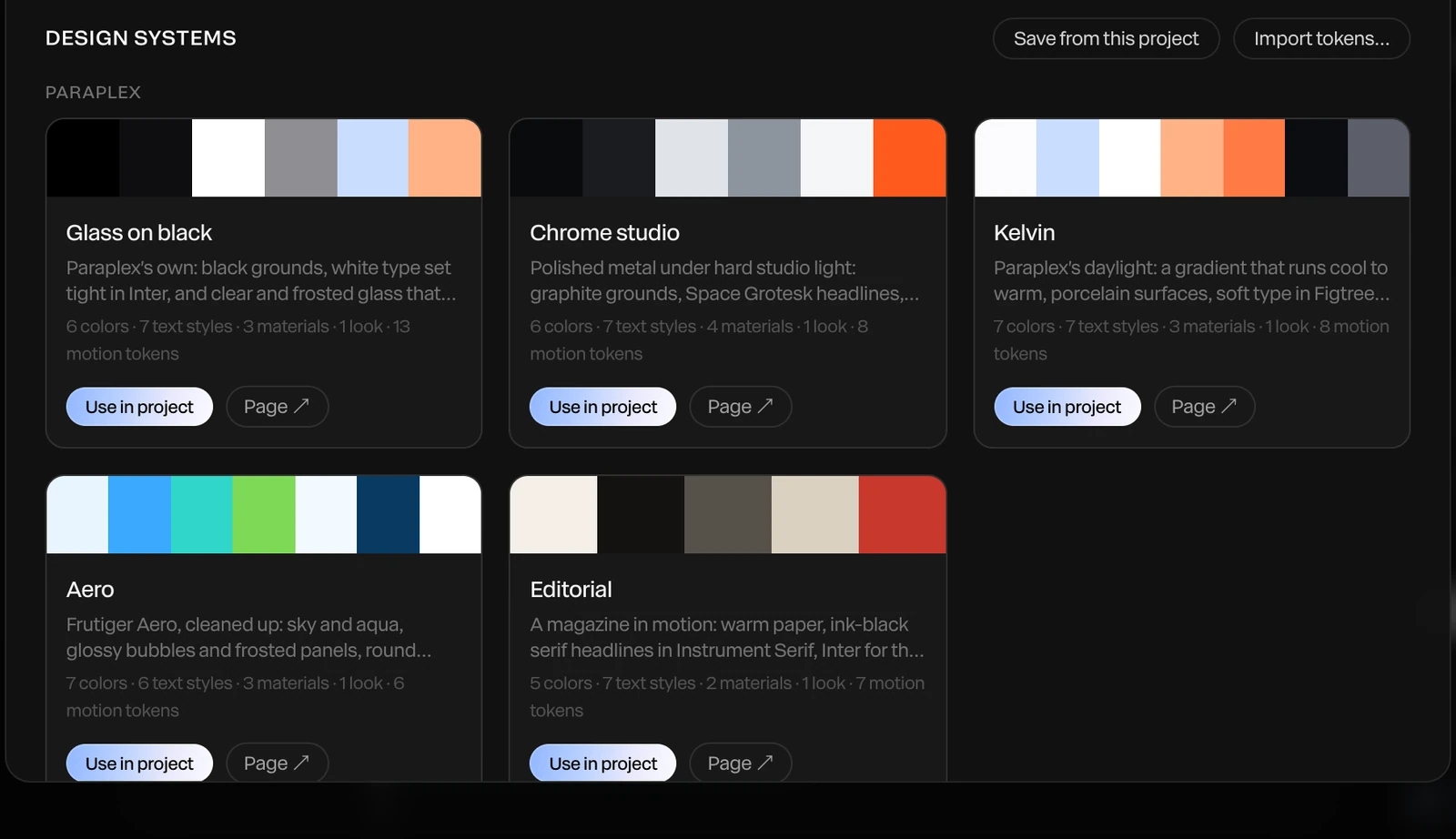
Keep your logos and imagery in a design system's Brand assets, alongside your colors, fonts, text styles, materials, scene looks and motion curves. Apply it to any scene in one step, or let Apply with AI restyle a template in your brand.
Your brand's own easing curves show up first in every keyframe's menu, and a brand kit exports the whole set as one file for a teammate or another project.
Render needed · LA-06
Apply a design system
6 to 8 s · 16:9 screen recording · MP4, WebM and poster
A logo template opens; a design system with an invented brand's logo, font, palette and chrome material is applied in one step, and the scene re-skins: logo swapped from Brand assets, type and colors changed, keyframes untouched.
A logo sting has one job: land the mark. These are the parts of Paraplex that help it land, on every screen it plays on.
21
one-click material looks, from brushed steel and gold to crystal, liquid glass and dark glass
1,000+
Lucide icons to extrude, recolor and animate, for a simple mark or a stand-in until your logo is ready
MP4 and WebM, every frame rendered at full quality
16:9, 9:16, 1:1, 4:5 and 4:3 artboards, all exported in one batch on Pro
GIF for posts, Lottie for the flat parts of a scene
Describe a sound, such as a soft whoosh, and it arrives as an audio track
Music beds from a description, at the length you set
Trim, fade and set the volume of each track on the timeline
23 easing presets, plus springs that overshoot and settle

Eight camera moves, from Push in to Dolly zoom
Morph one shape into another, or reveal through an iris or a glass lens
Describe a logo sting and the assistant builds it from real layers
Paste an SVG logo from Figma or Illustrator as editable paths
Randomize glass and light settings for quick variations
Combine shapes by union, subtract or intersect, with soft liquid joins
Depth of field, rack focus and motion blur in exports
Glass caustics and contact shadows over any background
Generate a 3D model from a sentence to stand beside your logo
3D text in chrome, glass or frosted materials for the wordmark
Each template opens with every layer, keyframe, light and camera move ready to edit.
Open Paraplex in your browser, paste your logo's SVG or open the file, and start from a logo template or describe the animation to the assistant. Bring the logo in with a preset, particles or a drawn-on outline, then export an MP4, a WebM or a GIF. Free exports run to 1080p with no watermark.
Yes. Paste the SVG or open the file and every shape becomes an editable path. Closed paths take depth, bevels and materials such as chrome or glass, so the mark catches the scene's light. The Chrome logo reveal template does this with the SVG you drop on its Logo layer.
Build the intro in a 16:9 frame, add a sound such as a whoosh from a short description, and export an MP4 to place at the start of your edit. On Pro you can export a WebM with a transparent background instead, to lay the logo over your own footage.
Yes. Give a particle cloud your SVG logo and its particles fly together into the shape, as dots, an even fill or an outline. Key Form from 0 to 1 to time the gathering, and add flicker and depth blur for a finished look.
Yes. Give the logo's outline a stroke and keyframe its Trim from 0 to 1, and the line draws itself on. It works on any path, logo outline or brush stroke.
Yes, on Pro. Turn off the background and export a WebM with a real alpha channel or a PNG sequence. Ground shadows stay in the export as soft alpha, and transparent WebM keeps the sound.
Yes. The free plan includes the full editor and unlimited 1080p exports with no watermark. Pro adds 4K at 60 fps, transparent export and Studio render. Most logo templates are free; Chrome logo reveal costs $12 or comes with Pro.
Start free in your browser. Upgrade when your work needs 4K.
Paraplex is a browser-based 3D motion design studio with an AI assistant that edits real layers and keyframes.
Whatever the job, the same scene exports for every place it runs. Add formats as artboards beside your frame, let Responsive framing re-stack blocks for each shape, and pin your logo to its corner. Then export MP4, WebM, a GIF or a Lottie, or publish a live embed for your site.
Export to
5 shapes
16:9, 9:16, 1:1, 4:5 and 4:3, or a custom size
Safe zones for
4 feeds
TikTok, Reels, Shorts and the Instagram feed
Up to
4K at 60 fps
on Pro; free exports run to 1080p, no watermark
16:9
Landscape 16:9 · YouTube, slides and your site
9:16
Vertical 9:16 · Reels, Shorts & TikTok
4:5
Portrait 4:5 · feeds on Instagram, X and LinkedIn
| Paraplex | Screen Studio | Rotato | A Fiverr freelancer | |
|---|---|---|---|---|
| Runs on | The browser, nothing to install | macOS only | Mac app; web version in public beta | Not applicable |
| Starts from | Your screenshots, screen recordings, SVGs or live code | A recording of your screen | Your screens on 30+ 3D device models | Your brief |
| 3D | Full 3D scenes: devices, glass, chrome, lights, camera moves | Device-frame mockups | 3D device mockups | Depends on the freelancer |
| Cursor | Animated cursor with clicks, taps and drags; seven styles | Smoothed, restyled cursor with click ripples and auto-zoom on clicks | Not listed | Depends on the freelancer |
| Exports | MP4, WebM (alpha on Pro), GIF, PNG, live embed; every aspect ratio from one scene | MP4, GIF | ProRes 4444, H.264 or HEVC up to 8K, PNG frames, web export | As agreed |
| Price | Free (1080p, no watermark); Pro from $19/mo billed yearly | $9/mo billed yearly, or $29 month to month | One-time purchase tiers | $40 to $350 per app promo, across 1,000+ gigs |
When to pick something else. If your video is a recorded walkthrough of a real product session, Screen Studio's auto-zoom on a live recording is the faster path on a Mac. If you want a clickable tour that visitors step through themselves, interactive demo platforms such as Arcade, Storylane and Navattic are built for that. If you want one prompt to return a finished video with little editing, one-prompt tools such as Hera Launch, Motion.so and Pexo aim there. Paraplex is for launch pieces you direct shot by shot, in 3D.
CSS stand-in · LV-03a
CSS stand-in · LV-03b
CSS stand-in · LV-03c

Render needed · LG-00
Shot title
10 s loop · 16:9 · MP4, WebM and poster
Shot brief goes here.
When every new site starts from the same AI-built layout, they start to look alike. The hero is where yours can stand apart. Paraplex builds real 3D scenes lit like a studio, lets them answer the pointer and the scroll, and publishes them as a live embed you paste into any site, with every layer still yours to edit.
Interactions are set in the editor, tried in Preview the way a visitor would, and carried into the embed. Every interactive layer also gets a keyboard-focusable stand-in, so it can be reached with Tab and Enter.

Render needed · WH-02a
Hover
6 s loop · 16:9 with a center-safe 1:1 · Preview recording · MP4, WebM and poster
Chrome & glass hero in Preview. A cursor glides onto the glass card; it lifts and its rim brightens on a spring, then settles as the cursor leaves. Same set and framing in WH-02a to e.
Hover
Give a layer a hover state: its own properties change over a duration you set, springs included.
Render needed · WH-02b
Click
6 s loop · 16:9 with a center-safe 1:1 · Preview recording · MP4, WebM and poster
Same scene. The cursor clicks a hotspot and the camera glides to frame the chrome panel; a second click glides it back.
Click
A click can jump to a time, play a range, play or pause, open a link, or glide the camera to a hotspot.
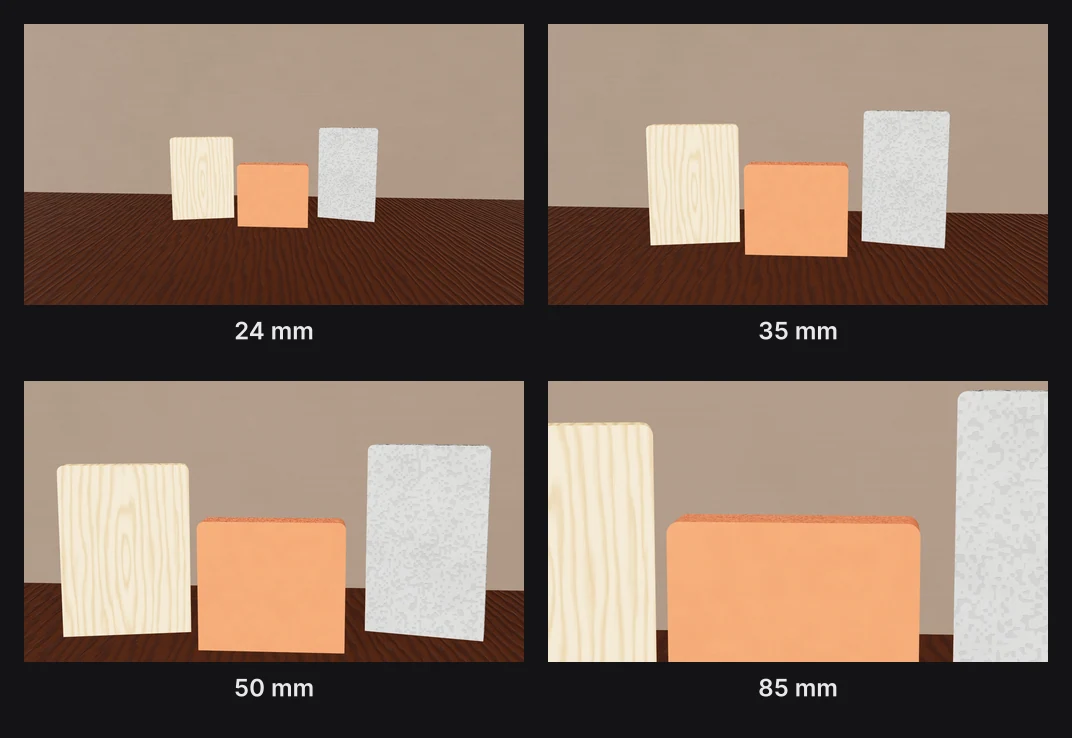
Render needed · WH-02c
Drag
6 s loop · 16:9 with a center-safe 1:1 · Preview recording · MP4, WebM and poster
Same scene. The cursor drags the glass card along X and lets go; a fine white particle field scatters away from the pointer and drifts back.
Drag
Visitors can drag a layer along an axis, and particles can scatter away from the pointer.

Render needed · WH-02d
Scroll
6 s loop · 16:9 with a center-safe 1:1 · Preview recording · MP4, WebM and poster
Same scene inside a plain page. Scrolling down plays the chrome panel's turn forward; scrolling up plays it back.
Scroll
The visitor's scrolling drives the timeline, so the scene plays forward and back as the page moves.

Render needed · WH-02e
Camera
6 s loop · 16:9 with a center-safe 1:1 · Preview recording · MP4, WebM and poster
Same scene with Orbit on. The cursor drags and the camera circles the pair, so studio reflections slide across the glass and chrome.
Camera
Let visitors Orbit the scene, Look around it like a panorama, Walk through it with W A S D, or keep the camera Fixed.
The assistant can draft the scene, but nothing goes live until you've seen it, and every part of it stays yours to change. Each step below is a tool in the editor.
01
Type what you want, such as a chrome panel turning behind a frosted glass card, or attach a screenshot or video to build from. The AI motion design assistant builds it with the editor's own layers, keyframes, lights and camera moves, using 140 tools, and every turn is a preview you Apply or Discard.
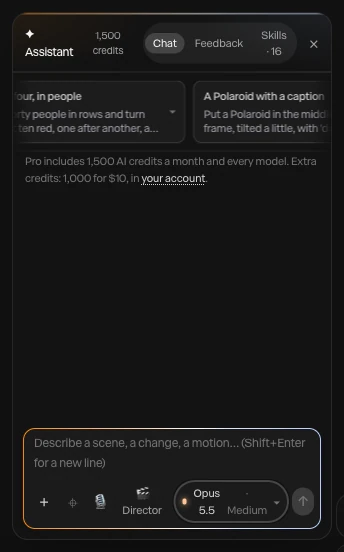
Render needed · WH-03a
Describe it
6 to 8 s loop · 9:16 crop of a screen recording · MP4, WebM and poster
A one-line prompt for a website hero typed into the assistant; layers appear as the scene builds; Apply.
02
The assistant renders the piece at up to six moments and checks that everything is in frame and the type is readable. What it makes stays ordinary layers and keyframes: retime a move by hand, swap a material, or click layers with Point at it and ask for a change. Each applied turn undoes in one step.

Render needed · WH-03b
Change anything
6 to 8 s loop · 9:16 crop of a screen recording · MP4, WebM and poster
Point at it: two layers clicked on the canvas and a change requested, then one keyframe dragged by hand on the timeline.
03
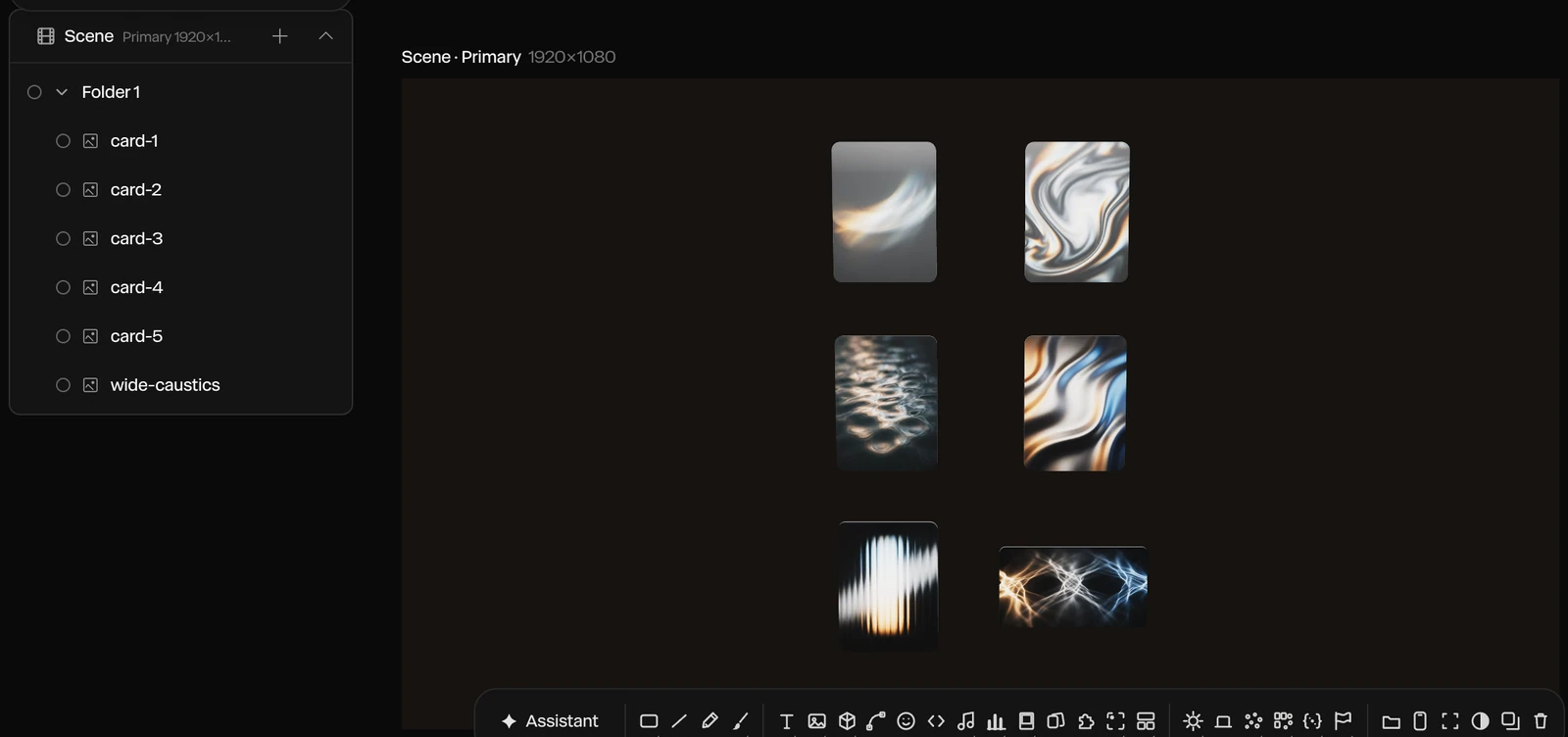
Give layers hover and click states, let them be dragged, let scrolling drive the timeline, or build a state machine with an idle loop and a press. Then open Preview and try it the way a visitor will, with hover, click, drag and scroll all working.
Render needed · WH-03c
Add interactions
6 to 8 s loop · 9:16 crop of a screen recording · MP4, WebM and poster
A hover state added to the glass card in the properties panel, then Preview: the cursor hovers, clicks and scrolls, and the scene answers each time.
04
Publish embed gives you a snippet that puts the live scene on any website, playing in real time. Paste it into your page, and breakpoints let the embed pick an artboard by page width, so one hero fits desktop and phone layouts.
Render needed · WH-03d
Publish and paste
6 to 8 s loop · 9:16 crop of a screen recording · MP4, WebM and poster
Publish embed, the snippet copied, then pasted into a site builder's embed element; the live hero appears on the page.
A Paraplex hero isn't a video file you host. It's the live scene, published once and placed with a snippet wherever your site builder takes custom code. Breakpoints pick the right artboard for each screen.
.svg)
Webflow
Framer
Any HTML page
Render needed · WH-04a
Webflow, phone
6 to 8 s loop · 9:16 phone screen recording · MP4, WebM and poster
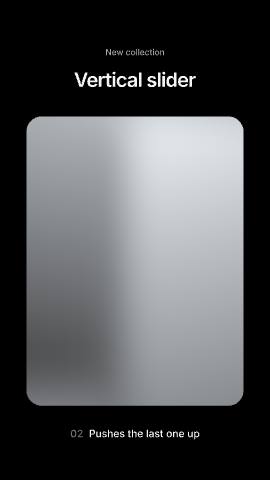
A published Webflow page whose hero is the Chrome & glass hero embed; the vertical artboard is picked by breakpoint and a thumb scroll plays the scene.
A Webflow page at phone width
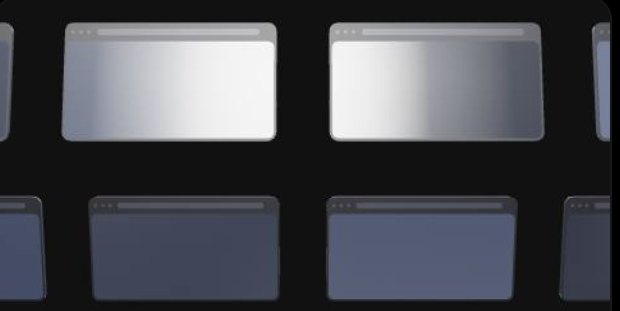
Render needed · WH-04b
Framer, phone
6 to 8 s loop · 9:16 phone screen recording · MP4, WebM and poster
The same embed in a published Framer site; a tap on the glass card plays its press state.
The same hero in a Framer site

Render needed · WH-04c
Plain HTML, phone
6 to 8 s loop · 9:16 phone screen recording · MP4, WebM and poster
The same embed pasted into a bare HTML page; a two-finger drag orbits the camera.
And in a plain HTML page
Publish embed gives you the snippet
Paste it where your site takes custom code: a Code Embed in Webflow, an Embed in Framer
Or into the HTML of any page
Breakpoints pick an artboard by page width
Responsive framing re-stacks blocks for each shape
Sizes in vw, vh and percent follow each artboard
Fill a headline, a number, a color or a picture by layer name
Switch Light and Dark themes live
Send inputs to a state machine, or pass scroll progress
Concept render
Live code, inside the scene.
Paste HTML, a React component or a shadcn/ui component as a code layer. Inside an embed it runs live and responds to the pointer.
Concept render

Lit like a studio.
Eleven environments, eight HDRI panoramas and a one-click 3-point setup, with soft shadows and real reflections.
Concept render

Every keyframe stays open.
Templates and the assistant build ordinary layers and keyframes you can retime by hand.
Concept render

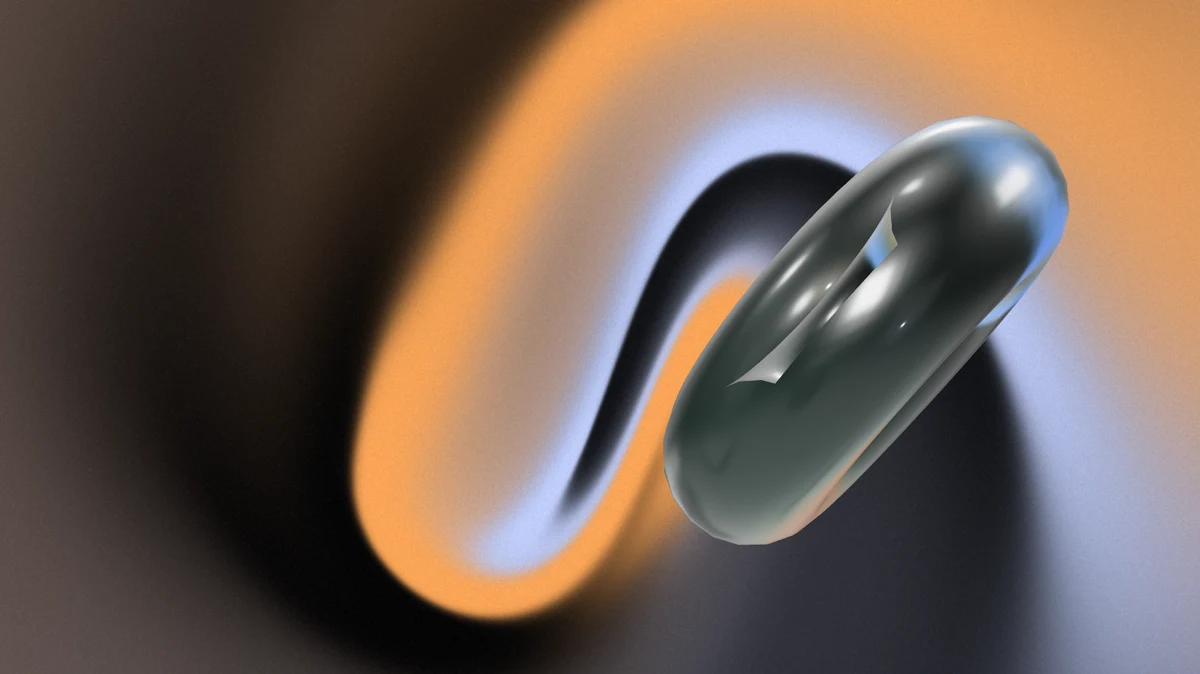
Real glass and chrome.
Physical glass bends and frosts whatever sits behind it, with refraction and dispersion, and Liquid glass panes split the light at their rims.
Render needed · LG-00
Shot title
10 s loop · 16:9 · MP4, WebM and poster
Shot brief goes here.