
Paraplex for
Marketers
A promo for every product and an ad variant for every audience, each cut for every feed and kept on brand.
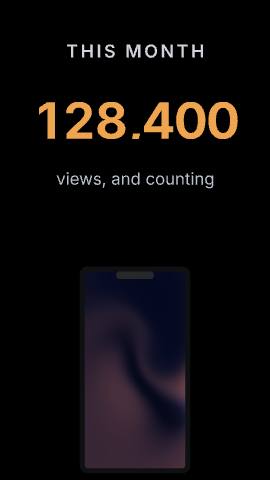
Templates: Stat drop, Match-cut stack, The AI ROI gap
Upload a CSV or JSON file and link your layers to its columns, the way a CMS collection fills a web page. Paraplex makes one version for every row: each product, lead, audience or location in your file, on brand and in every format you need.
Free 1080p exports, no watermark. Export all variants at once on Pro.









Any CSV or JSON file with one record per row will do. Here are eight that teams bring to Paraplex, and the videos each one turns into.
Product catalog
Name, price, photo and tagline in each row become a launch clip, a sale post or a product loop for everything you sell.
CRM export
Each prospect's name, company and use case in the frame: an intro, a follow-up or a personalized lead magnet for every account on the list.
Ad audiences
One ad concept with the headline, offer and picture matched to each audience, so you can test more variants without rebuilding the spot.
Locations
Addresses, opening hours and local offers per row, for franchise, retail and restaurant teams that run one promo in a hundred places.
Event agenda
A title card for every talk and a promo for every speaker, with photos, names and session times straight from the agenda file.
Listings
Real estate listings, open jobs or a dealer's lot, each with its own photo, price and key details in a clip made for the feed.
Translations
Put each language's lines in their own row and every version keeps the same motion, timing and look.
Results and recaps
Match results, weekly metrics or each customer's year in review, with that row's numbers and names in every frame.
Import a CSV or JSON file and link layers to its columns, much like binding a CMS collection to a page in Webflow. Columns match layers by name, so a column called headline fills the layer called headline, a price column fills the price and a photo column fills the picture. Every layer you don't link stays exactly as you designed it. Build the template once with a few sample rows, then bring in the full file, or a new one whenever your catalog, list or prices change.
Paraplex makes one version of the piece for every row in your file. Add the formats each channel needs as artboards, such as 16:9, 9:16, 1:1 and 4:5, and on Pro, Export all variants renders every version across every enabled format in one job you can stop and resume. Fifty products in four formats is one export and two hundred finished files. More on dynamic artboards.
Want a new video each time a row is added, without opening Paraplex? An automation watches a sheet, renders the new row in the cloud and sends the film on. See automations.
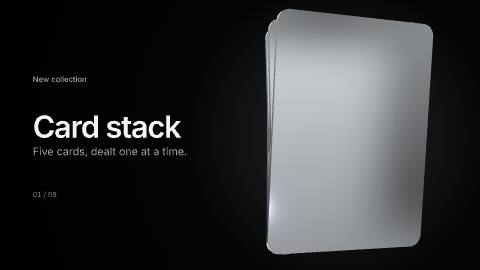
Data linking works on components too. Save a card, a price tag or a styled title as a component, link its fields to your columns, and fill a shelf of product cards or a wall of speaker tiles with one instance per row in seconds. Every instance follows the master component's design, so one change to the master restyles them all while each instance keeps its own data. Paraplex also comes with ready-made components, such as card stacks, dashboard modules and titles with glows, materials and motion already applied. More on reusable components.
Publish a piece as a live embed and your site fills it in by layer name: a headline's words, a counter's final number, a color or a picture. The same fills work as link parameters, so one embed can serve hundreds of programmatic landing pages, each with its own name, offer and product. Keep the words that matter for search as text on the page itself, where search engines and AI answer engines can read them, and let the embed carry the motion that matches them. See it on website hero animations.
More on interactive 3D embeds.
Personalization at volume is usually where a brand frays: an off-palette photo, a fallback font, a version nobody reviewed. In Paraplex every variant comes from one template built on your design system, so your colors, fonts, text styles, materials and motion tokens hold on every row. Your design system sets the look, your brand language sets the words, and your data brings the specifics: the products, prices, places and people that make each version yours. More on design systems.
Animated charts turn one dataset into one chart that moves: bars that grow, lines that draw and counters that roll, for a report, a deck or a post. Data-driven video works the other way round: each row becomes its own finished video, built from a template you designed. Need one great chart from a spreadsheet? Start with animated charts. Need the same video for every product, lead, audience or city? You're in the right place.
Telling one story with your numbers instead? See data videos.
Each one opens with every layer, keyframe, light and camera move ready to link to your columns.
Data-driven video by team, and the feature to use when you need one chart instead of a thousand versions.
Paraplex for
A promo for every product and an ad variant for every audience, each cut for every feed and kept on brand.
Templates: Stat drop, Match-cut stack, The AI ROI gap

Paraplex for
Build a house format once, then fill it from each client's data and re-brand it with their design system.
Templates: Logo swarm, Logo match cut, Card stack, chrome
Paraplex for
Fill live embeds by layer name from your own code or link parameters, and paste in HTML, React or GSAP as live layers.
Templates: App launch (your UI), Glass list hero, Bento hero
Feature
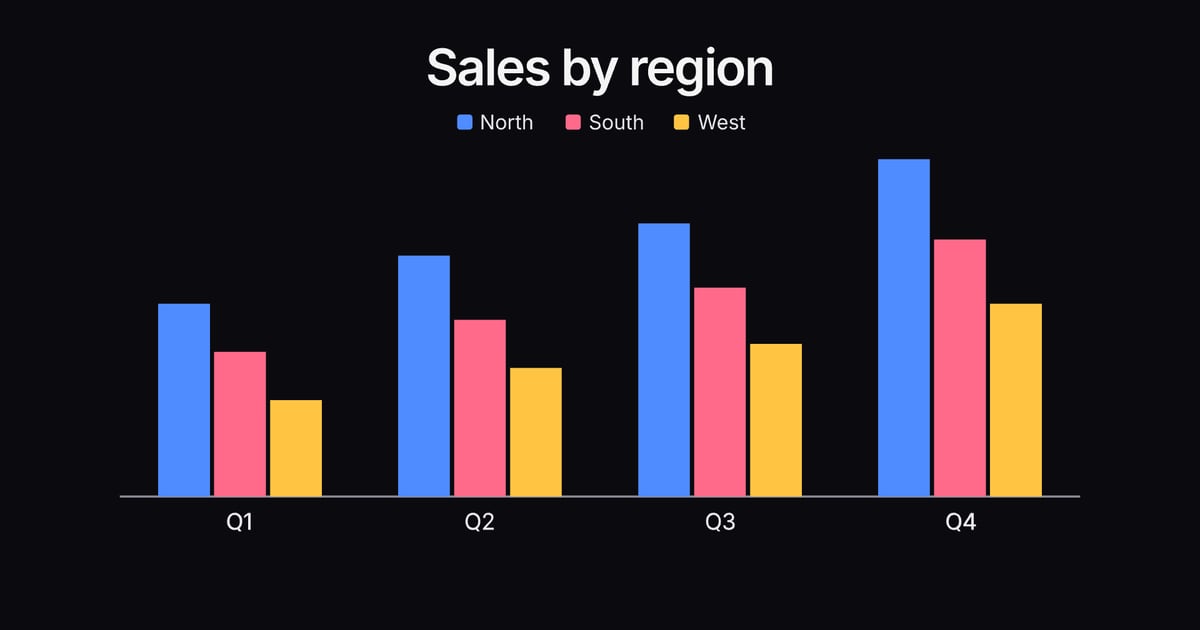
When the data is the story: paste a CSV and get a bar, line, donut or scatter chart that animates in, every bar an editable layer.
Templates: Chart drop, Dot lattice, Cloud of things
CSV or JSON files, with columns matched to layers by name
Component instances filled from your rows
Export all variants in one job you can stop and resume (Pro)
Every aspect ratio, with safe zones for each feed
Your design system on every version
Live embeds filled by layer name or link parameters
Light and dark themes switched live in an embed
An AI agent can build the template over MCP
Data-driven video is video whose words, numbers and pictures come from a data file instead of being typed in one version at a time. In Paraplex you design one template, link its layers to the columns of a CSV or JSON file, and get a finished version for every row.
Design the piece once in Paraplex, then import your CSV and link layers to its columns. Columns match layers with the same name, such as headline, price or photo, and Paraplex makes one version per row. On Pro, Export all variants renders every version in every enabled format in one job you can stop and resume.
Any CSV or JSON file with one record per row: product catalogs, CRM exports, ad audience lists, store locations, event agendas, listings, translations and results. Text, numbers and pictures can all come from the file.
Animated charts turn one dataset into one chart that moves. Data-driven video turns each row of a dataset into its own video, built from a template you designed. Use animated charts when you need a single chart, and data-driven video when you need a version for every product, lead, audience or location.
Yes. Publish the piece as a live embed and your page can fill it in by layer name, or through link parameters, so one embed can serve many landing pages, each with its own headline, numbers and pictures. Keep your key copy as text on the page itself, where search engines and AI answer engines can read it.
Start free in your browser. Go Pro when you're ready to export every variant in one job.
Paraplex is a browser-based 3D motion design studio with an AI assistant that edits real layers and keyframes.
Data and explainers
Type a script, pick an ElevenLabs voice, and the voiceover lands on the timeline with captions timed word by word.
Templates: Whiteboard explainer, The AI ROI gap

Brand and social
Give a particle cloud your SVG logo and it flies together into the shape, or trim a stroke so the outline draws itself on.
Templates: Logo swarm, From a dot, Logo match cut

Brand and social
Vertical cuts with safe zones for TikTok, Reels and Shorts, captions timed to the voice, and your brand's design system applied in one step.
Templates: Match-cut stack, Kinetic stomp, Louder
Brand and social
One version per spreadsheet row: columns fill headlines, prices and photos by layer name, and Export all variants renders them in one job (Pro).
Templates: On sale, Product launch
Web and slides
Export an MP4 or WebM loop, or publish a live embed that plays in real time and answers hover, click and scroll.
Templates: Chrome & glass hero, Liquid metal hero, Bento hero
Web and slides
Export a 16:9 or 4:3 video for a slide, or a transparent WebM on Pro to sit over your own background.
Templates: Title slide, Number slide, Chart drop
Whatever the job, a project starts from words, from a finished template, or from the files you already have. All three open in the same editor, and you can mix them in one scene.
01
Type what you want on the home page and click Make it. The assistant builds the scene from real layers and keyframes, and you Apply or Discard what it made.
Describe a scene02
62 finished templates in 13 categories, each built for you to swap in your words, pictures, logo, colors, data, music, video or voice.
Browse templates in Paraplex03
Drop screenshots, recordings, GLB models or Lottie files on the canvas, paste an SVG from Figma or HTML and React as a live layer, or upload a CSV for a chart.
Start with a blank sceneWhatever the job, the same scene exports for every place it runs. Add formats as artboards beside your frame, let Responsive framing re-stack blocks for each shape, and pin your logo to its corner. Then export MP4, WebM, a GIF or a Lottie, or publish a live embed for your site.
Export to
5 shapes
16:9, 9:16, 1:1, 4:5 and 4:3, or a custom size
Safe zones for
4 feeds
TikTok, Reels, Shorts and the Instagram feed
Up to
4K at 60 fps
on Pro; free exports run to 1080p, no watermark
Landscape 16:9 · YouTube, slides and your site
Vertical 9:16 · Reels, Shorts & TikTok

Portrait 4:5 · feeds on Instagram, X and LinkedIn
Render needed · FR-03
Paraplex for
Every channel wants its own cut. Build one scene, reframe it for 16:9, 9:16, 1:1 and 4:5 with safe zones for each feed, and keep every version on brand with a design system.
Templates: Stat drop, Match-cut stack, The AI ROI gap
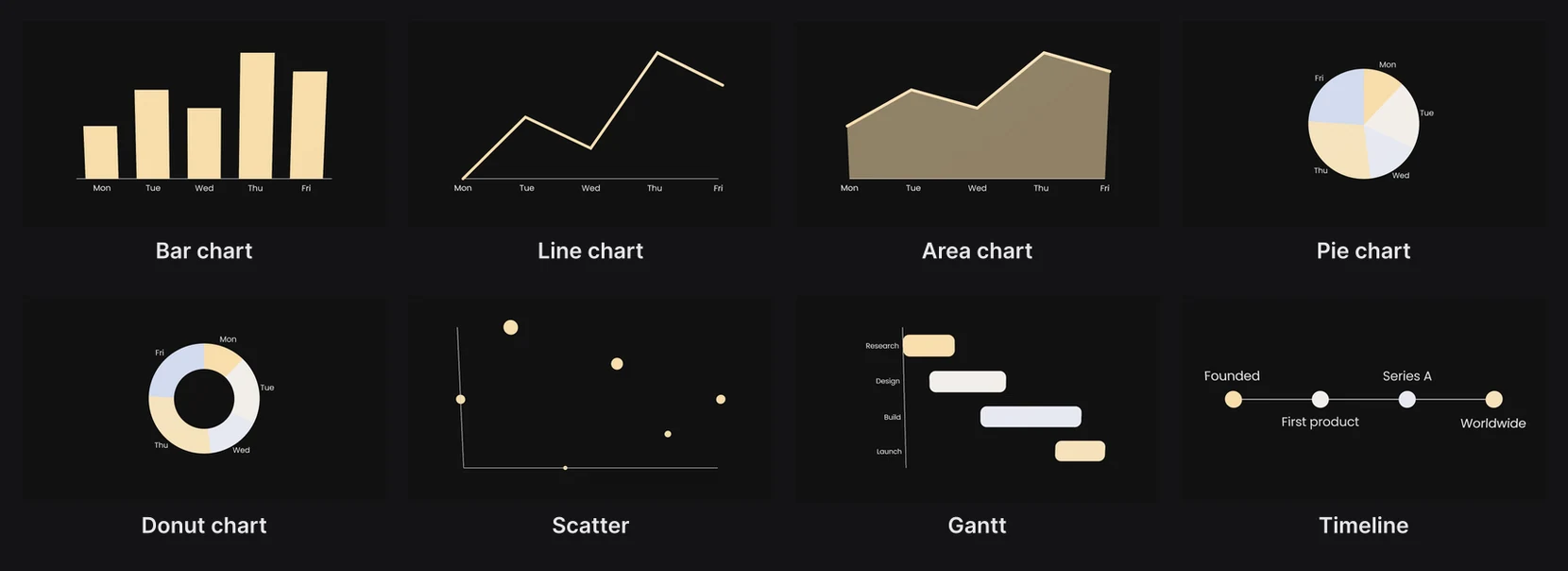
Render needed · FR-04
Paraplex for
Every client has a brand, and every brand has revisions. Keep each client's colors, fonts and motion as a design system, apply it in one step, and share a link for review.
Templates: Logo match cut, Logo swarm, Whiteboard explainer
Render needed · FR-05
Paraplex for
Motion that has to fit the code. Paste HTML, React or a GSAP timeline as a live layer that exports frame for frame, or ship a live embed your page fills in by layer name.
Templates: Glass list hero (website loop), Liquid metal hero, Bento hero
Keep colors, fonts, text styles, materials, scene looks and motion as a design system, and apply it to any scene at once.
Export MP4, WebM, GIF, PNG or Lottie, or publish an embed that plays in real time on your site and answers hover, click and scroll.
Paraplex has a free plan with 1080p exports, transparent video included, and no watermark. Export all variants, which renders every version in one job, is part of Pro, which costs $19 a month billed yearly or $24 month to month and also adds 4K at 60 fps.
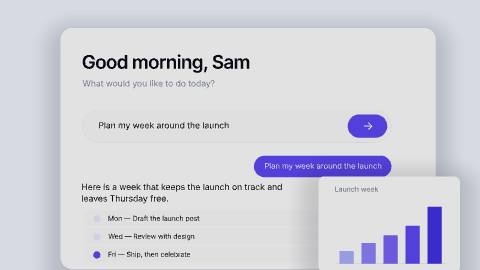
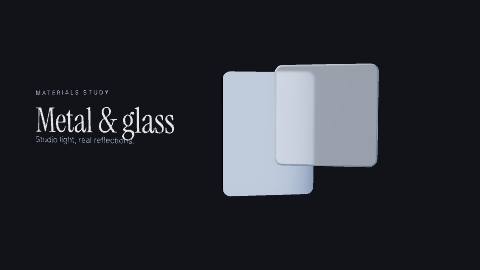
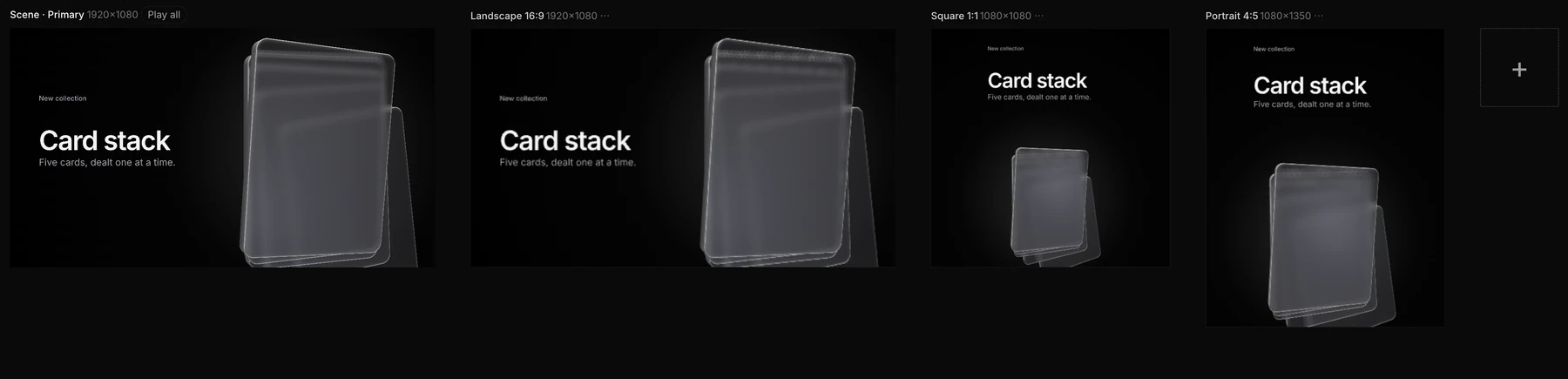
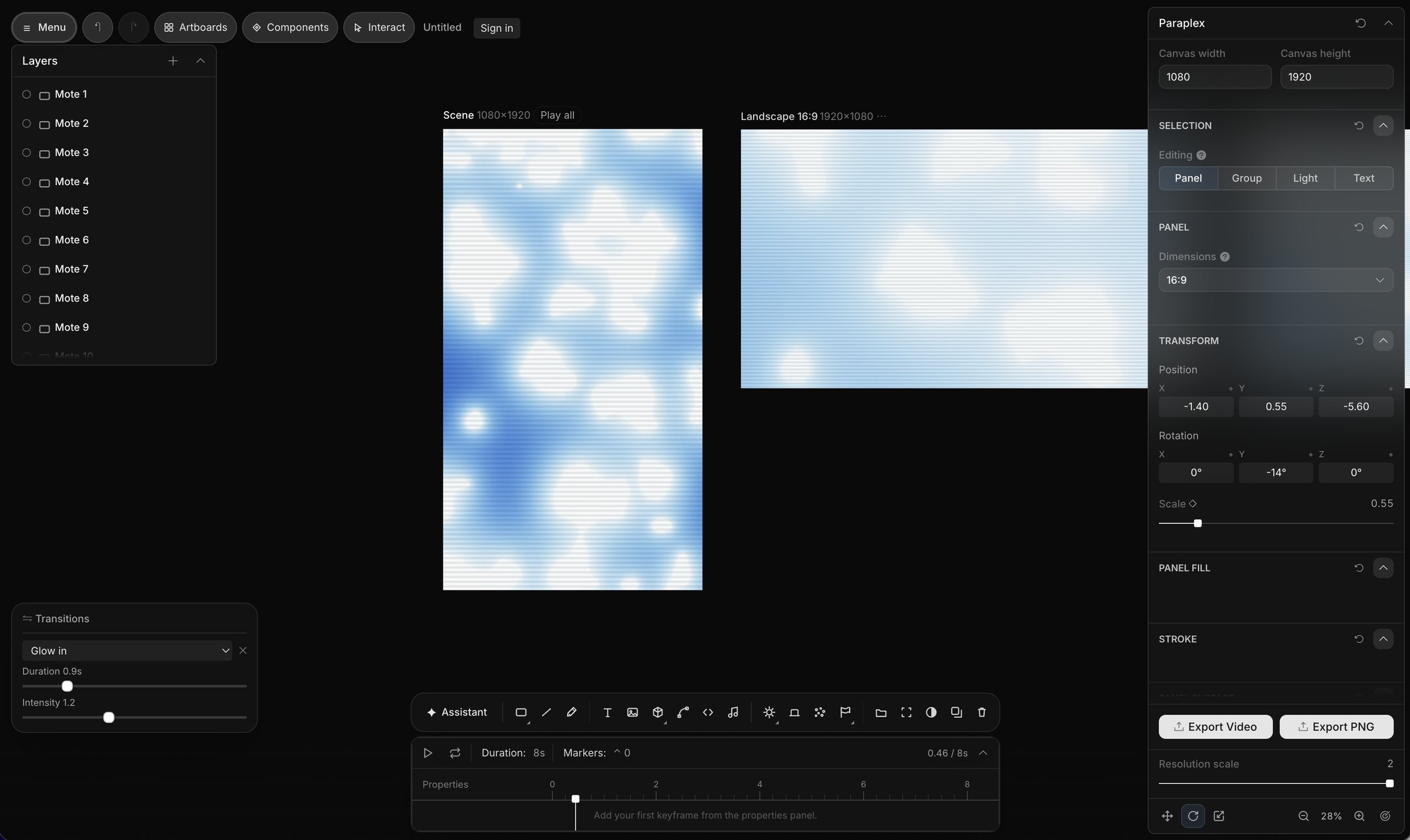
Screenshot · one scene on four artboards
Not available yet. Two things are on the way for marketing teams. The first is posting finished pieces straight to your linked social accounts.
The second is a long-form YouTube workflow for 3D documentaries, educational videos and tutorials: an outline and research, a voiceover, B-roll and generated 3D scenes, edits timed to the narration with music, sound and titles, landscape and vertical renders for each platform, and titles, descriptions and hashtags written for each post. Both will be listed here when they ship.

Coming soon · Render needed · MK-05
Concept: one documentary, every platform
Still or 10 s loop · 16:9 · concept, labeled as one
White clay documentary frame on a black seamless: torn-paper labels, a Polaroid and an investigative board in soft overhead light, with a vertical cut of the same shot beside the landscape frame. No colored panels.
“Every client has a brand.”
Keep each client's colors, fonts, text styles, materials, scene looks and motion as its own design system in your Library, and apply it to any scene in one step. A client's kit exports as one file to share with a teammate.
“The revisions never end.”
Copy a shareable link that publishes the piece as a web page, then refresh it after each round while the address stays the same. Notes on the canvas never export, undo has no limit, and each project keeps a History of recent saves to restore.
“The volume keeps growing.”
Start from 70+ editable templates that each say what to swap in, or save any scene as a template of your own. Data variants make one version per spreadsheet row, and on Pro, Export all variants renders them in one job.
“Every channel wants its own size.”
Add 16:9, 9:16, 1:1, 4:5 or 4:3 as artboards beside the frame, each reframed for its shape, with safe zones for TikTok, Reels, Shorts and the Instagram feed. On Pro, one export renders every enabled format.
The client's own fonts, saved in the project
Light and dark themes, or a brand and sub-brand, in one palette
Beat detection, so cuts land on the drum hits
Notes on the canvas that never export
Transparent WebM and PNG sequences (Pro)
Live embeds the client's site fills in by layer name
AI images and 3D models from a sentence
Components that follow the master's edits